

Fashion
Fashion creatives on time,
on budget and on brand.
Gavana turns your flat lays into a full lookbook of photos and videos in days. Your saved model wears every piece, and every print stays exact.
The problem
Every drop needs creatives fast, without
a big-brand budget or a changed product.
A traditional shoot costs you
weeks and thousands.
You wait weeks for a studio, model and photographer, then for the edits. One fashion brand spent $12,347 to shoot a single 40-piece collection.
A prompt skips the shoot
but redraws your product.
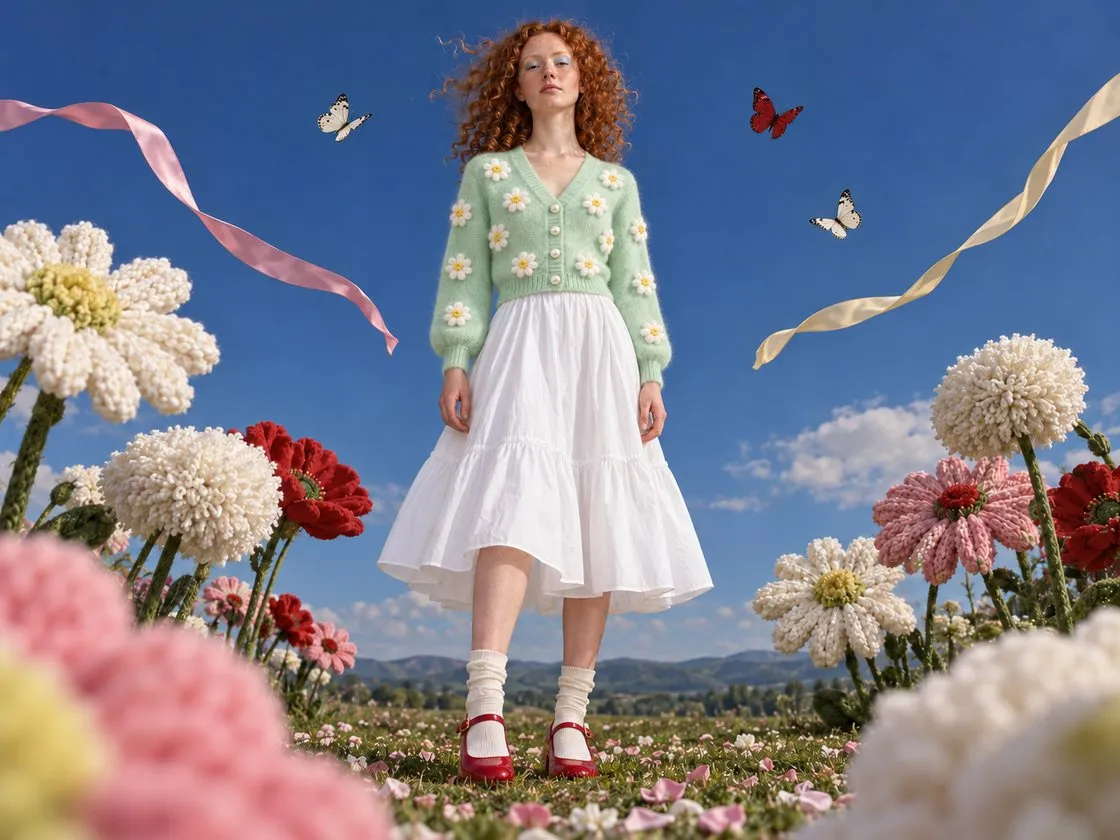
Ask for your jacket and the buttons, embroidery and colour come back different, so the buyer sees an item you don’t sell.
Every new shot gives you
a different model.
Her face, hair and build change from one shot to the next, and shoppers read a model who keeps changing as a scam.
- Slow, costly shoots
- Changed details
- Different model
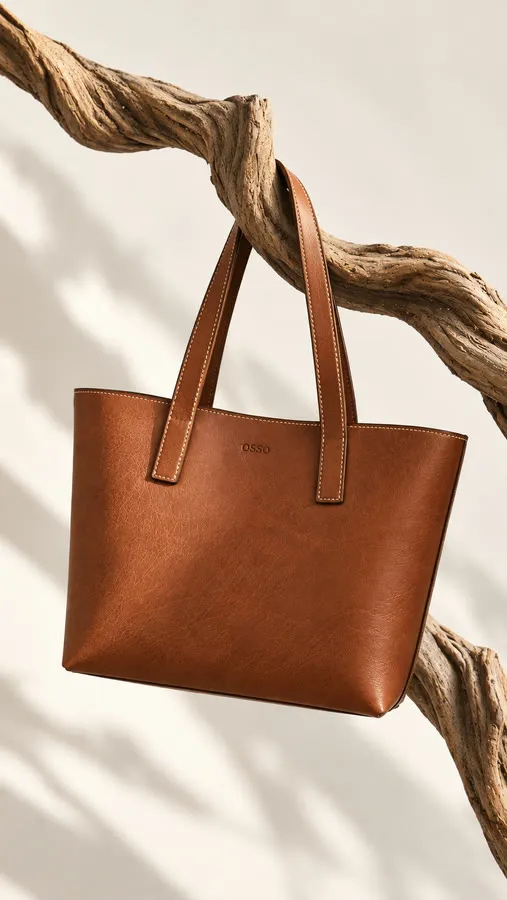
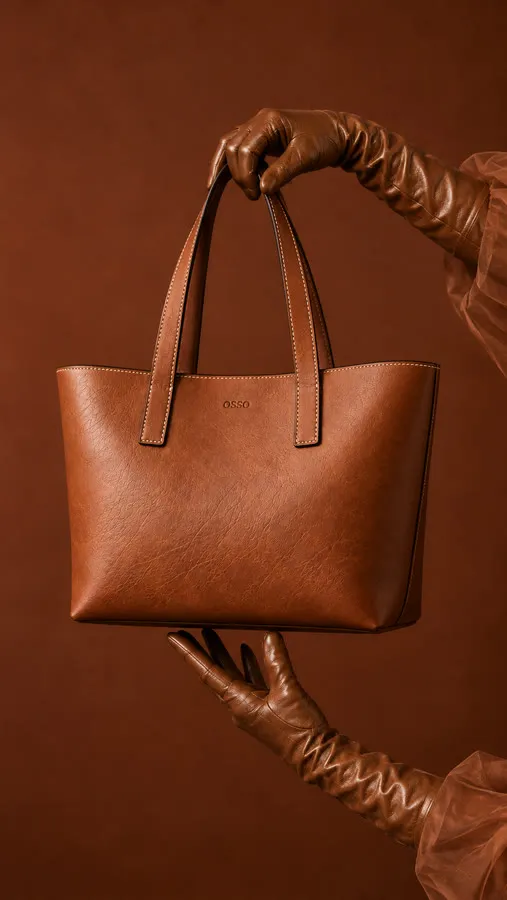
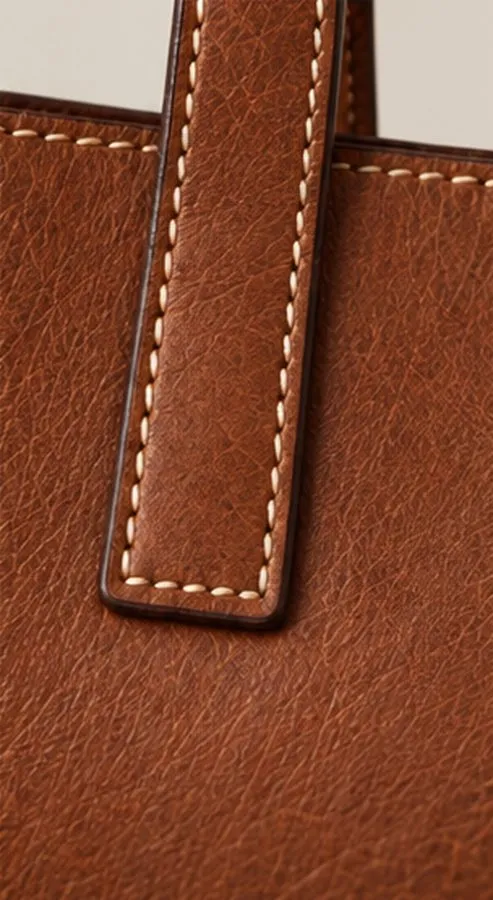
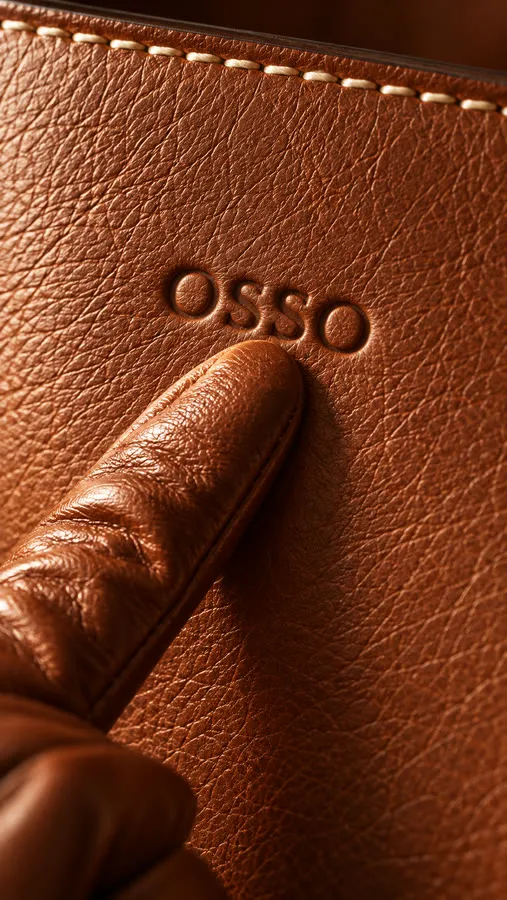
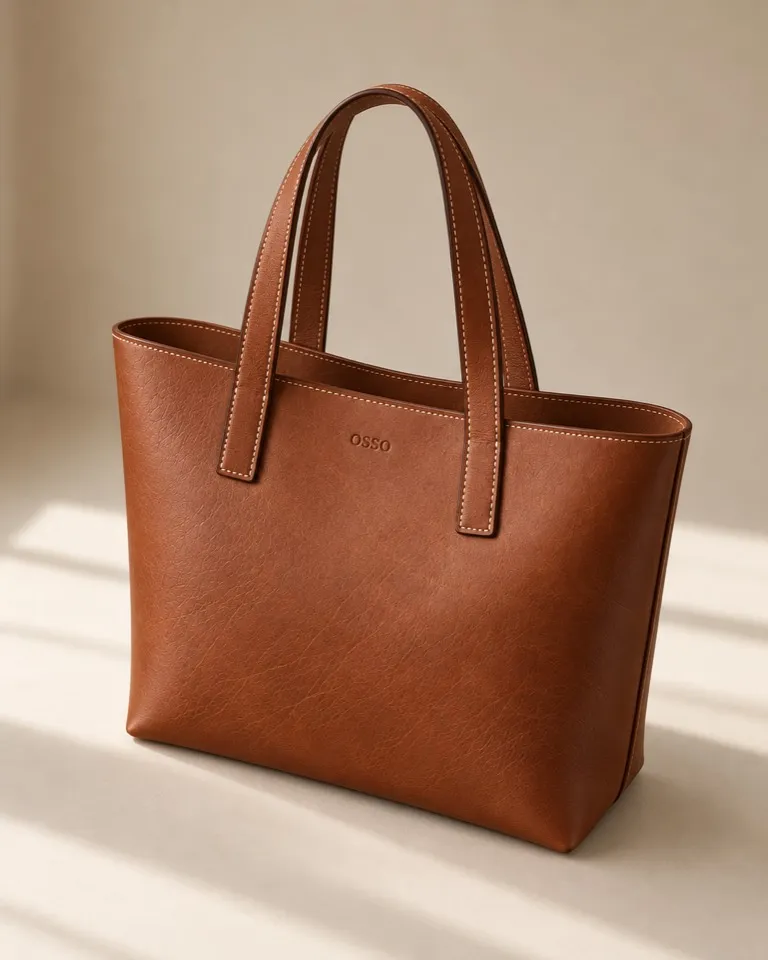
 Natural grain
Your photoshoot
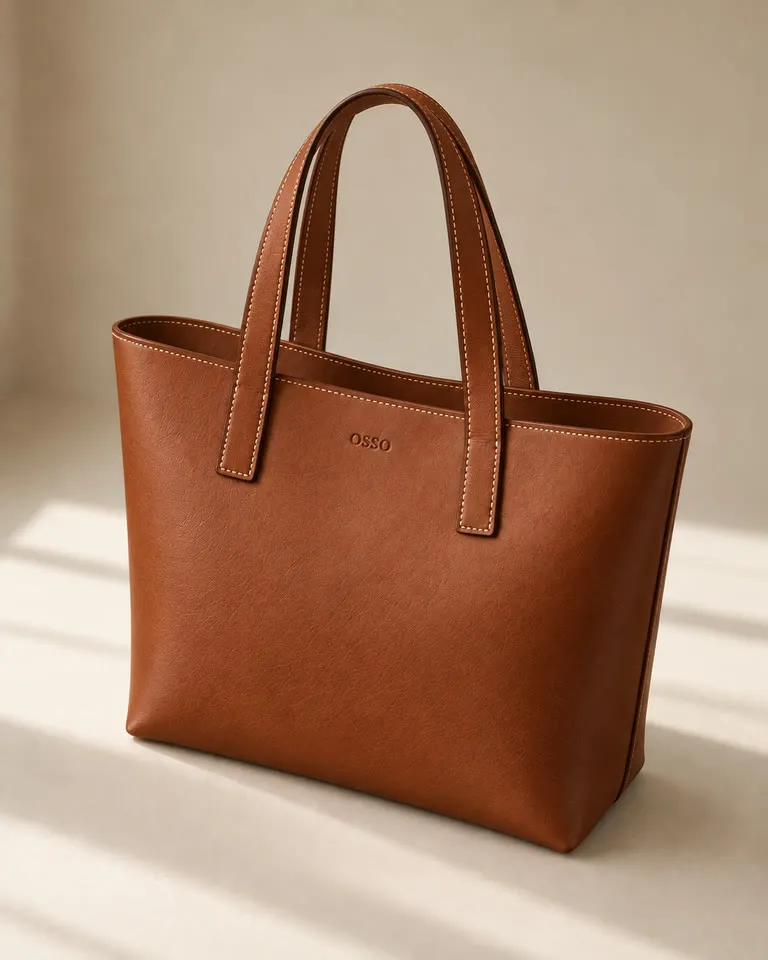 From a prompt
Grain smoothed
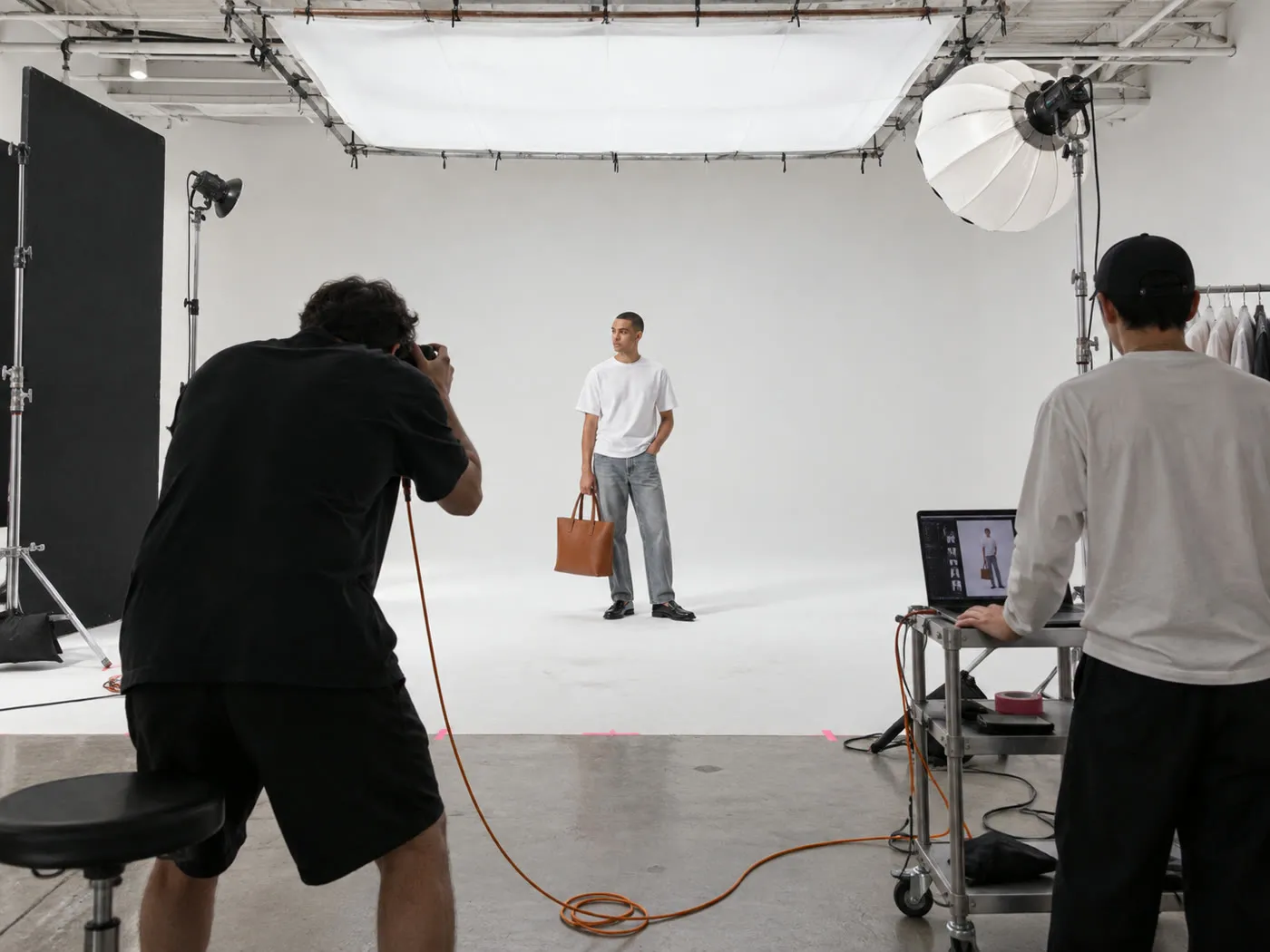
One 40-piece collection shoot
$0Photographer, models and studio, from a fashion brand on reddit.com


 New shot, new model
How Gavana fixes it
Make every new collection in days,
on budget and with nothing redrawn.
Gavana starts from your real product photo and your saved model, so there’s no studio, model or photographer to book. Other fashion teams already make their image sets in days, not weeks.
-
Skip the studio bill and the weeks
of waiting.Import your products from Shopify and make every angle, colourway and channel size from the photos you already have.
- Straight from ShopifyImport your products. No reshoot, no studio to book.
- Every colourway and angleSide, back and detail views, in every colour you sell.
- Every channel size1:1, 4:5, 9:16 and banners from one approved shot.
YouVoile dress 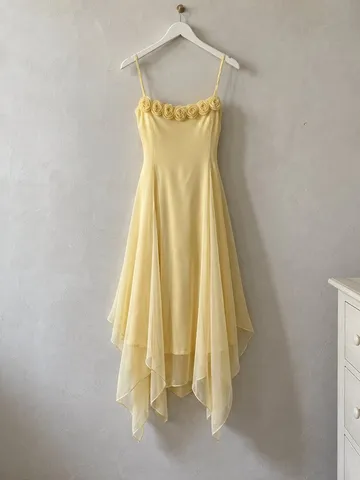
Image Generation
0 / 16 refs Nano Banana 2Auto ratio2K
Image 1 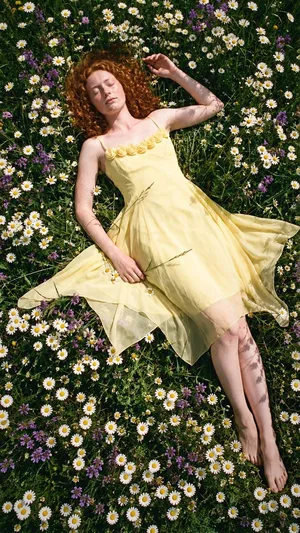
Image 2 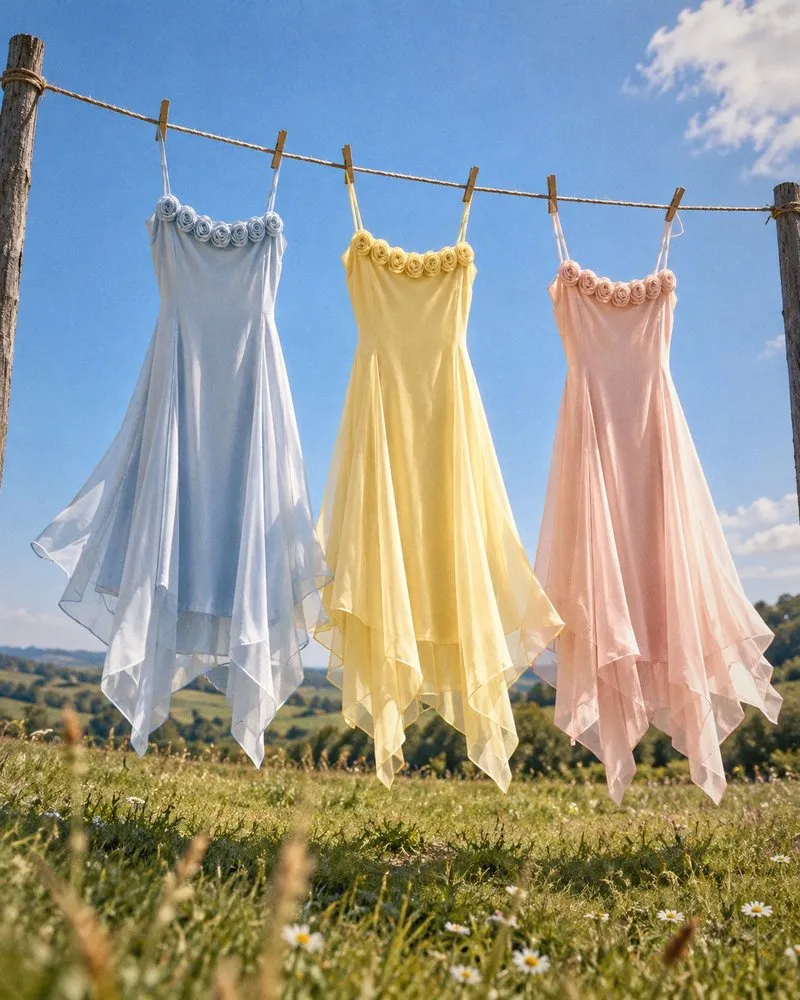
Image 3 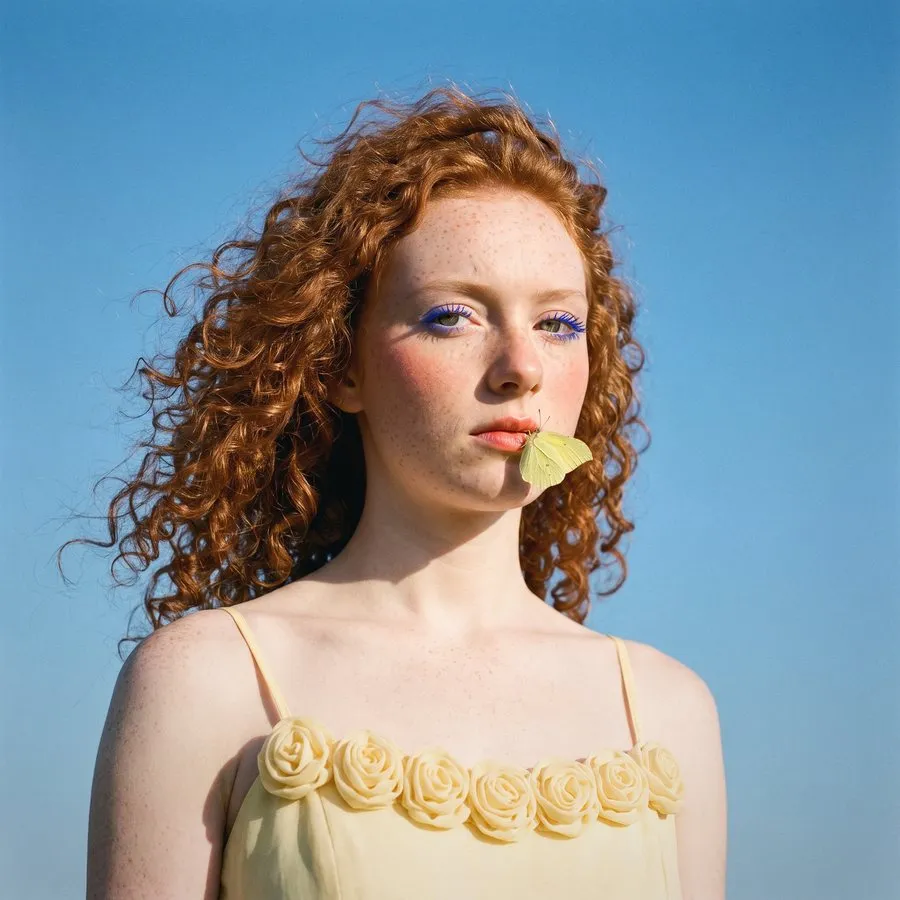
Image 4 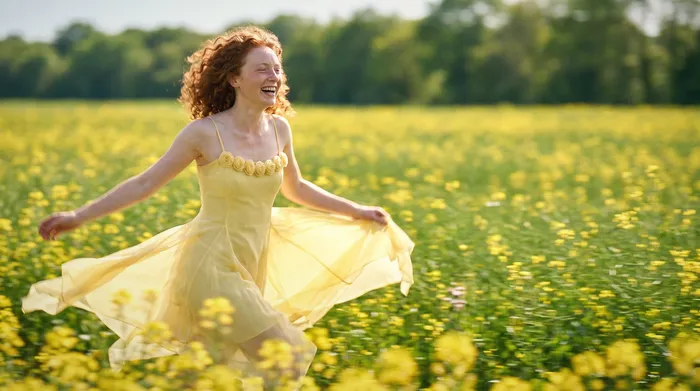
-
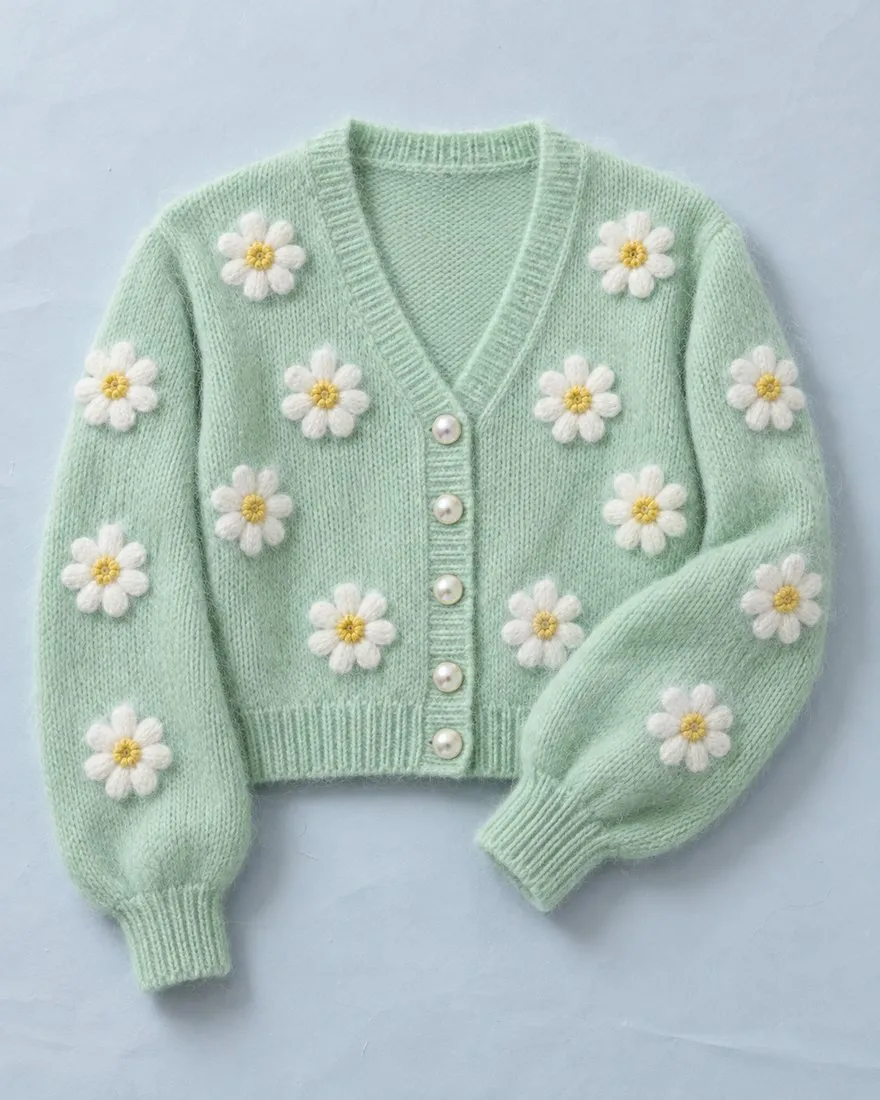
Buttons, prints and colours stay
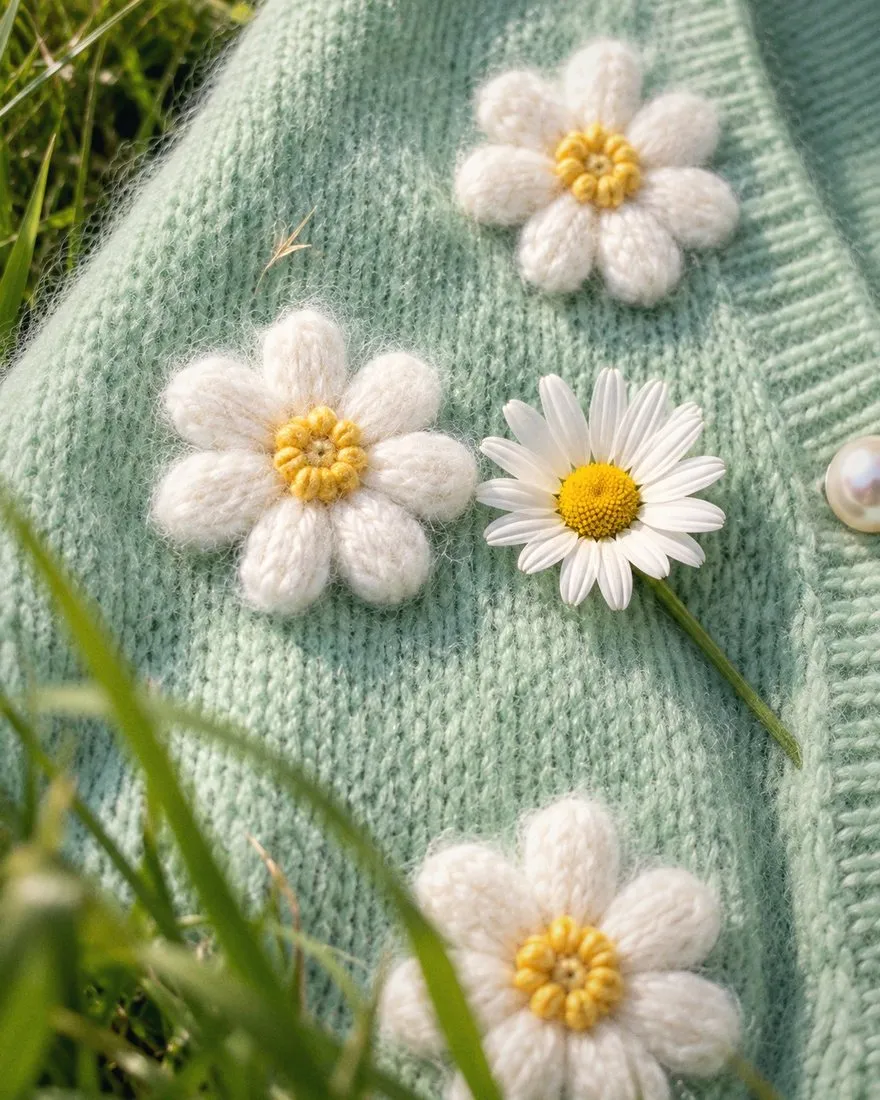
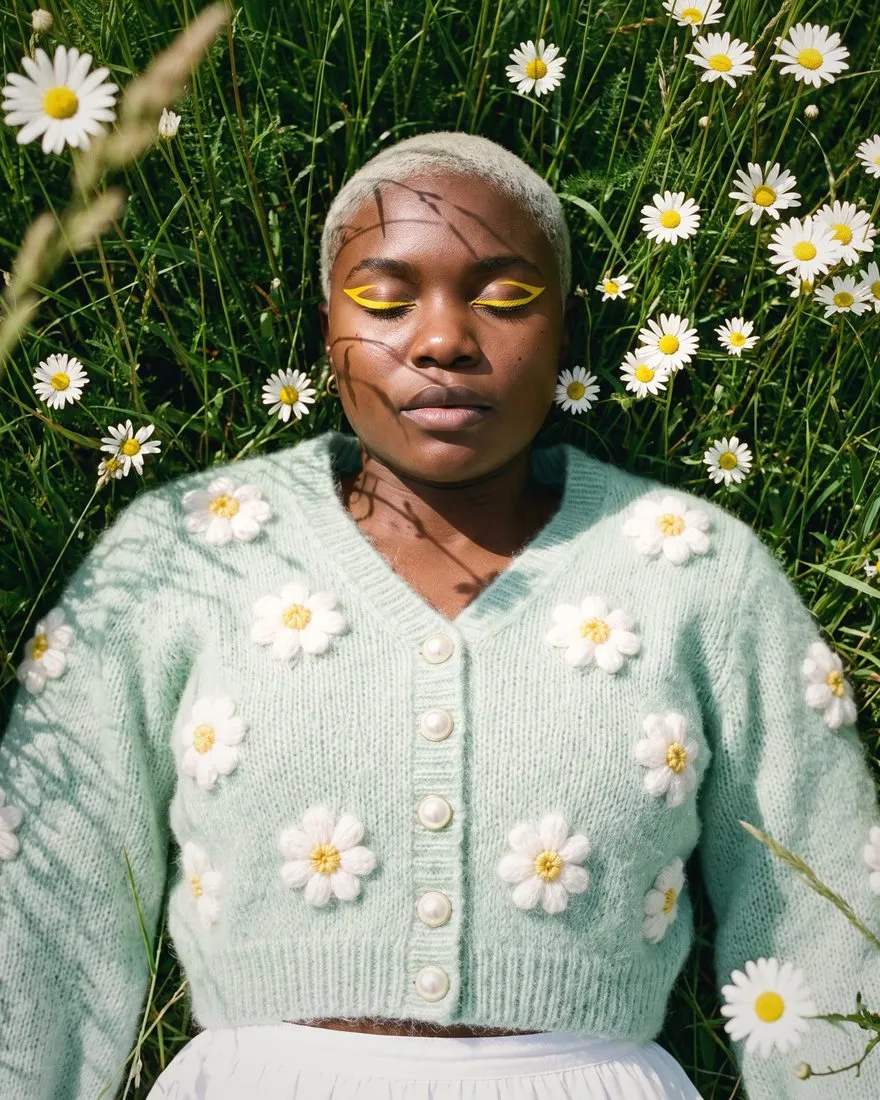
exactly as you sell them.Gavana builds each shot from your own product photo, so nothing gets redrawn and the buyer opens the item they saw.
- The exact materialLeather grain, knit, lace and silk come from your photo, not a guess.
- Matches the parcelColour, print, logo and buttons match what arrives at the door.
- Fix one spot onlyChange one region. The rest of the shot stays as it was.
-
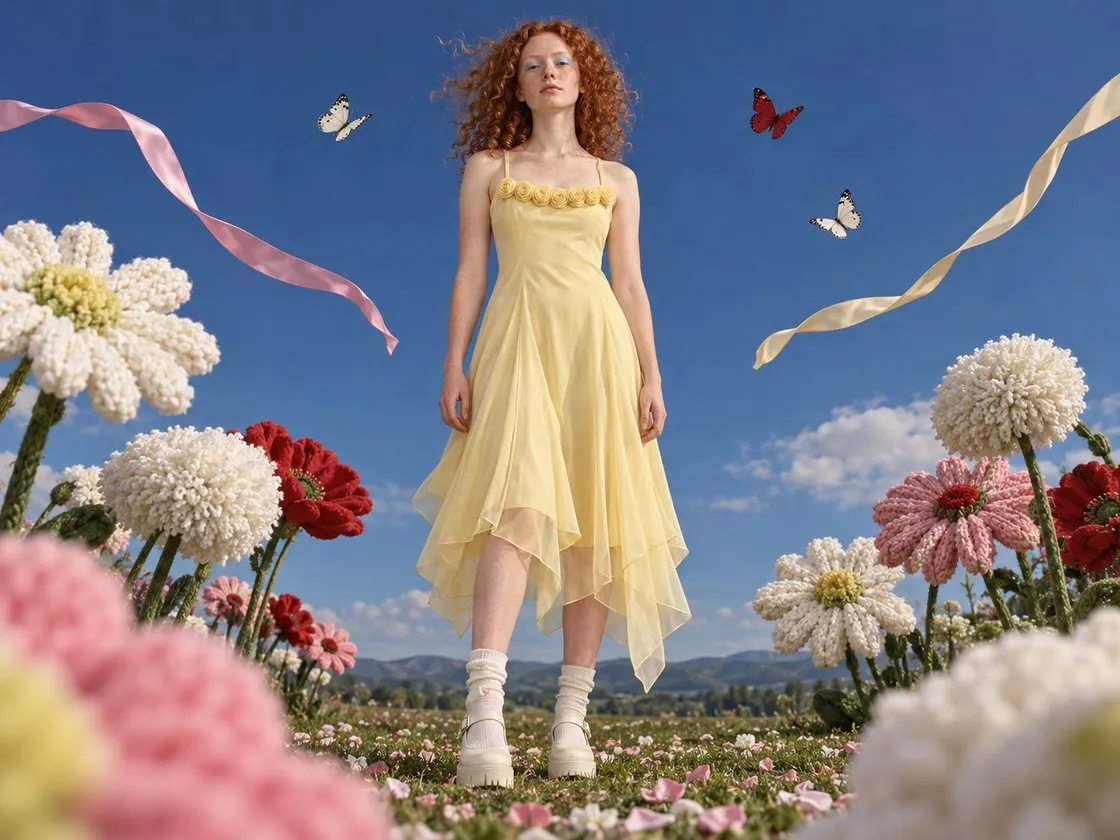
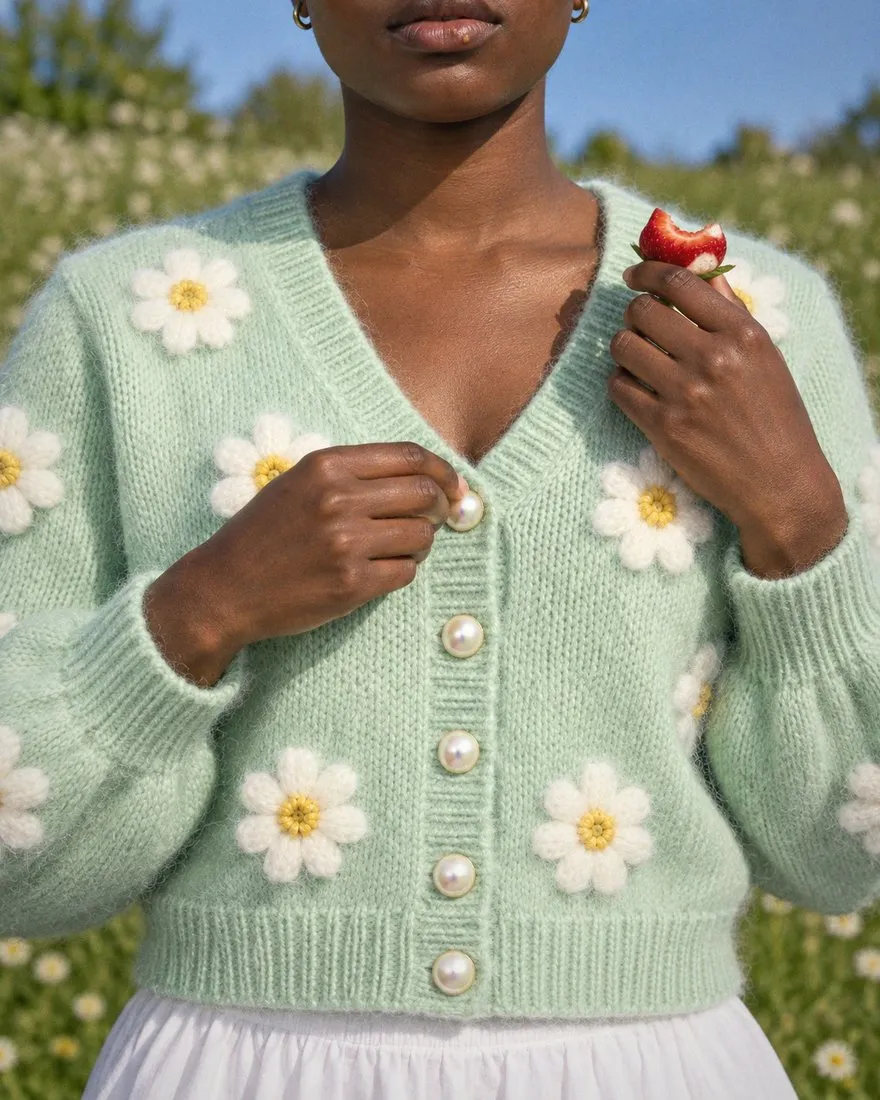
One model wears every piece,
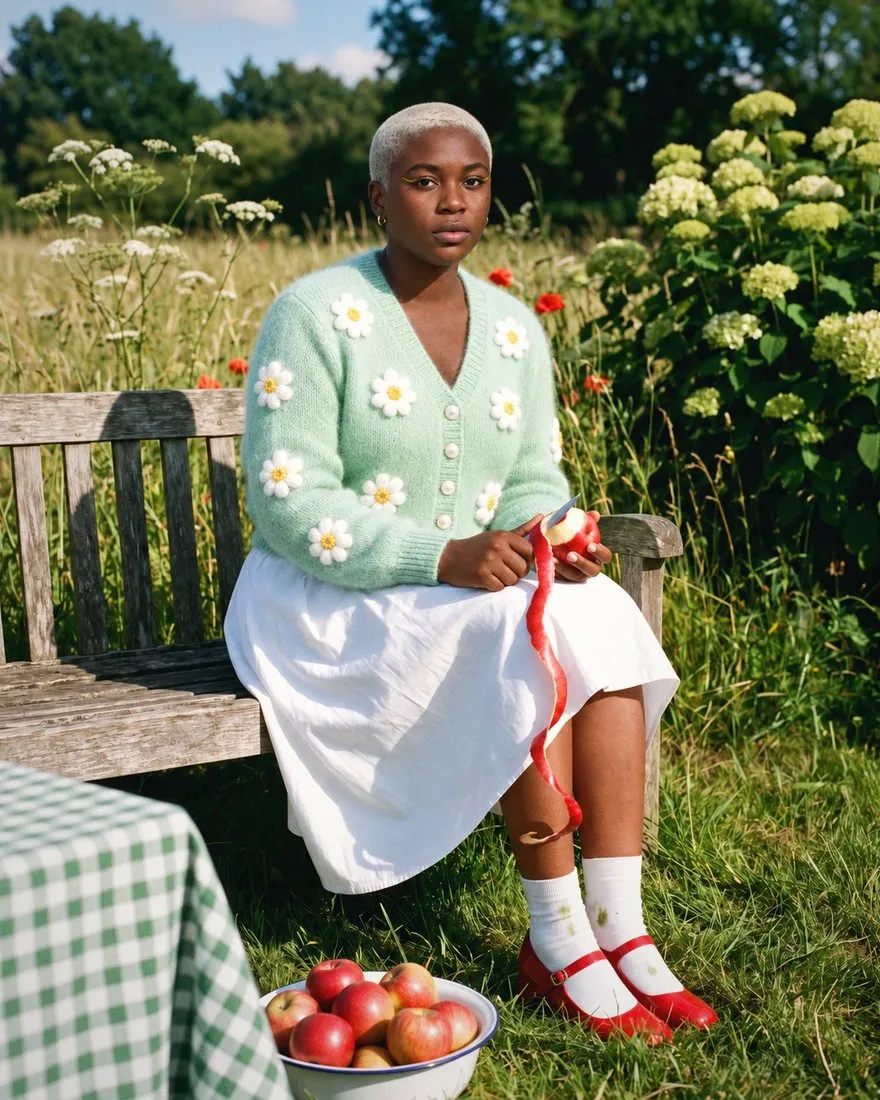
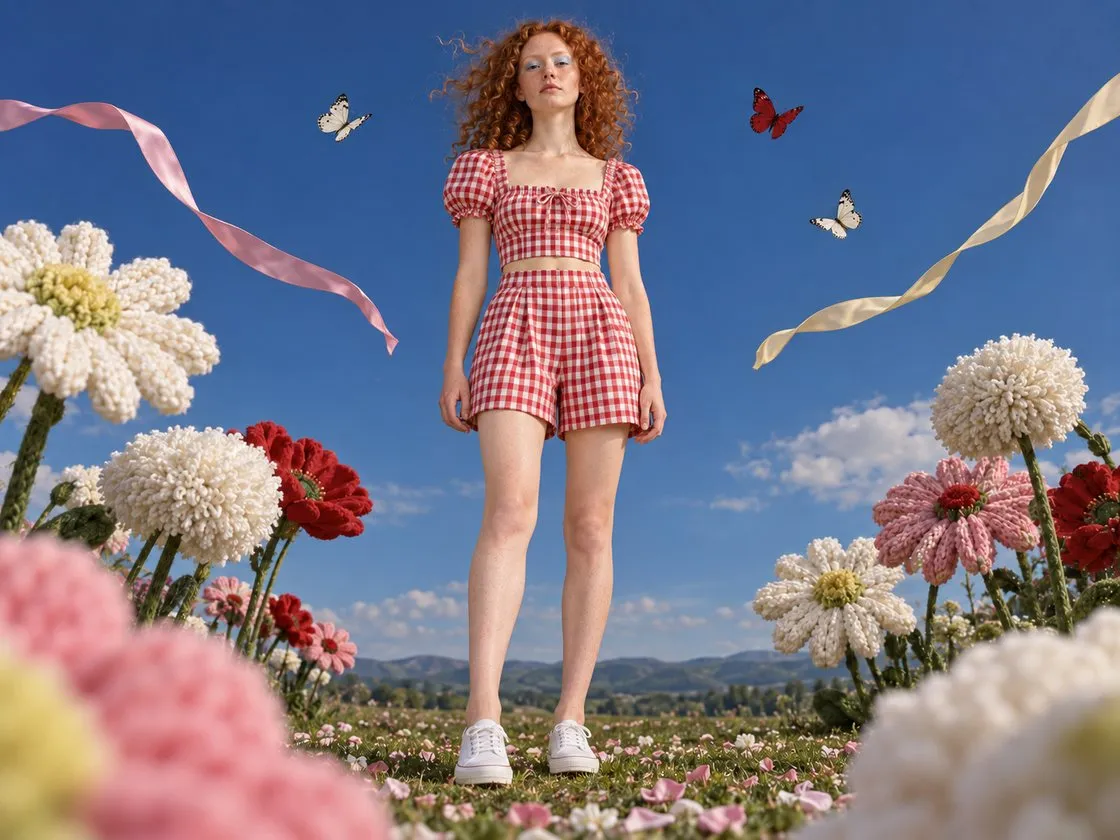
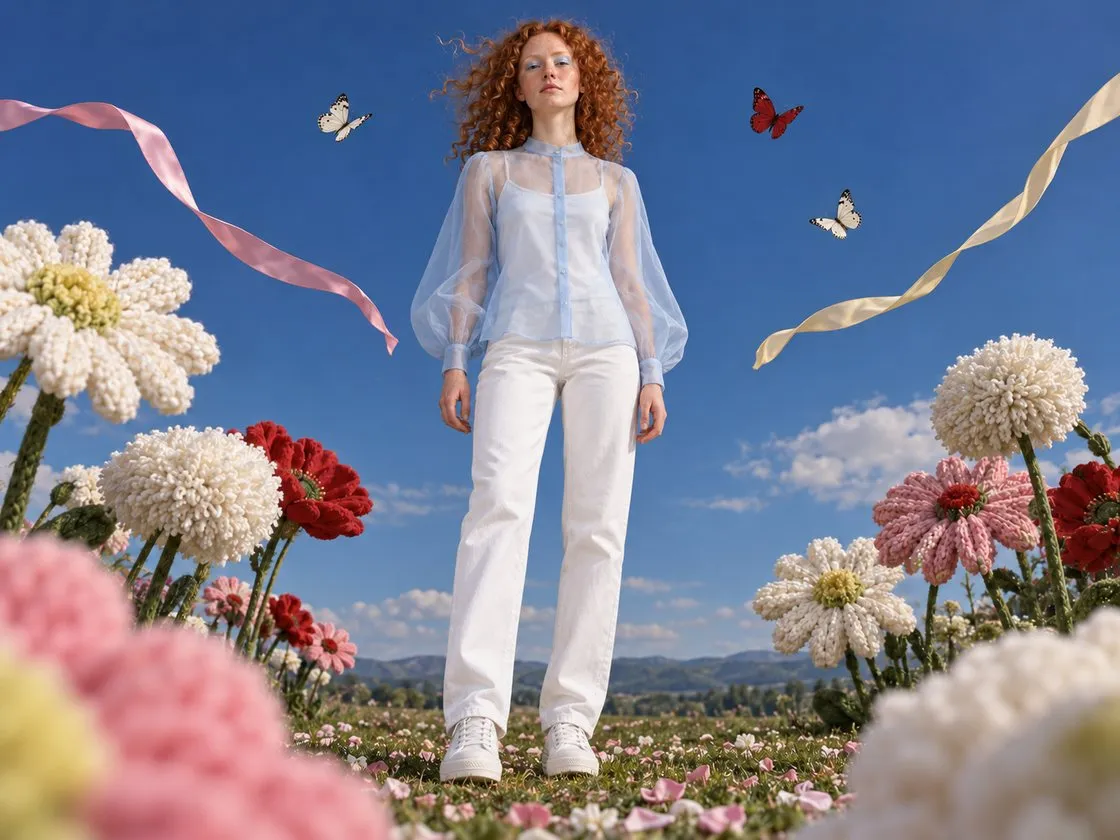
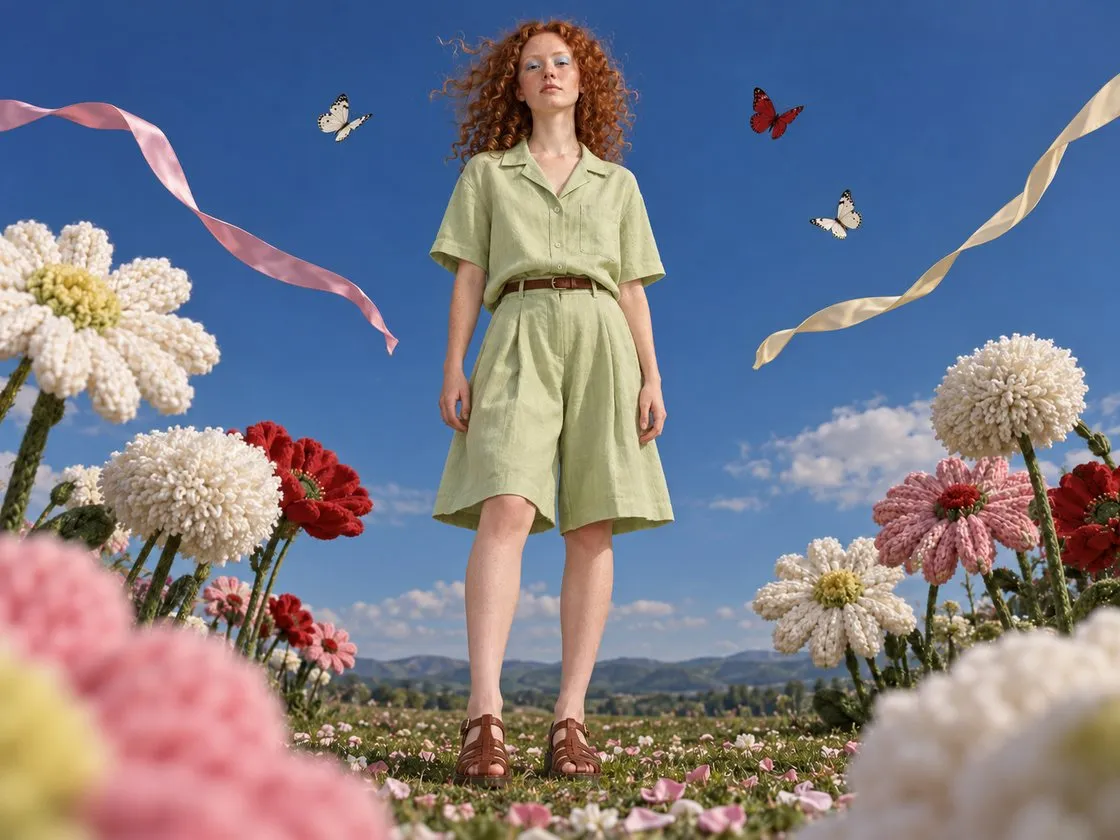
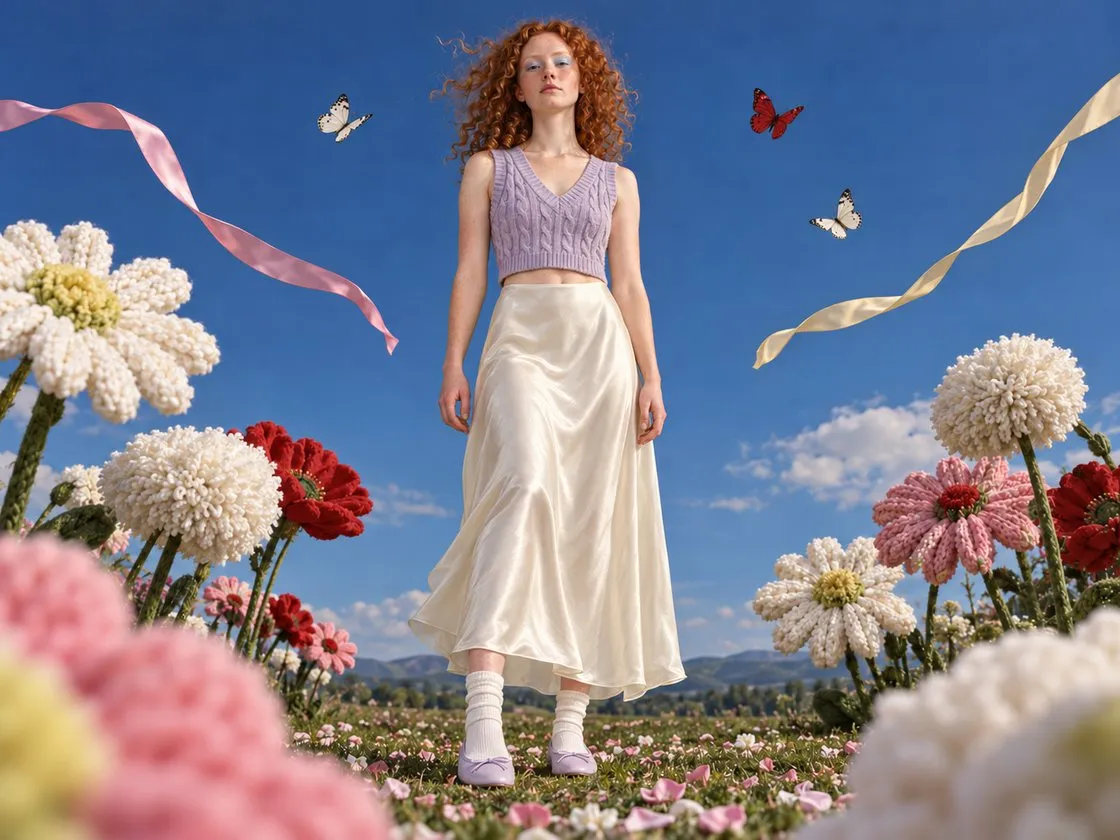
shot after shot.Save her face, hair and build once and put each new piece on her, so your pages look like one brand shoppers can trust.
- Same face, hair and bodyYour model looks the same on every product page.
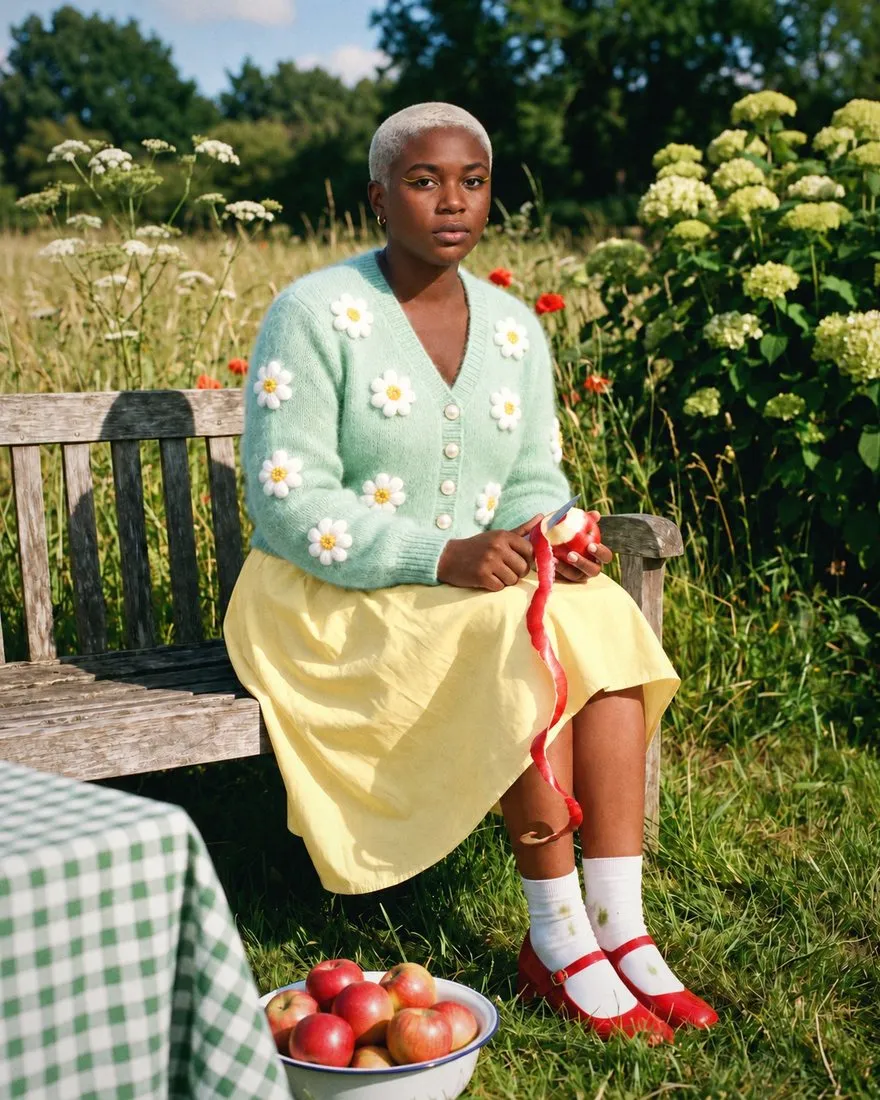
- Only the product changesEach new garment goes in exactly as it is on your rail.
- Ready next seasonYour model and house look are saved, so the next drop starts there.
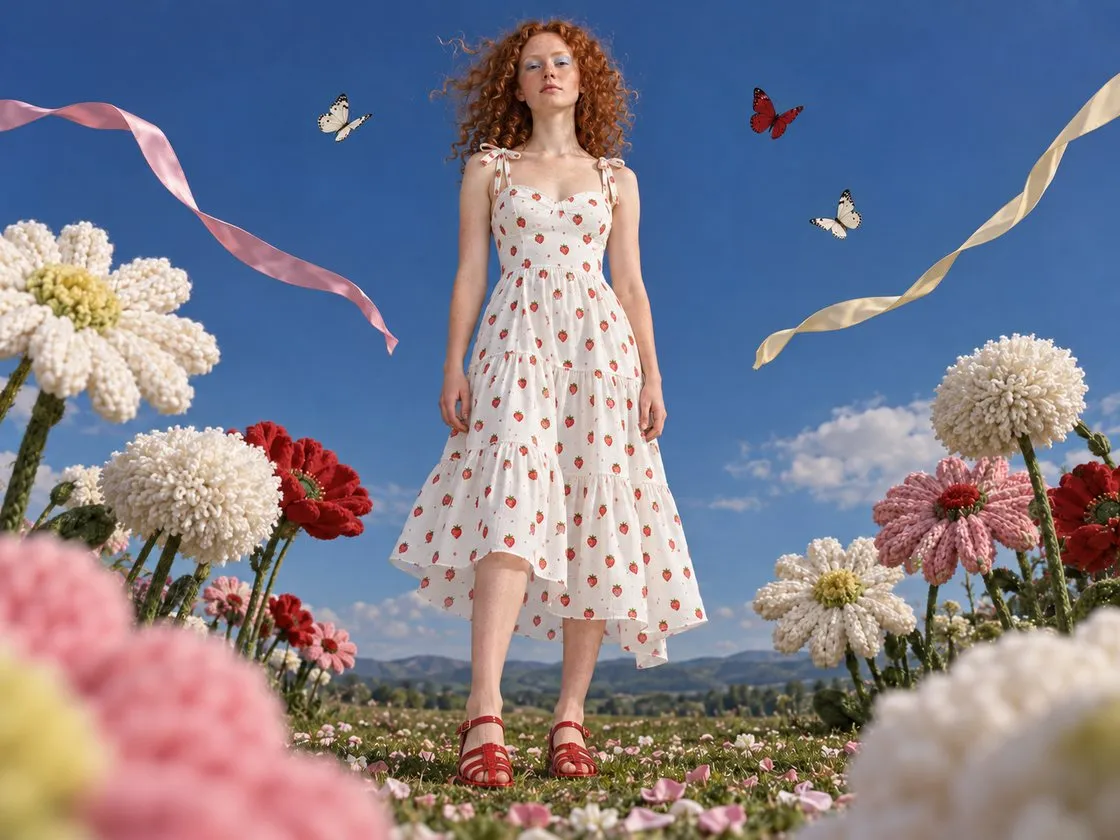
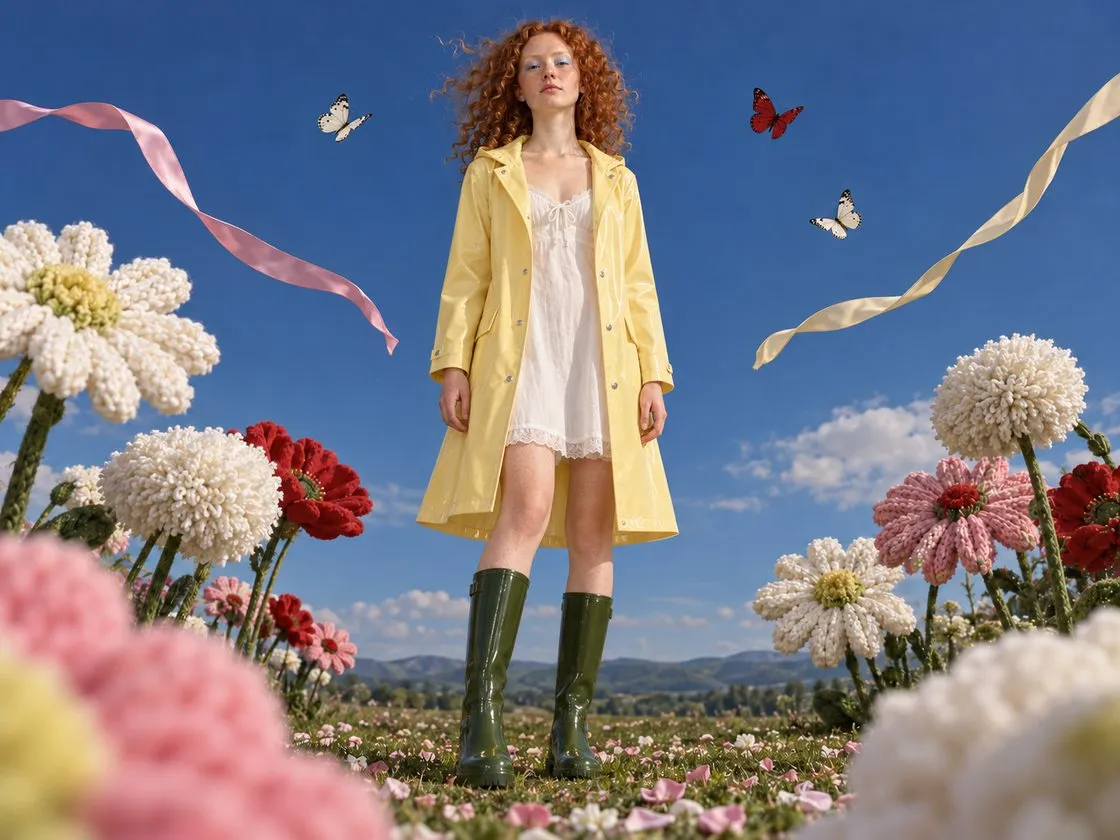
Templates
What brands do with Gavana
-
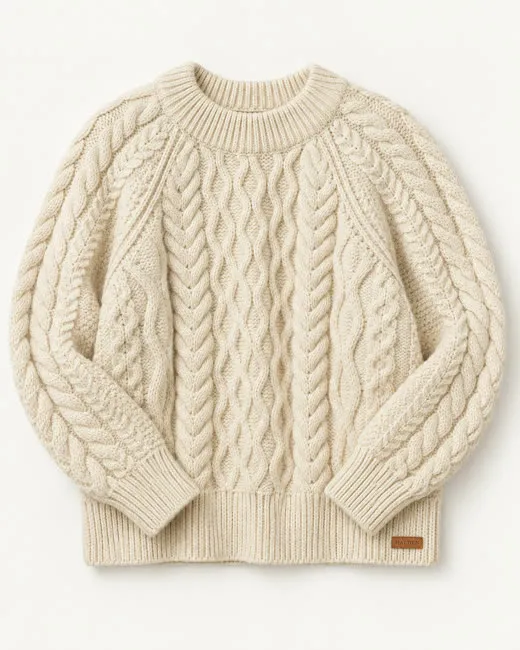 A clean shot for every piece
Turn each new piece into a product photo on white or on your own set. All 40–60 of them.
 Packshots
-
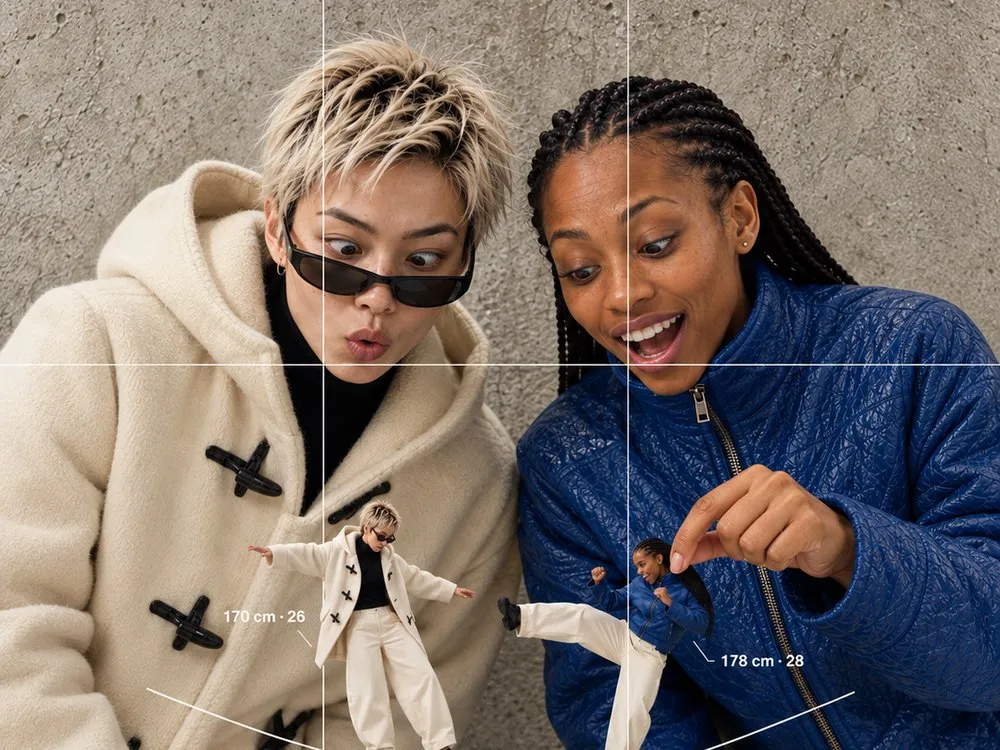 Every piece on your model
Put the season on the model your customers know, with the garment kept exact.
On-model
-
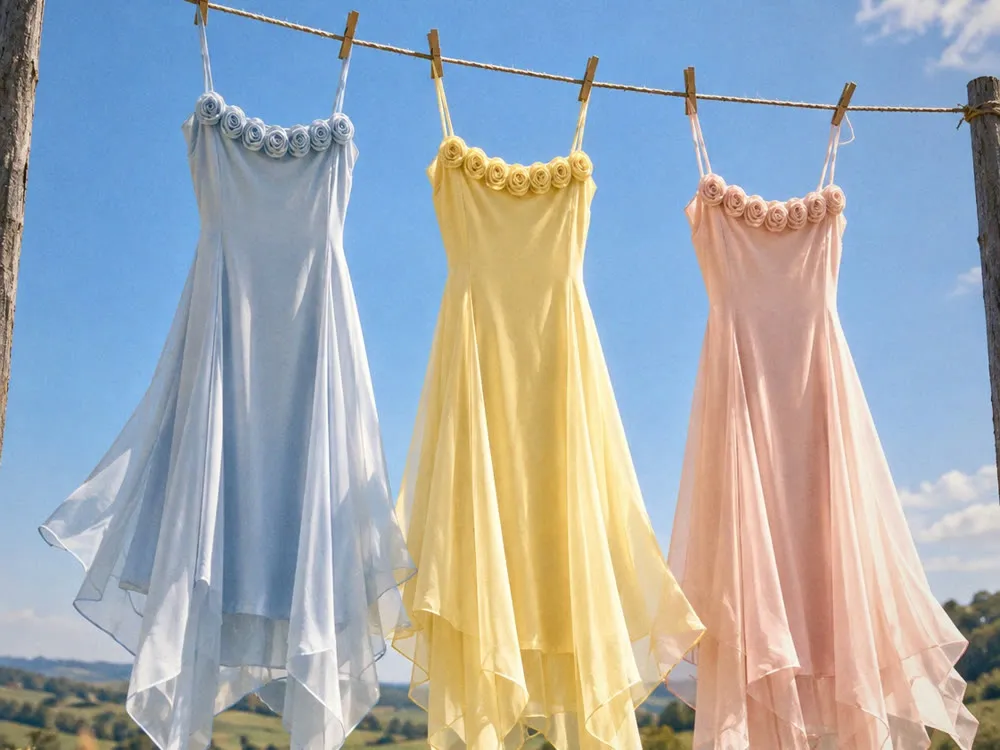 One piece, every way to wear it
Style one piece three ways, in every colour you sell, on the same model.
Lookbook
-
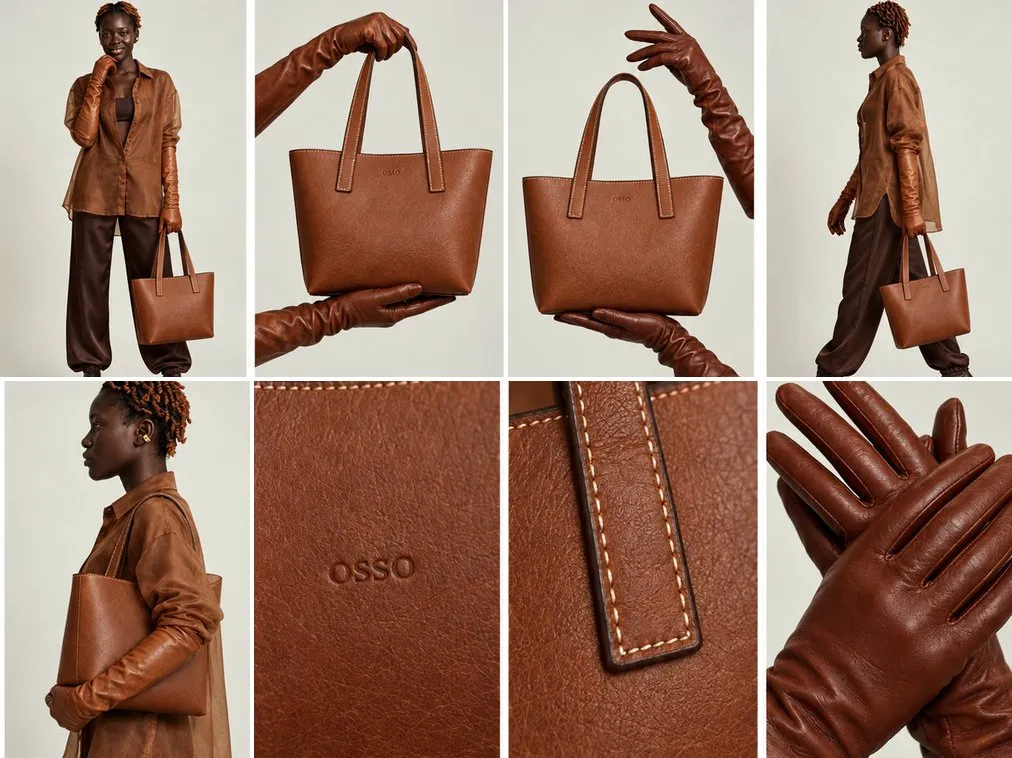 Side, back and close-up
Answer “what does it look like from the back?” with every angle and detail shot.
Angles & detail
-
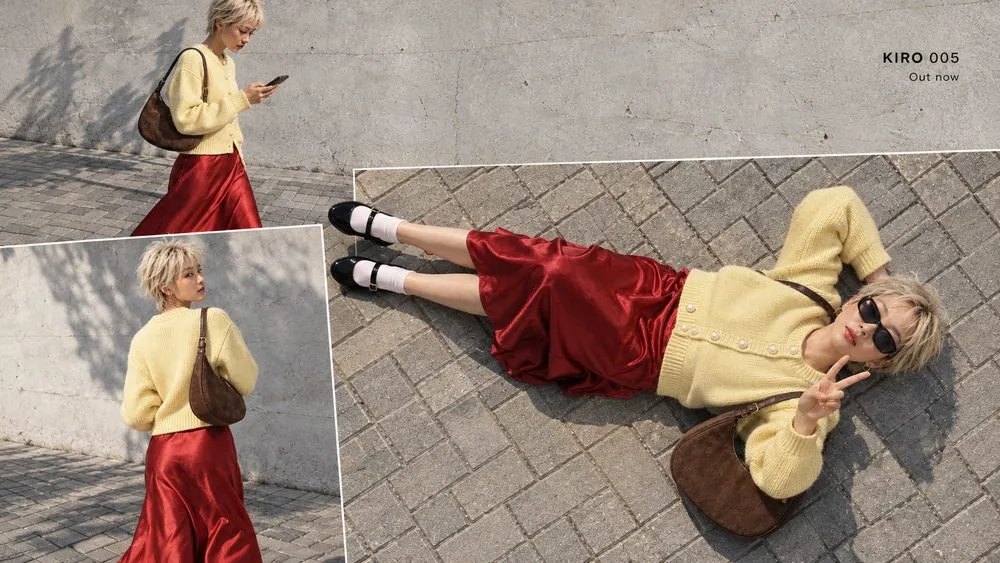 Launch the drop
Make the teaser, the countdown and the launch post before the drop goes live.
Drops
-
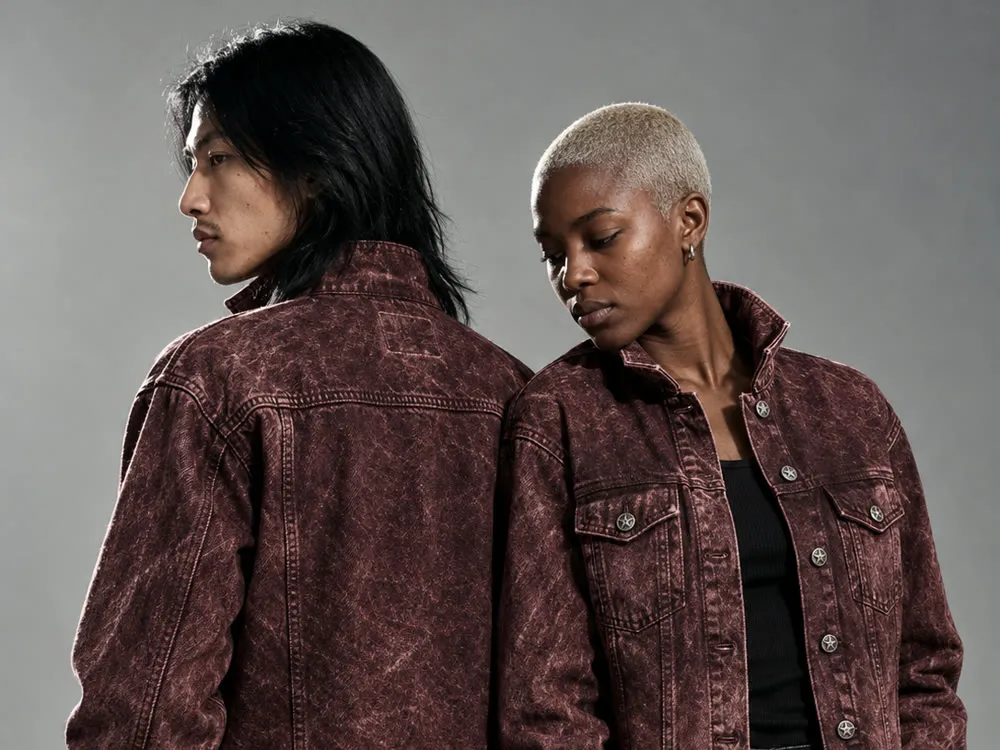 Sales that still look premium
Make markdown banners and fresh social posts that look like your brand, every week.
Sales & social
FAQ
Straight answers.
Will my product really stay the same?
Yes. Gavana works from your own product photo, not a description, so the print, logo, colour and hardware carry over. If one detail is off, you change that one spot and the rest of the shot stays as it was.
Can it get knit, lace and silk right?
It takes the texture from your photo, so start from a sharp one that shows the fabric. Zoom in before you publish, as you would with any shoot; if a detail drifts, fix that region only.
Can I keep the same model across a whole collection?
Yes. Keep your model’s face, hair and body, and swap in each new piece. Your model and house look are saved, so next season starts from them.
What do I need to start?
A product photo for each piece: a flat lay, ghost mannequin, hanger shot or an existing on-model photo. You can import them straight from your Shopify store.
Which sizes can I export?
1:1, 4:5, 9:16 and banner sizes, from the same approved shot, ready for your store, social and ads.
Can my agent run it?
Yes. Ask from Claude, Codex, ChatGPT or Cursor, or in Gavana itself. Your agent works from your saved products and brand, and you pick what goes live.
How much does it cost?
It’s free to start. For a bigger team, book a demo and we’ll set up a plan.
Shoot your next drop today.
It’s free to start. Add one product photo and get the packshot, the on-model shot and the sale post in one set.