
Canvas
All your creatives, in one place.
No more digging through your downloads. Every version sits side by side, linked to the product photo it came from, and you can go back to any of them.
 GPT Image 2.5 Sunburst
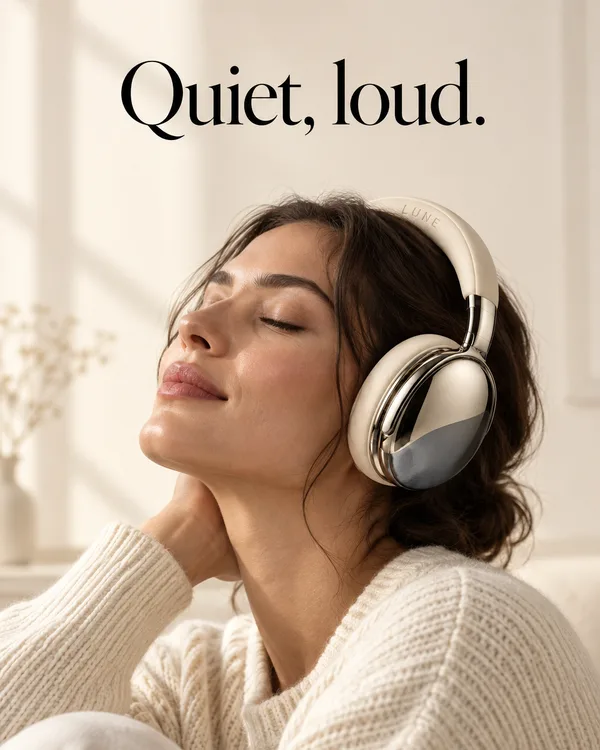
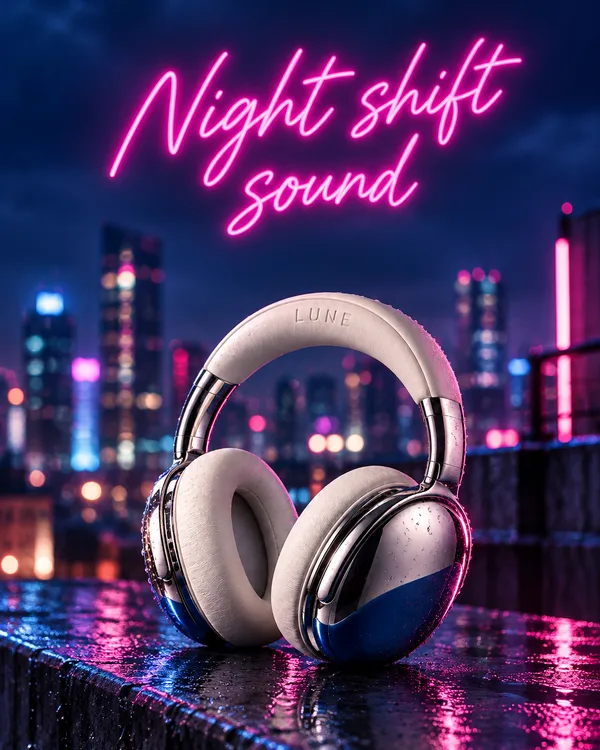
How it works
How every version
stays in view
In a chat, each creative ends up in its own reply. On a canvas, they all sit next to each other, wired to the photo they came from.
-
Start from your product photo
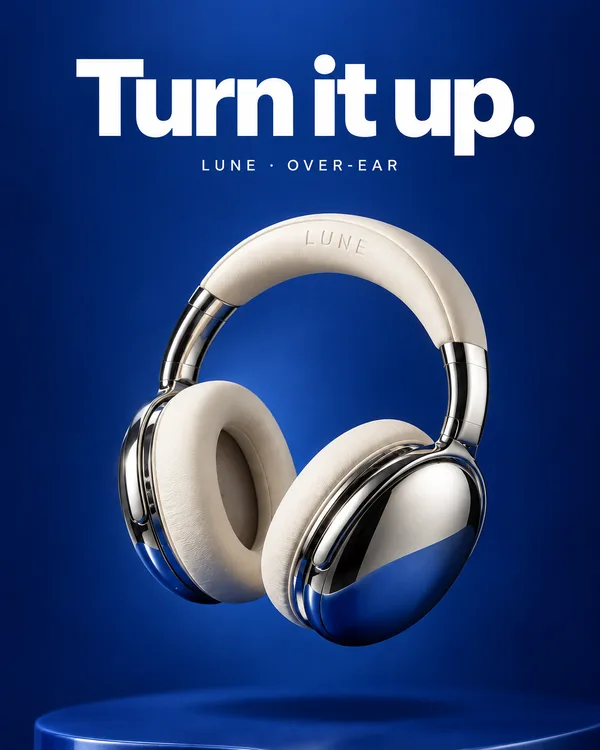
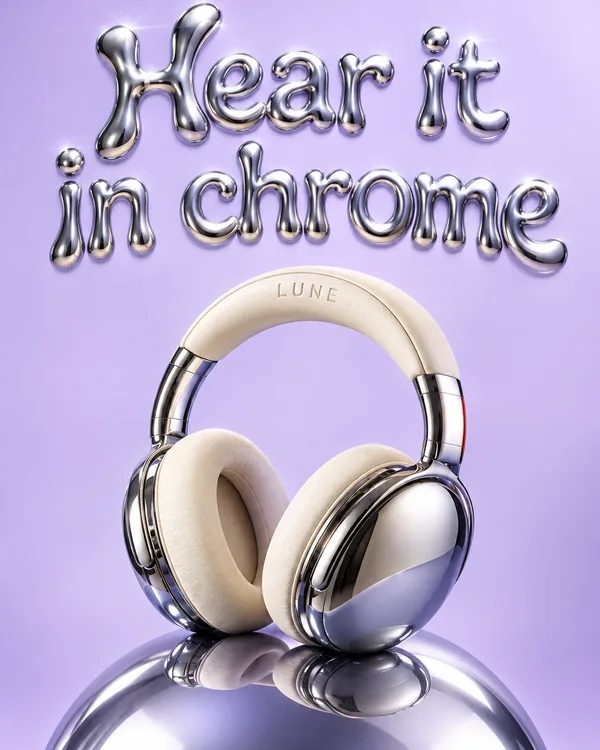
Add your product photo once. Every creative you make from it is wired to that photo, in every size.
- One photo feeds every creativeThe wire shows which photo each creative came from.
- No re-describing your productYou don’t type out the frames, colours or logo each time.
- Share the boardInvite your team to view or edit the same canvas.
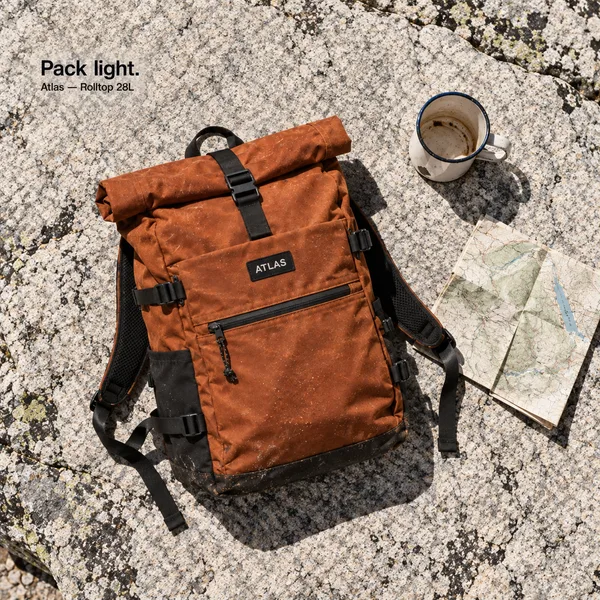
1:1 
4:5 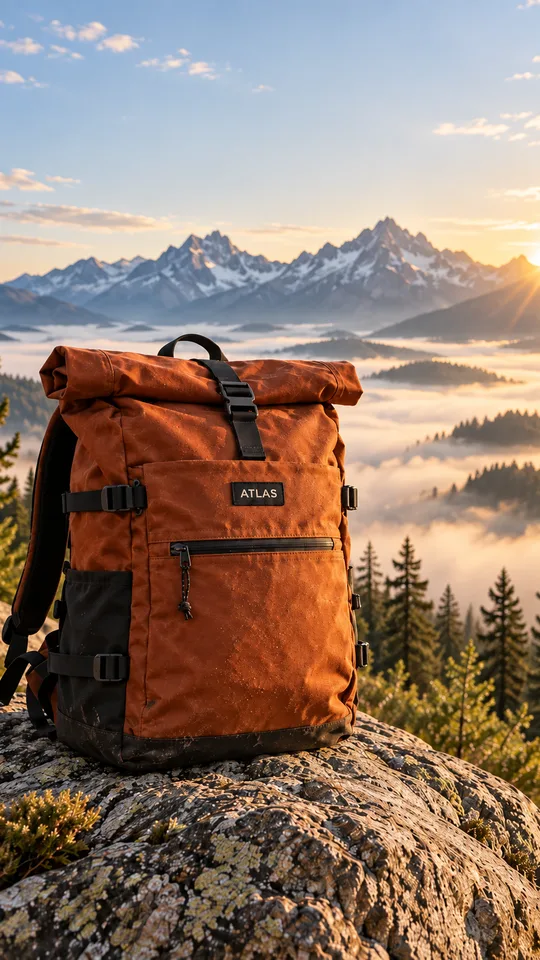
9:16 Creatives for our trail season.
-
Spot the one that’s off
Every version sits next to the others, so a creative where the product looks wrong stands out right away.
- Mark the ones you’d runYour picks stay marked, so the team sees the shortlist.
- Every size stays togetherA creative’s 1:1, 4:5 and 9:16 sit side by side.
- Decide togetherEveryone looks at the same board, not a pile of files.
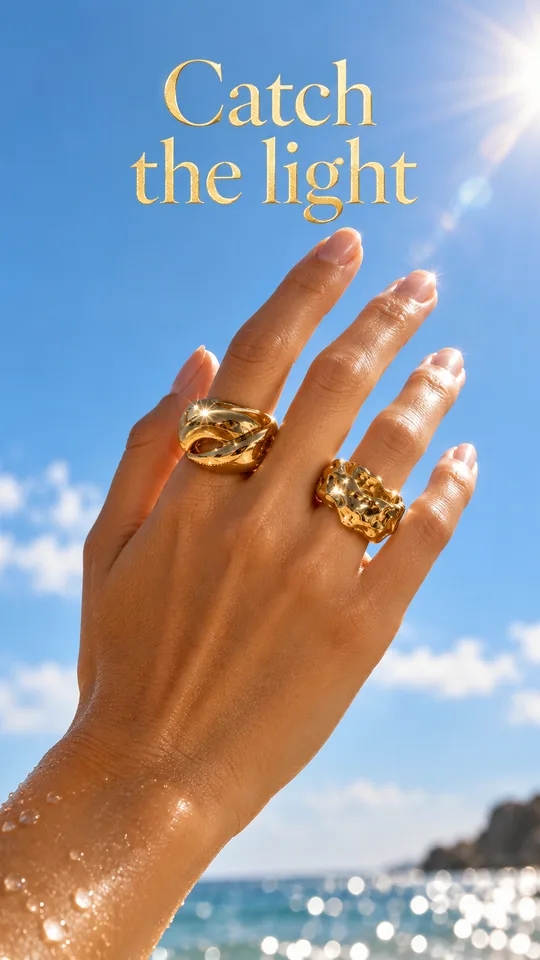 9:16
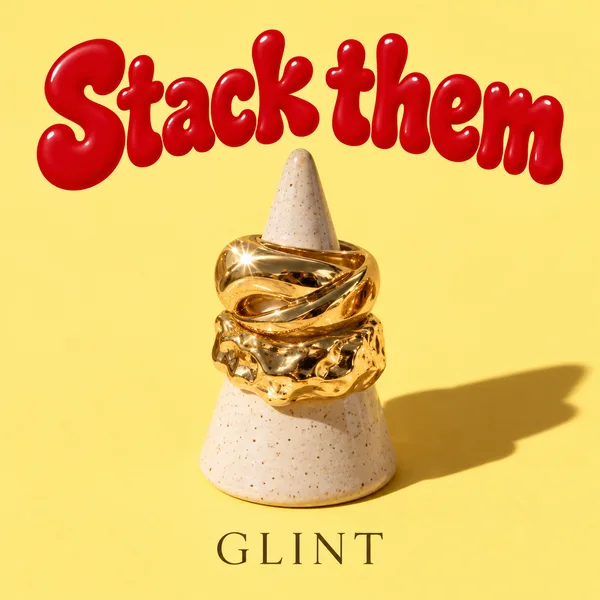 1:1
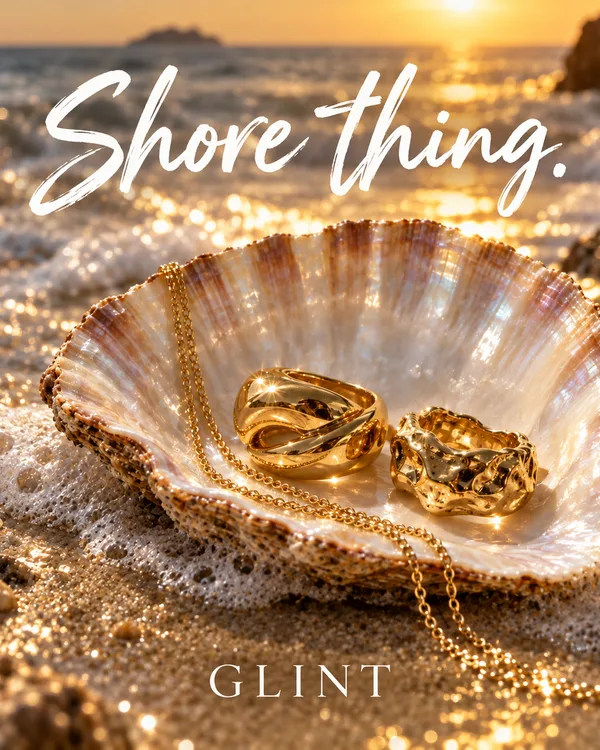 4:5
Keep these two.
-
Change one, keep the old one
Say what to change. The new version lands next to the old one, so you can compare.
- Say it in plain words“Warmer light, bigger logo” is enough.
- Go back to any versionEvery version stays on the board.
- Nothing is overwrittenOld and new sit side by side until you choose.
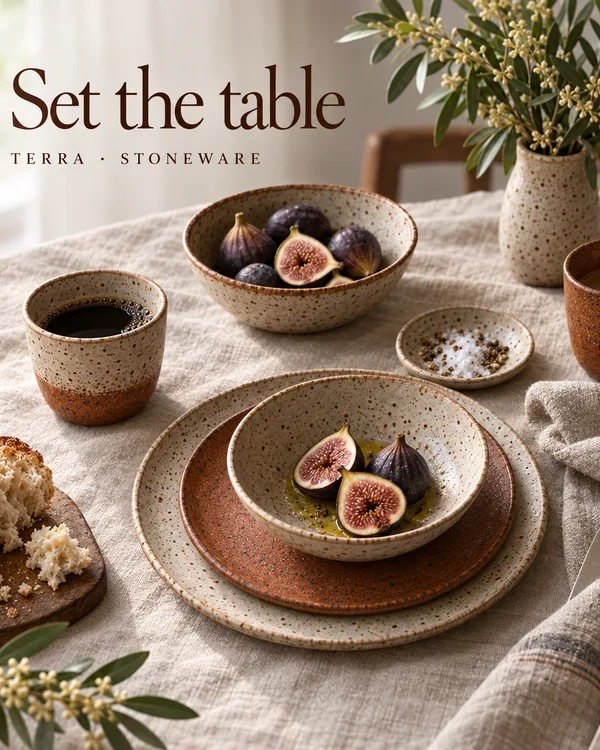
Version 1 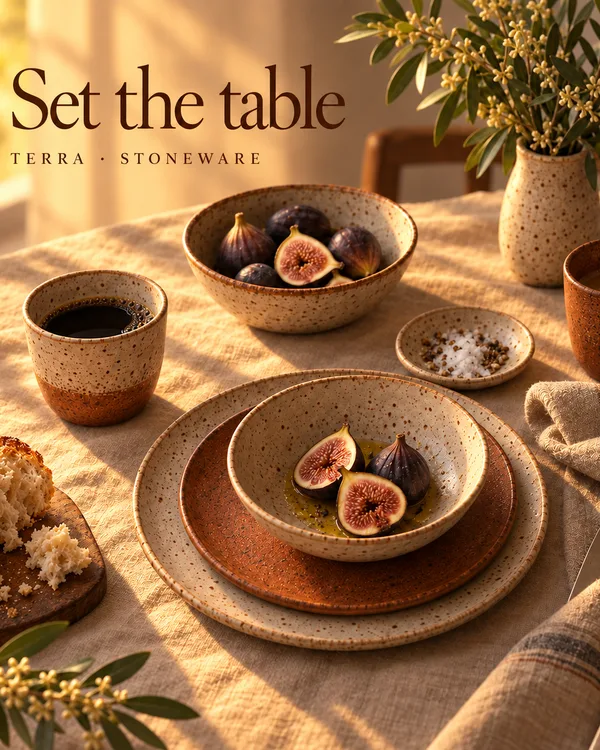
Version 2 Make the first one warmer.
Compare
Chat history vs a canvas.
 Gavana
ChatGPT, Gemini and other chat tools
More in Canvas
Also with Canvas
-
How it works
An infinite board
Each image is its own item, so a new version sits next to the old one instead of replacing it.
-
From your AI chat
Ask from ChatGPT or Claude
Ask there, and your creatives show up on your canvas.
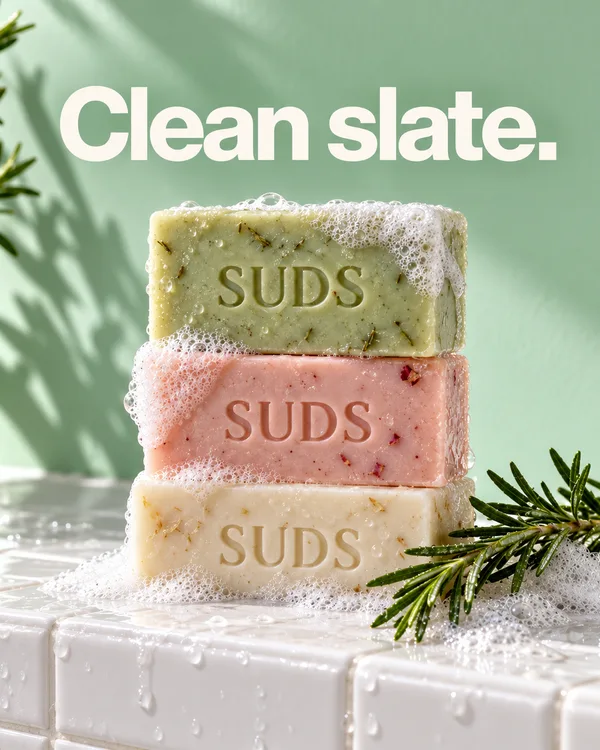
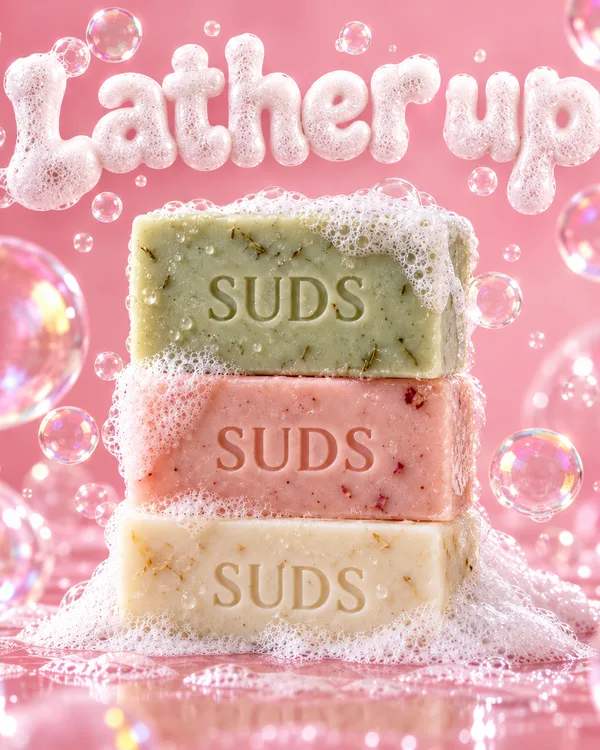
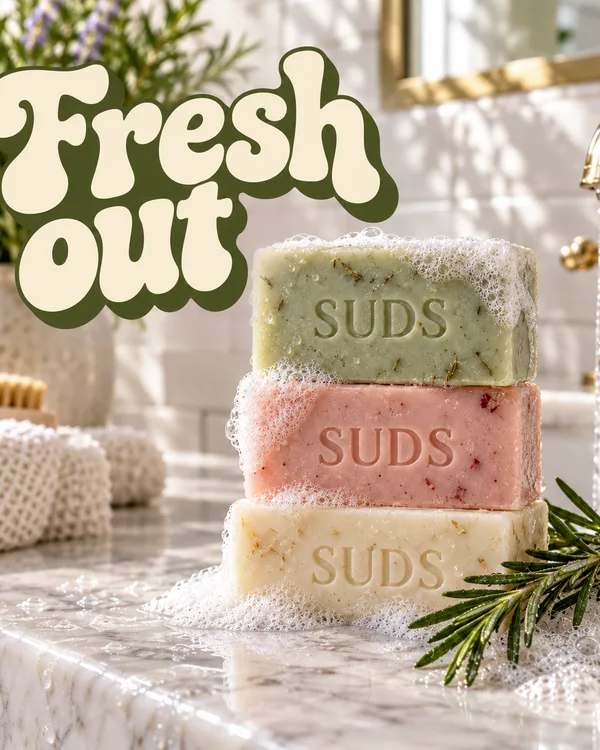
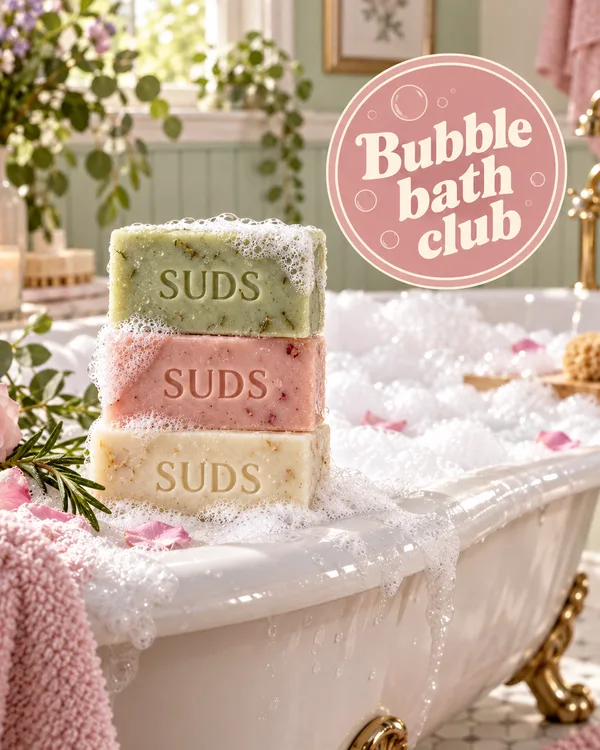
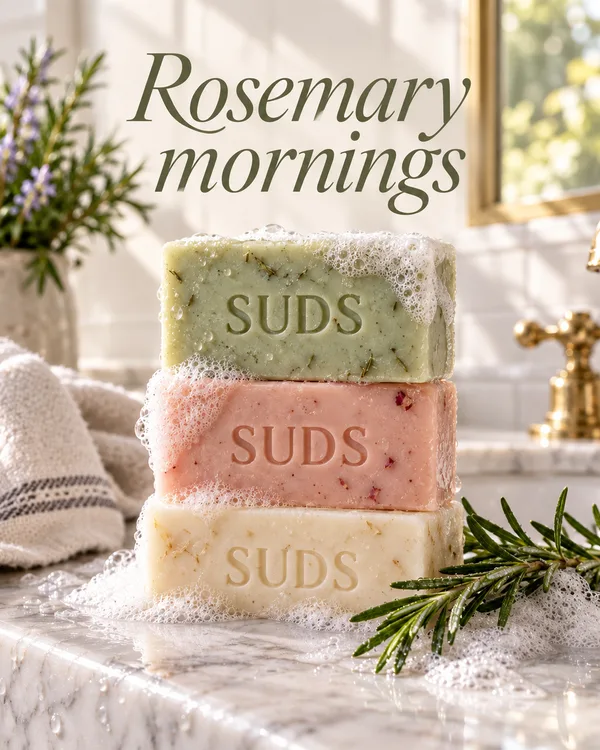
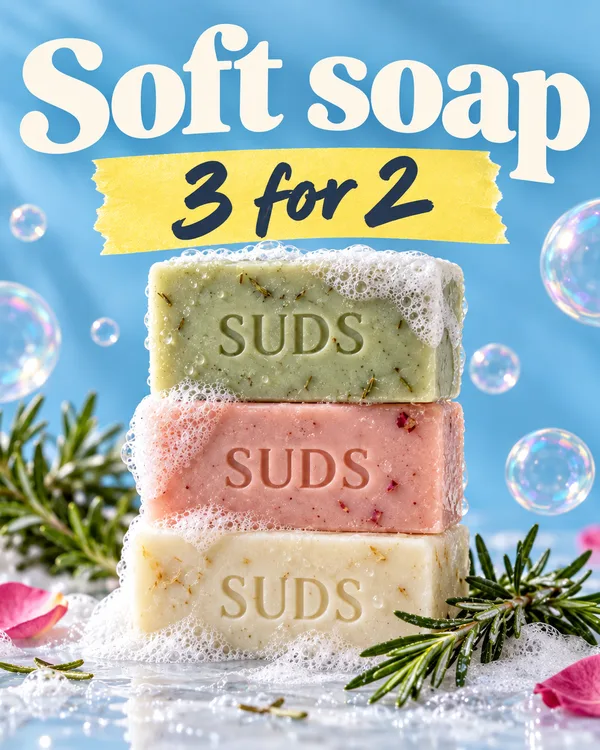
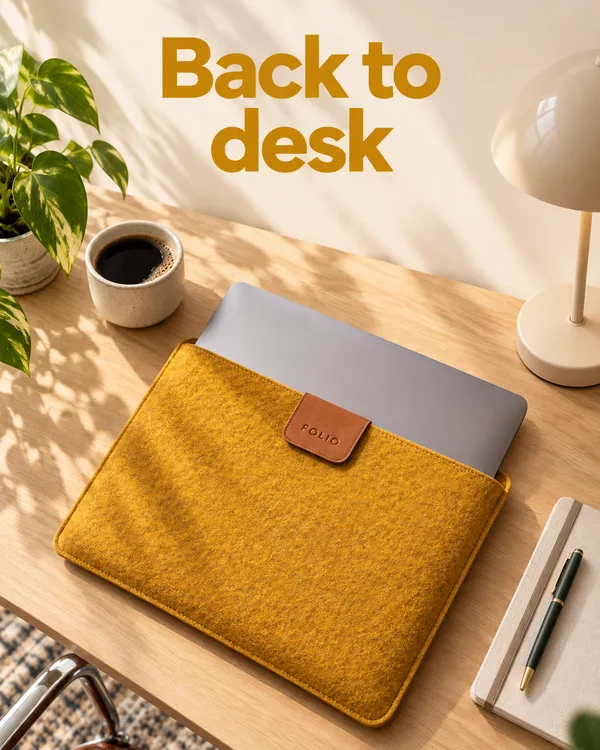
FAQ
Frequently asked questions
What is the canvas?
A big board where all your creatives sit side by side. Every version stays in view.
Will my product look the same in every creative?
Each creative is made from your product photo, which is wired into it on the canvas. If one still comes out off, it sits next to the others, so you see it and remake just that one.
Can I go back to an earlier version?
Yes. A new version lands next to the old one, so the earlier one stays on the board.
Will my creatives still be there when I come back?
Yes. Your creatives stay on your canvas, where you left them.
Do I need to be a designer?
No. Pick the creatives you like, and tell Gavana what to change.
See every creative
on one canvas.
Free to start. Add your product photo and see every creative made from it side by side.