Choose Gavana if
Your store needs its next creative set.
You want product references, your agent’s work and repeatable sets on one editable board, with approved images going back to Shopify.
For stores that need new images every week.
Library
TemplatesSets to run on your own product. ChangelogWhat we shipped, newest first. Guides SoonHow Gavana’s tools work together.Templates are Gavana’s. Elements are yours.
 Gavana / Higgsfield
Compare how you start from a product, work with an agent, repeat a campaign and put an approved image on your store.
Published by Gavana · Documentation checked · Sources and scope
Choose Gavana if
You want product references, your agent’s work and repeatable sets on one editable board, with approved images going back to Shopify.
Choose Higgsfield if
You want Cinema Studio camera, lens and lighting controls, plus talking avatars and lip sync, and you will spend plan credits to get them.
One product. One complete workflow.
Your agent helps make the creative. You choose what goes live.
Five buying decisions
Both products make images and video, connect to agents and support reusable work. These are the steps to compare for your store.
| What to compare | Gavana | Higgsfield |
|---|---|---|
| Start from your products | Save a product photo as an Element, or bring in products and collections from Shopify. | Ads Studio saves products from your website; Marketing Studio accepts product URLs and images. |
| Work with an agent | Ask Claude, ChatGPT or Codex to make and arrange work on the board you can edit. | Generate from connected agents through MCP or CLI. Canvas is its visual production board. |
| Repeat a campaign | Save the connected set as a template and swap the product for the next run. | Save a Canvas workflow as a reusable template. Ads Studio also saves products for later batches. |
| Update Shopify | Confirm Replace on Shopify to update a product image; Restore brings the original back. | A direct Shopify replacement and restore workflow is not documented in the sources checked. |
| Choose video tools | Short clips alongside your images. Avatars, lip sync and cinematic camera controls are not currently offered. | Cinema Studio, Marketing Studio, avatars and lip-sync tools are part of the platform. |
Follow the work
Start with the handoffs: where the work lands, what you can reuse, and who approves the store update.
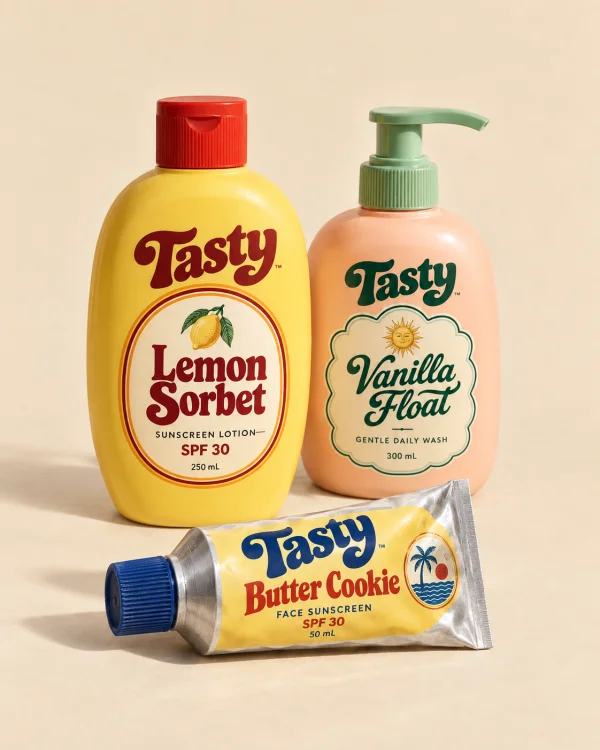
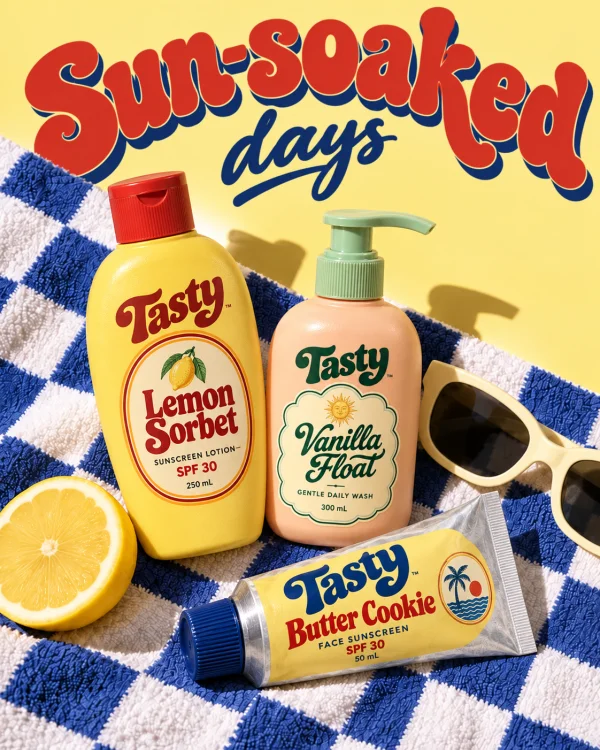
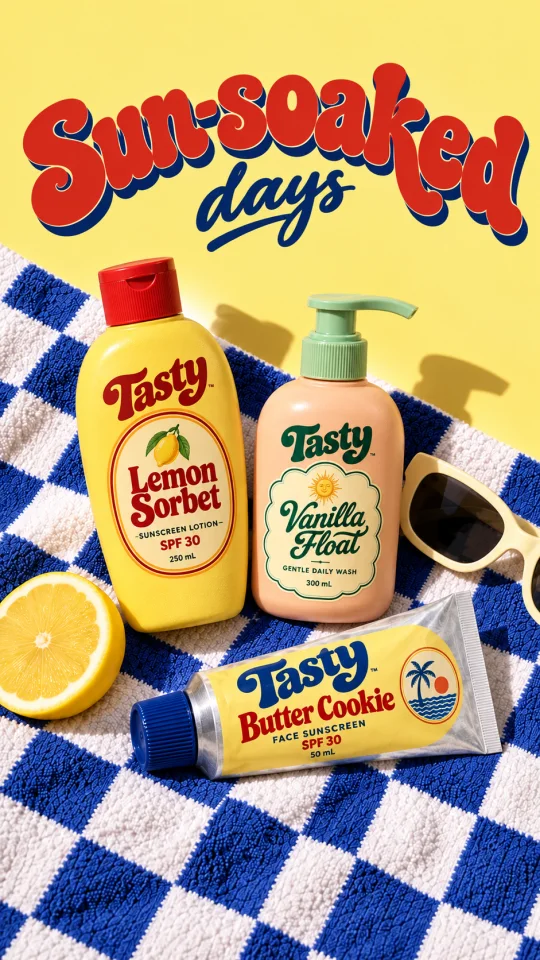
Summer sale creatives for Tasty.

Three directions on your board. Which one?
Sun-soaked daysSPF onSummer sale
Sun-soaked days.
Got it. Making it in every size.

Gavana
Brief your agent in plain words, choose a direction, then inspect and edit its work on the canvas. Your designer can keep working on the same board.
Higgsfield
Higgsfield also connects to agents through MCP and CLI. Its Canvas supports visual pipelines; compare how you want to move between the conversation and the board.
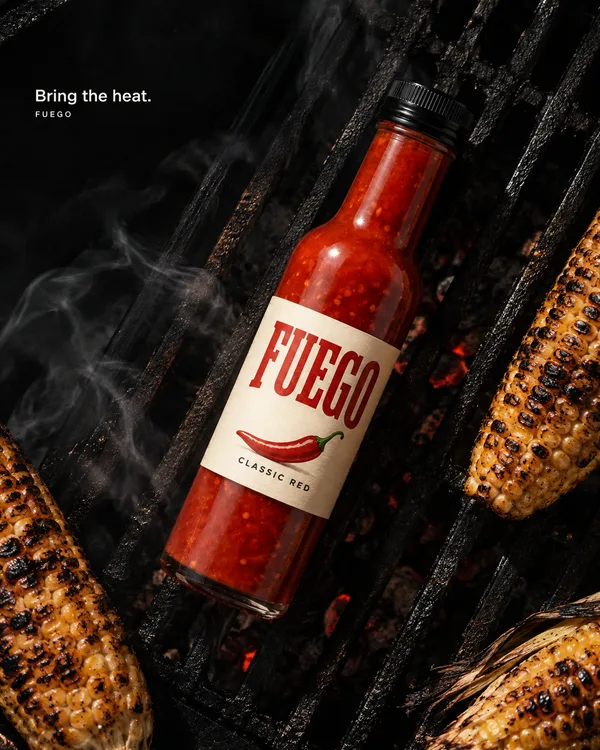
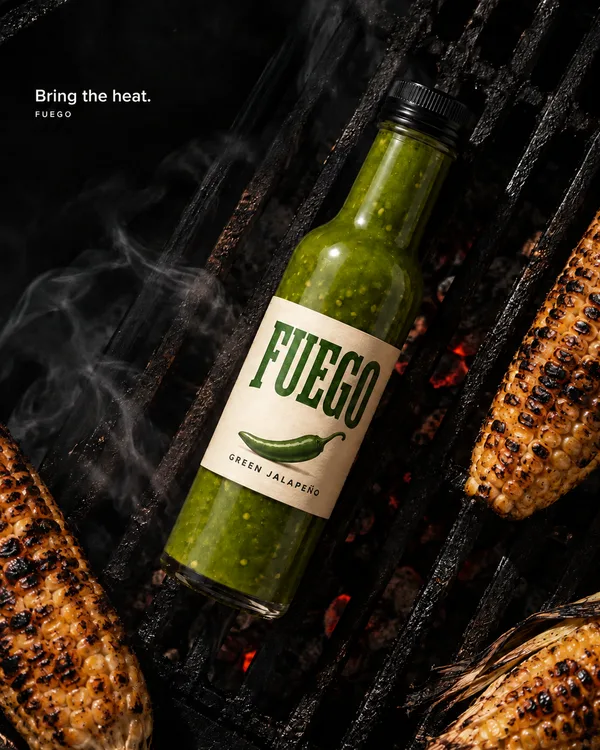
Gavana
Save the connected set that worked. Swap in the next product, review the new results and redo the pieces that need attention.
Higgsfield
Higgsfield Canvas also saves reusable workflow templates. Compare the steps for changing product inputs and reviewing the resulting set.
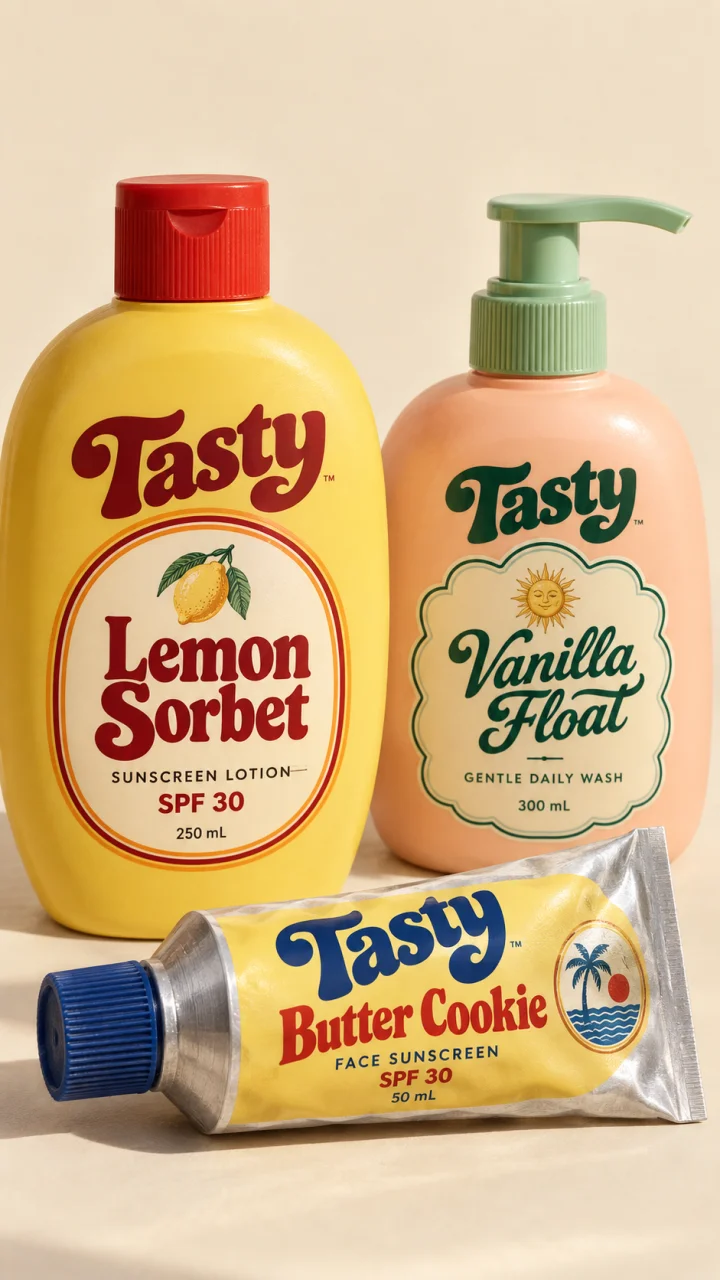 Gavana · Shopify
Replace this product image on your store?
Gavana
Use Replace on Shopify to update the product image you approve. Gavana keeps the original so Restore can put it back. A person confirms the store change.
Higgsfield
Higgsfield documents creating ads from product URLs and websites. A direct Shopify replacement-and-restore connection is not documented in the sources checked.
Price the work you actually make
A monthly plan and a per-run price describe different things. Compare the same model, number of outputs, resolution and retries before judging the total.
Start for free.
Start with the price displayed before pressing Generate. Public fixed tiers have not been announced. Use the quoted run price when planning your creative set.
Check a run with your product →Plans with generation credits.
Check the current plan, included models, credit allowance and billing term. Its MCP guide states that connected-agent generations use plan credits; check current offers and exceptions.
See current Higgsfield pricing →For a useful estimate, price a small set—such as four 4:5 images plus two additional attempts—using the same model and settings. We have not published a matched cost benchmark.
The details
Supported means the capability is documented or offered. Not supported describes Gavana’s current scope. Not documented means we could not confirm the equivalent in the linked sources; it does not mean the feature is absent.
| What to compare | Gavana | Higgsfield |
|---|---|---|
| Agents and review | ||
| Connect Claude or ChatGPT | SupportedConnected agents can create work in Gavana. | SupportedMCP connects external agents to image, video and audio generation. |
| Agent arranges the shared board | SupportedYour agent adds, arranges and connects cards on the canvas. | Not documentedMCP generation is documented. Agent-driven layout changes to its Canvas are not documented in these sources. |
| Review directions before generation | SupportedYour agent proposes directions and waits for your choice. | SupportedA documented Supercomputer workflow plans the work and executes after approval. |
| Products and repeat work | ||
| Reuse product references | SupportedSave product photos as Elements and reuse them in new creatives. | SupportedSaved Ads Studio products and Canvas reference nodes. |
| Import a Shopify catalog | SupportedBring in products and collections from your connected store. | Not documentedWebsite and product-URL import is documented; connected Shopify catalog sync is not documented. |
| Replace and restore Shopify images | SupportedYou confirm the replacement. The original is retained for Restore. | Not documentedDirect replacement and restoration of Shopify product images is not documented in the linked sources. |
| Save reusable workflows | SupportedSave a connected set as a template and swap its product input. | SupportedSave a Canvas workflow as a template for future projects. |
| Editing and collaboration | ||
| Edit a generated image | SupportedBrush edit lets you describe a change to the selected area. | SupportedImage editing is available through the platform and connected agents. |
| Place your own text and logo | SupportedAdd text and Overlay image place your wording and logo file on the canvas. | Not documentedEquivalent manual text and logo placement is not documented in the sources checked. Check the current editor for your needs. |
| Work together on a board | SupportedInvite editors and viewers to your canvas. | SupportedCanvas supports real-time collaboration, including a shared board. |
| Images and video | ||
| Generate product images and short clips | SupportedImage and video models are available on the same canvas. | SupportedImage and video generation is available across Canvas, studios and MCP. |
| Talking avatars and lip sync | Not supportedThese capabilities are not currently offered in Gavana. | SupportedAvatar-led formats and lip-sync tools are documented. |
| Cinematic camera controls | Not supportedDedicated cinematic camera controls are not currently offered in Gavana. | SupportedCinema Studio provides camera, lens and lighting controls. |
This comparison is published by Gavana for Shopify merchants making recurring product creatives. We reviewed the linked Higgsfield documentation on . We have not benchmarked output quality or cost across the two products. Features and plans can change.
Reviewer posts illustrate individual experiences. They do not establish typical results or that Gavana performs better.
Consider Gavana if your main job is recurring product creatives that you review on a canvas and put back on Shopify. Consider Higgsfield if cinematic camera controls, avatars or lip sync are central to the job. Both support agent connections and reusable workflows.
A product reference gives the model a starting point; it does not guarantee every label, logo or detail will remain exact. Review each result. In Gavana, redo the image or area that is off and place your original logo file with Overlay image when precision matters.
Yes. Gavana connects agents to work on its canvas. Higgsfield offers connected generation through MCP and other agent integrations. Read its MCP guide. Compare what each agent can do in your actual workflow.
The linked Higgsfield guide documents website and product-URL import. Those sources do not document connected Shopify catalog sync or direct product-image replacement and restoration. Gavana offers a Shopify connection and asks a person to confirm an image replacement. Documentation checked.
Gavana makes short clips alongside images on your canvas. It does not currently offer dedicated talking-avatar, lip-sync or cinematic camera-control tools. Higgsfield documents these video workflows. See its tools guide.
Upload exported images to a Gavana board and use them as references. Check that you have the rights to reuse the assets. Higgsfield credits, accounts and native templates do not transfer to Gavana.
Your designer can set the look, review outputs and edit the work. Gavana helps make variants and repeat a connected set for another product. Generated output still needs review.
Start with the same job: model, resolution, output count and expected retries. Gavana shows a run price before generation and has no announced fixed public plan grid. Check Higgsfield’s current plans and MCP credit rules. We have not published a matched cost benchmark.
Bring a product link and make your first creative set. Start free, or book a demo and work through it with us.