

For agent-first teams
Make creatives in your chat
with Gavana MCP.
Gavana works in Claude, ChatGPT, Codex and Cursor. Your agent starts every image from your saved product photo, and every result lands on your Gavana canvas.
Connect once, ask anytime
Copy the Gavana address
https://app.gavana.ai/mcpAdd it as a connector
In Claude, open Customize → Connectors, pick Add custom connector, name it Gavana, paste the address and click Add.
Add custom connectorSign in and ask
Click Connect, sign in to Gavana, then ask for what you need. Works in Claude on the web and the desktop app.
Start creating
Copy the Gavana address
https://app.gavana.ai/mcpAdd a custom MCP server
In ChatGPT plugins, click Add → Custom MCP server. Name it Gavana, paste the address, keep OAuth, tick the box and click Create as a plugin.
Open ChatGPT pluginsConnect and ask
ChatGPT asks to connect Gavana. Click Connect Gavana, then Connect on the Gavana page. Start a new chat and ask.
No custom option under Add? Turn on Developer mode in ChatGPT settings first. On Business, Enterprise and Edu, an admin turns it on.
Add Gavana in your terminal
claude mcp add --transport http --scope user gavana https://app.gavana.ai/mcpSign in
claude mcp login gavanaOr type /mcp in Claude Code and pick gavana. Click Connect on the Gavana page.
Ask from your project
“Make 3 launch creatives for the product in ./photos and put them on a new canvas.”
Add Gavana
codex mcp add gavana --url https://app.gavana.ai/mcpSign in
Codex opens the browser by itself. Click Connect on the Gavana page. If the browser didn’t open, run:
codex mcp login gavanaAsk in Codex
Ask in plain words. Codex calls Gavana, and the creatives land on your canvas.
Add Gavana in your terminal
grok mcp add --transport http gavana https://app.gavana.ai/mcpSign in
Grok opens the browser the first time it calls a Gavana tool. Sign in to Gavana and approve.
Ask in Grok
Ask in plain words in Grok Build. The creatives land on your Gavana canvas.
Add Gavana in your terminal
hermes mcp add gavana --url https://app.gavana.ai/mcp --auth oauthSign in
The browser opens by itself. Sign in to Gavana, then answer Y to turn on the tools.
Ask in Hermes
Start a new session or type /reload-mcp, then ask. The creatives land on your Gavana canvas.
Look, don’t touch: use https://app.gavana.ai/mcp/readonly instead, and your agent can read your canvases but can’t make anything or spend credits. Setting up from a terminal? gavana mcp install claude or gavana mcp install codex does it in one step with the Gavana CLI.
How it works
How your agent
gets it right
You ask in the chat you already use, and your agent calls Gavana. Every image starts from your saved product photo and lands on your canvas.
-
Ask in your chat
Tell your agent what you need, the way you’d brief a coworker. It calls Gavana for you.
- No prompt to write“Creatives for this week’s sale” is enough to start.
- Your product is already thereSaved once in Gavana, so you don’t upload photos in every new chat.
- Any agent, one canvasAsk in Claude today and Cursor tomorrow. It all lands in the same Gavana workspace.

Gavana · in your chat
got it! reading your ask
Reading (3) - productVino Rosso · saved in Gavana
- photoBottle, front · the reference
- canvasVino Rosso launch
Creatives for our Vino Rosso launch.
-
It makes them from your photo
Your agent sends the saved product photo as the reference, and up to four images come back from one request.
- Your photo, not a descriptionThe product photo goes in with every image.
- Up to four per requestDifferent ideas, or variations of one, in a single call.
- Your ask is the go-aheadIt makes what you asked for once, and asks before making it again.
Gavana · in your chat
On it. Three ideas, each from your bottle photo:
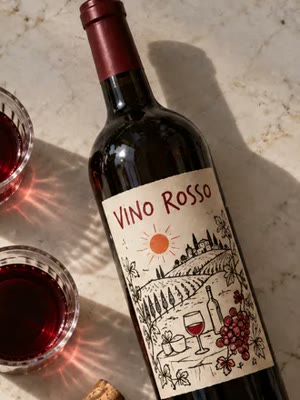
Your photo 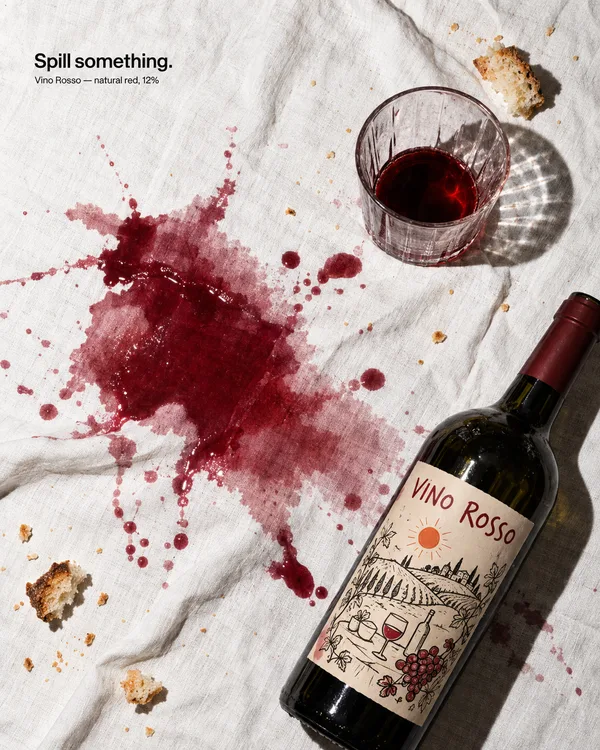

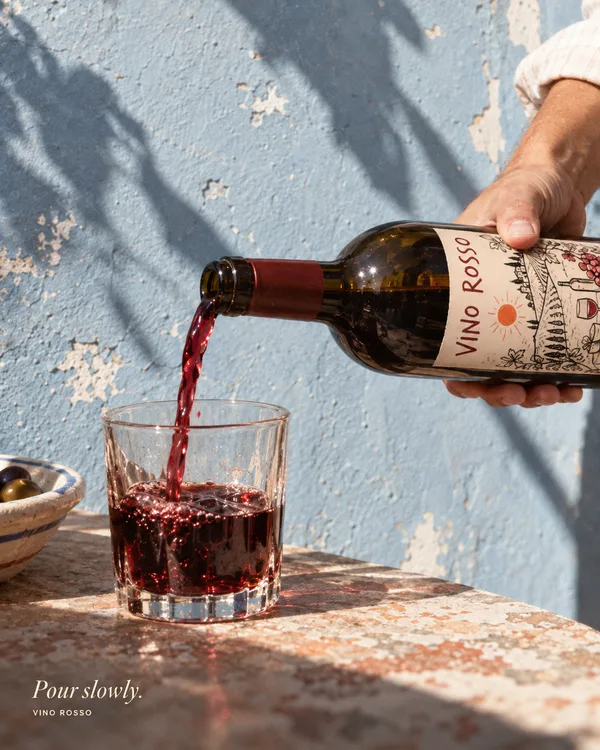
Three summer ideas, all different.
-
They land on your canvas
Every image is saved on a canvas your team can open, not somewhere up in the chat.
- Edit it thereAsk your agent to change an image, or open the canvas and change it yourself.
- On a canvas, not in a chatOpen it, share it and keep editing in Gavana.
- Run it again next weekAsk for the same workflow with the new product.
 Vino Rosso launchCanvas
Product photo Spill something Red, but chill Pour slowly Open the launch canvas.
Recipes
Hand off the whole job
One prompt, start to finish. Swap the [brackets] for yours, paste it in your agent, and the set lands on your canvas.
-
Ref hunt to photoshoot
PinterestMoodboardShoot4 options
“Find 10 Pinterest references for a [summer linen] shoot. Keep the 4 with the best light and styling, put them on a new Gavana canvas as a moodboard, then use Gavana to shoot [my product] in that look. Give me 4 options.”
-
Product page set
PhotosSaved product5 shots
“Use Gavana to save [these product photos] as our product, then make a 5-shot listing set: white packshot, detail close-up, in hand, lifestyle and a size shot.”
-
Resize for every channel
One ad1:14:59:1616:9
“Use Gavana to remake [the best ad on my Spring launch canvas] in 1:1, 4:5, 9:16 and 16:9. Keep the product and the headline whole in every size.”
-
Batch from a sheet
products.csvSame styleOne ad each
“For each product in [products.csv], use Gavana to make one 4:5 ad in the style of [my Spring launch canvas], and put them all on one new canvas.”
-
Weekly drop, on repeat
Spring canvasWorkflowNew product
“Use Gavana to turn [my Spring launch canvas] into a workflow called “Weekly drop”. When I send a new product, run it with that product.”
-
Still to motion
Best still5-second video9:16
“Use Gavana to turn [the image I liked most on my Spring launch canvas] into a 5-second 9:16 video with a slow push-in. Put it next to the still.”
Compare
Compared with images in a chat.
Your chat + Gavana
Images made inside a chat
Integrations
Works with the agent you already use
-
 Via ChatGPT
Ask for creatives in ChatGPT. Gavana makes them and puts them on your canvas.
-
 Via Claude
Add Gavana as a connector in Claude, then ask for a batch in plain words.
-
Via Claude Code
Make creatives from your terminal. Point it at a folder of product photos, and the set lands on your canvas.
-
 Via Grok Bot
Ask Grok for more like the creative you kept. It starts from your look.
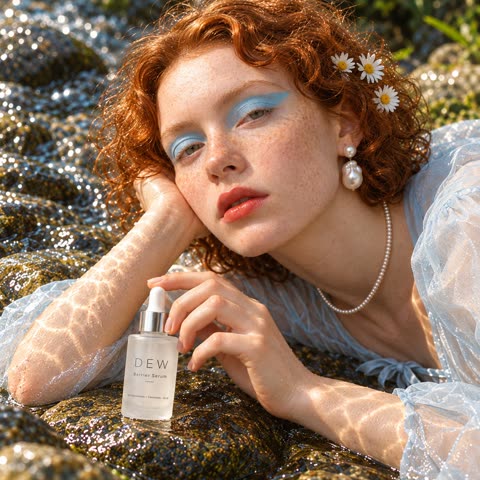
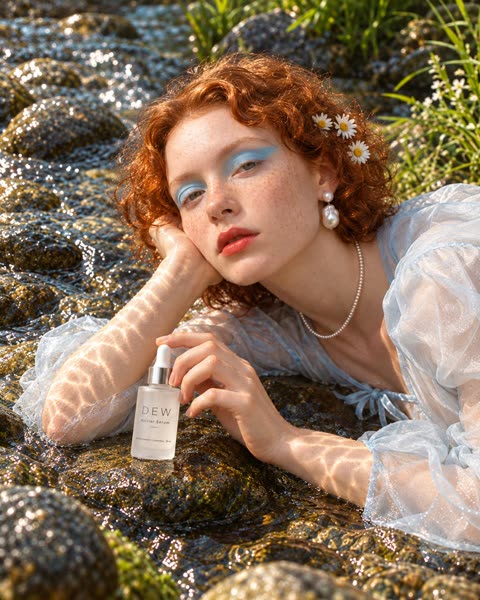
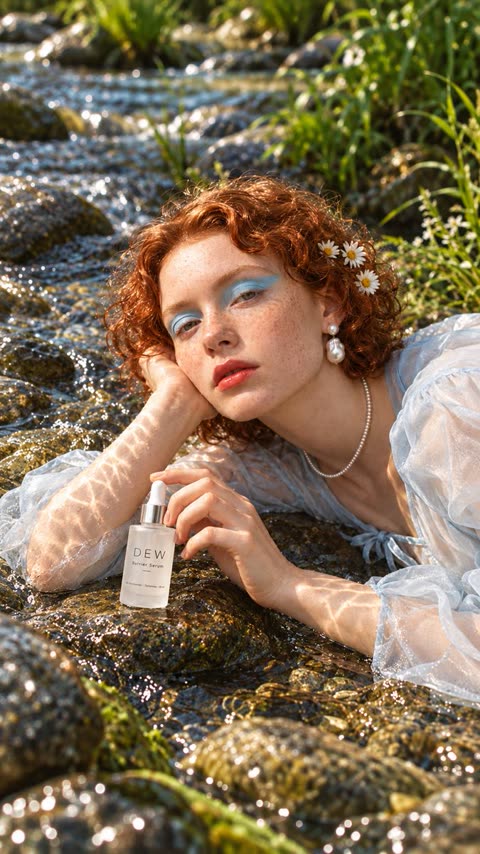
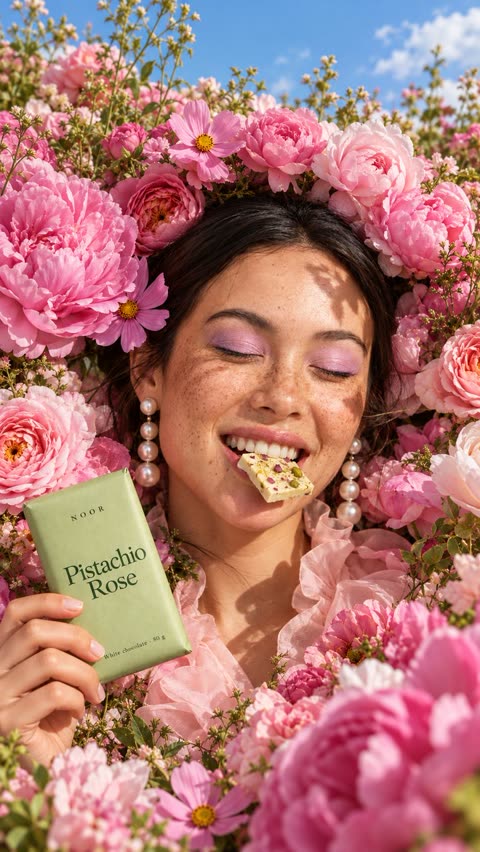
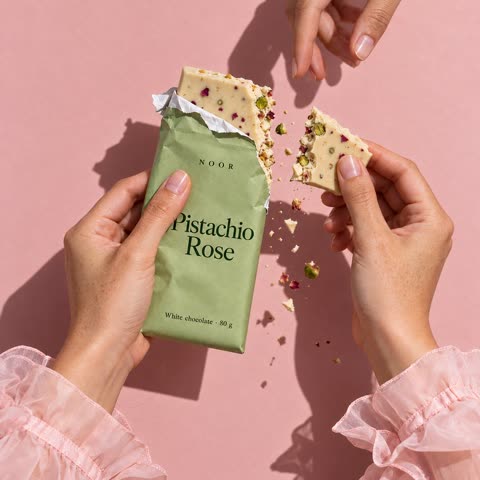

Every tool your agent can call38 tools on app.gavana.ai/mcp
Canvases
Find, open, create and arrange canvases.
canvas_listcanvas_getopen_canvascanvas_createcanvas_validatecanvas_apply_batchget_canvas_image
Plan first
Optional: three directions before anything paid runs, for agents that ask for them.
work_preparework_continuework_getwork_refreshwork_execute
Images
Product photoshoots and images, made right on the canvas.
generate_product_photoshoot_in_canvasgenerate_image_in_canvassave_image_to_canvasimport_product_reference_packget_image_runlist_image_runs
Videos
Pick a video model and turn an image into a clip.
find_video_modelsgenerate_videoget_video_job
Workflows
Save a canvas as a workflow and run it again.
create_canvas_workflowrun_canvas_workflowget_canvas_workflow_run
Elements
Your saved products, characters and other parts, in collections.
element_listelement_getelement_createelement_updateelement_archiveelement_restoreelement_historyelement_update_collectionselement_collection_listelement_collection_createelement_collection_updateelement_collection_delete
Guides
How-to notes your agent reads before it works.
guide_searchguide_get
FAQ
Frequently asked questions
What is MCP?
MCP (Model Context Protocol) is a standard way for an AI chat to use other apps. Connect Gavana once, and Claude, ChatGPT, Codex or Cursor can make images and videos on your Gavana canvas.
Which agents work with Gavana?
Claude (web and desktop), Claude Code, ChatGPT, Codex and Cursor. Other apps that support remote MCP servers can connect with the same address. Gavana also has its own agent on the canvas.
Do I need an API key?
No. The first time your agent calls Gavana, you sign in to your Gavana account in the browser.
Does it cost credits?
Reading canvases, planning directions and saving images don’t. Making images and videos uses credits from your Gavana plan, the same as in the app.
Where do the images go?
Onto a Gavana canvas: one you name, or a new one. Your team can open it, change a creative or run the set again.
Can an agent look without making anything?
Yes. Connect https://app.gavana.ai/mcp/readonly instead. Your agent can read your canvases but can’t make anything or spend credits.
Do I need to know how to prompt?
No. Say what you need in plain words. Gavana writes the prompt for you.
Bring your agent.
Start on your canvas.
Free to start. Connect Claude, ChatGPT, Codex or Cursor, or ask Gavana’s own agent.