

Food
New flavour visuals ready by launch day,
true to the pack and the portion.
Gavana builds the whole launch set around one real shot of your pack. Every flavour, market and season goes live on time, not after.
The problem
Launch day comes before the visuals,
and prompts rewrite the label and glaze the food.
The flavour is ready to sell,
but its shoot is weeks away.
Every flavour, market and season needs its own shoot booked, styled and shot, so the first weeks sell on a plain pack shot.
So you prompt it instead, and
the label gets new letters.
At a glance it’s your pack. Up close, 500 ml reads 50O ml and the small print blurs into a label you don’t sell.
Ask for a tastier shot, and the
food comes back glazed.
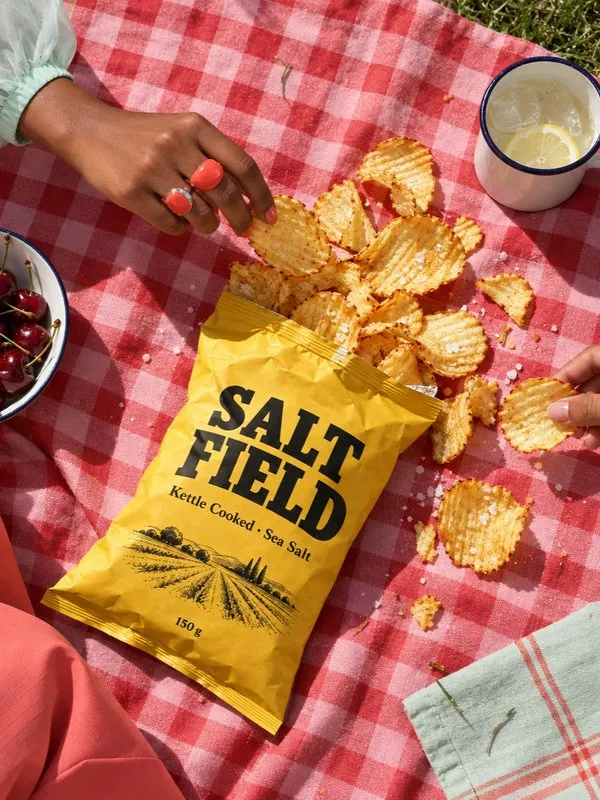
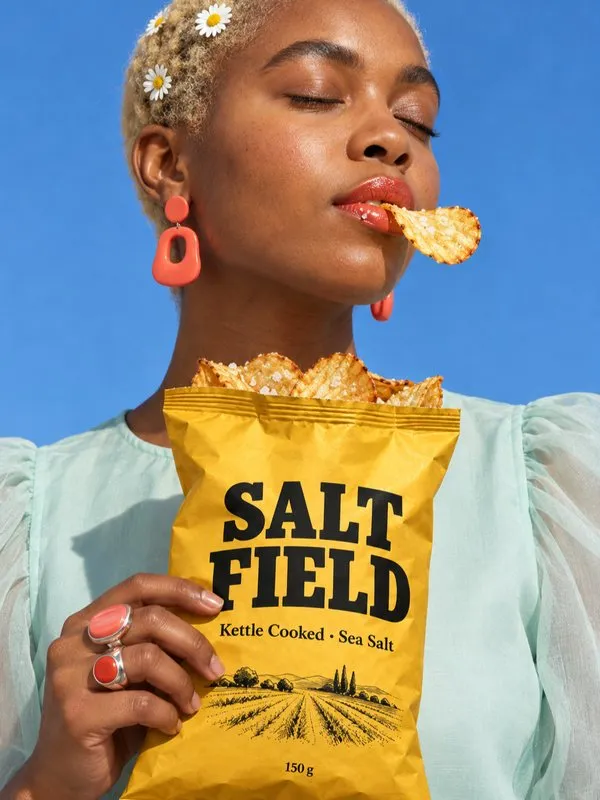
The salt disappears, every crisp takes the same shape and the bag looks fuller than it is, so shoppers wonder what else you’ve faked.
- Late visuals
- Rewritten label
- Glazed food
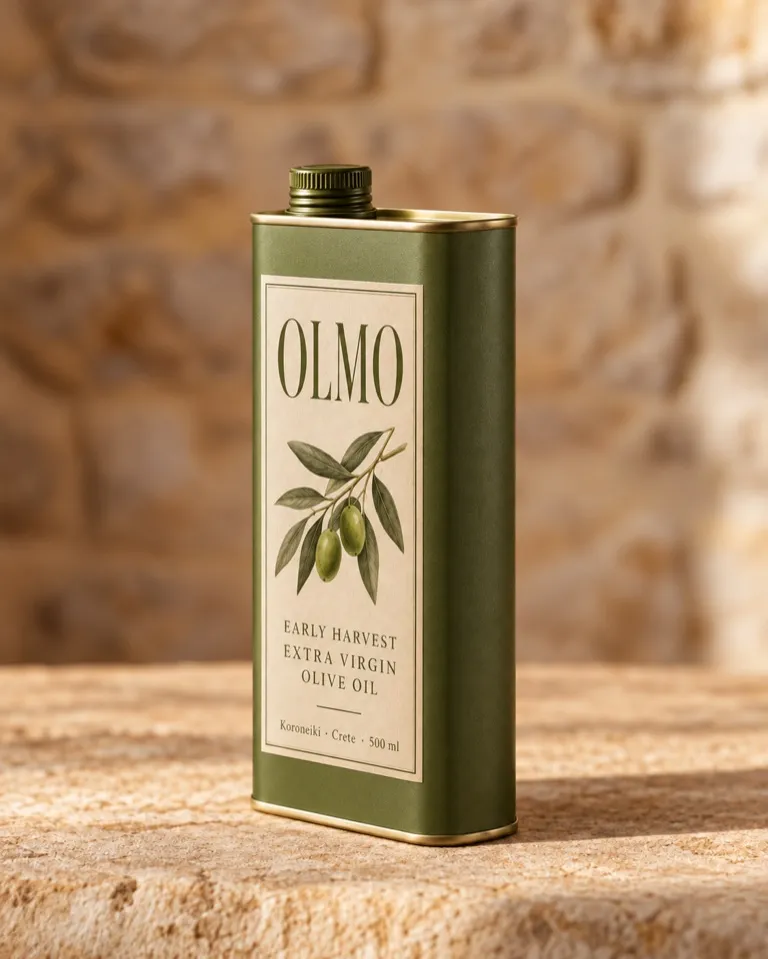
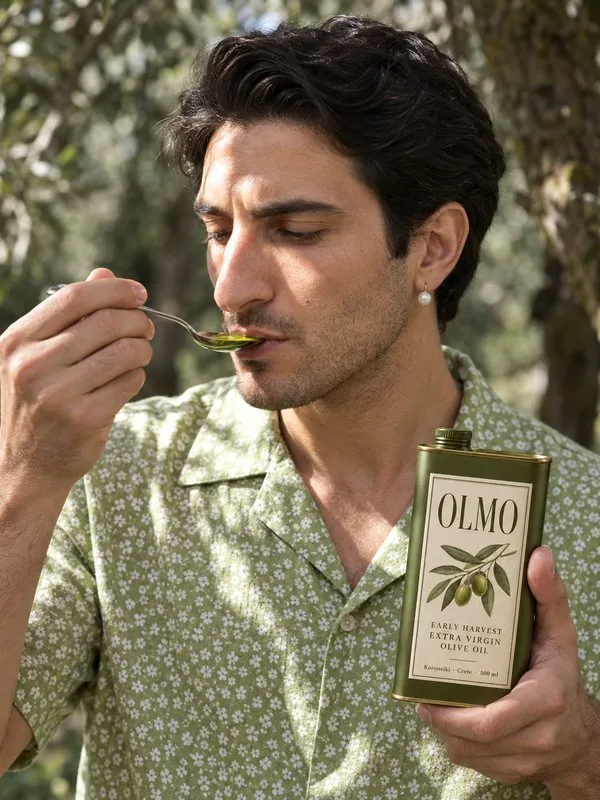
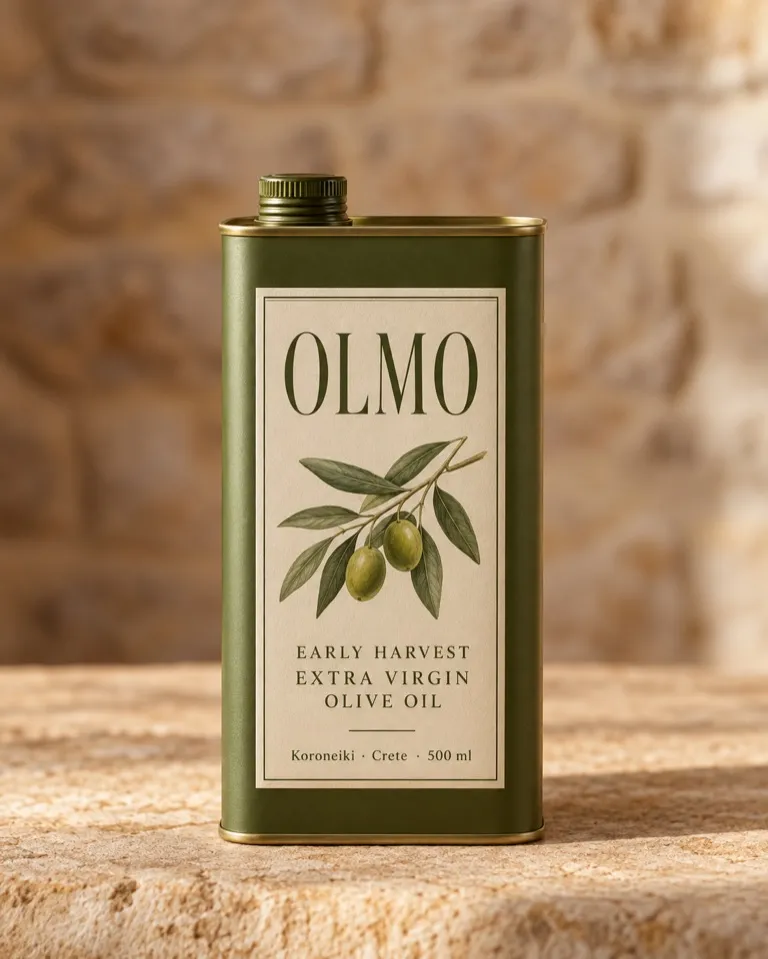
 “500 ml”, as printed
Your photo
 From a prompt
Reads “50O ml”
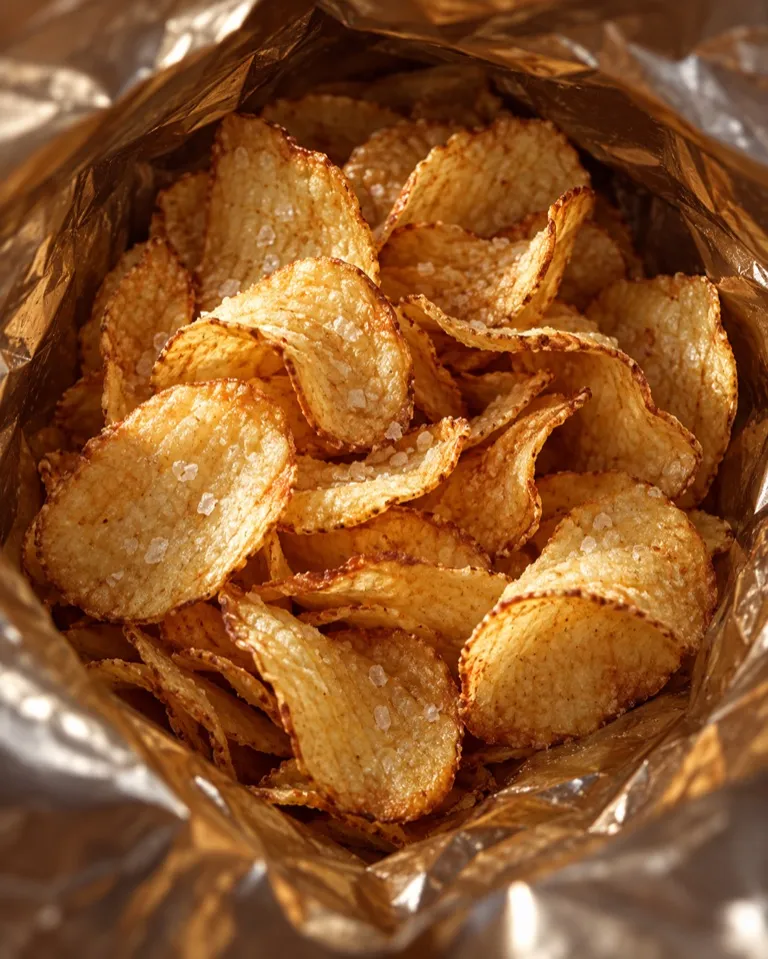 Your photo
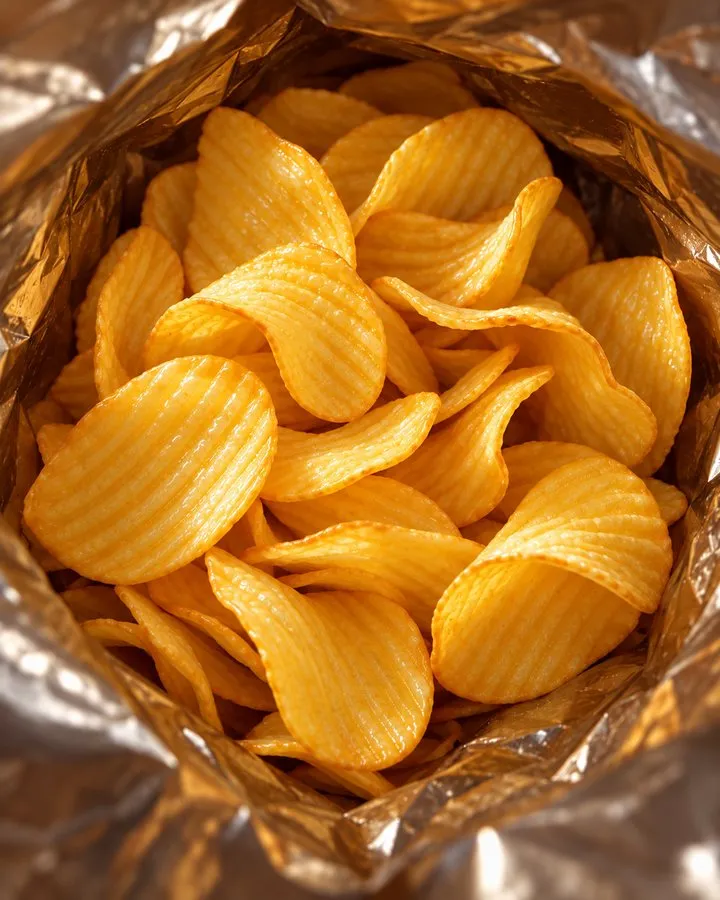 From a prompt
- Waxy shine
- No salt
- Same crisp, copied

One shoot day, two or three setups
$0“$2k for the whole day with 2-3 setups” from a garnish importer on reddit.com
How Gavana fixes it
Every flavour on time for launch,
the label and the food untouched.
Gavana keeps your real pack, label and portion and builds every scene around them, so each flavour is ready for launch. Big brands already work this way, in hours instead of weeks.
-
Each new flavour is ready the day it launches.
Import your products from Shopify, add the new flavour’s pack, and it lands in the scenes and look you’ve already approved.
- Straight from ShopifyImport your products with their packs and flavours.
- One approved lookEvery flavour gets the same scene, light and props.
- Every formatPosts, stories, banners and reels from the same set.
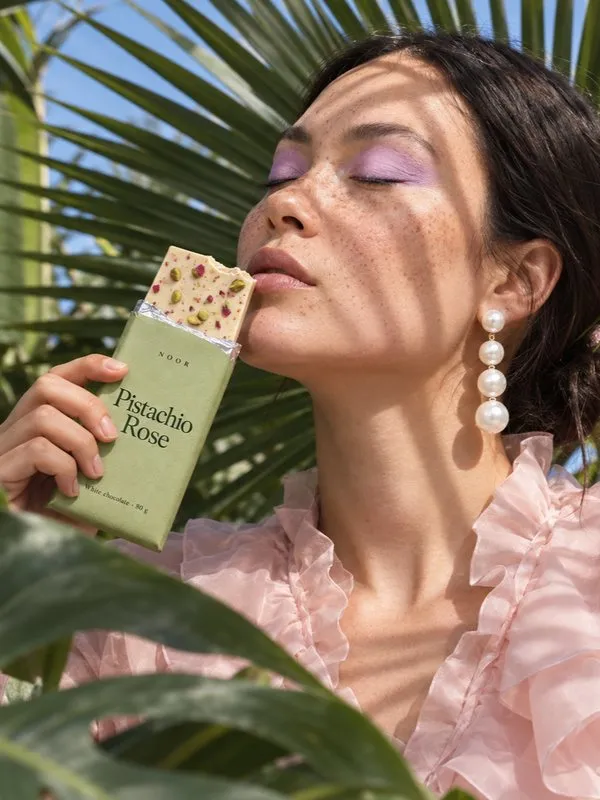
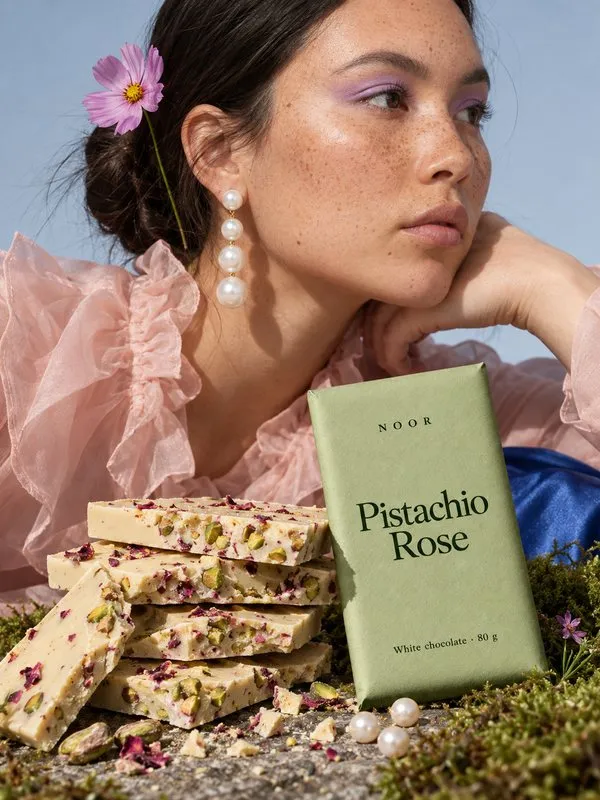
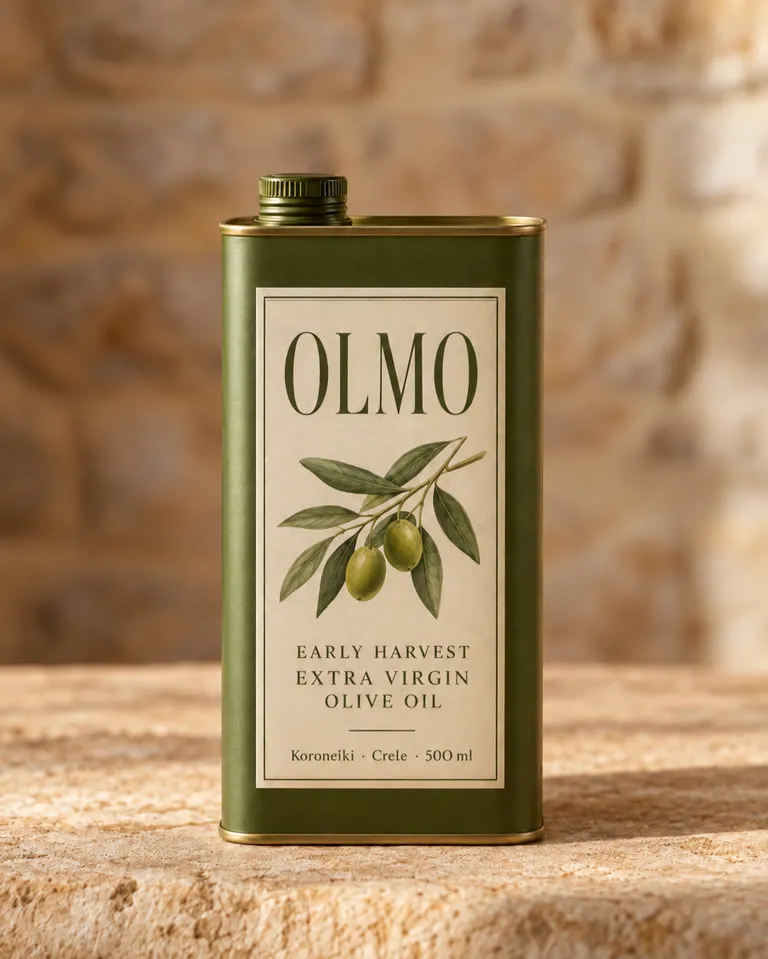
YouPistachio Rose 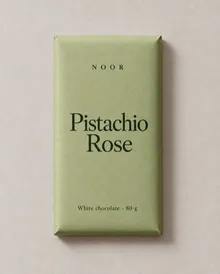
Image Generation
0 / 16 refs Nano Banana 2Auto ratio2K
Image 1 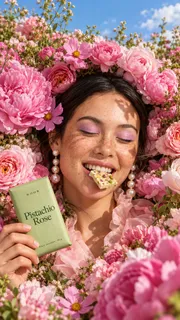
Image 2 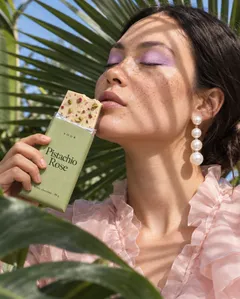
Image 3 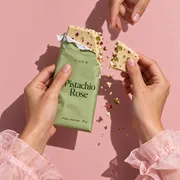
Image 4 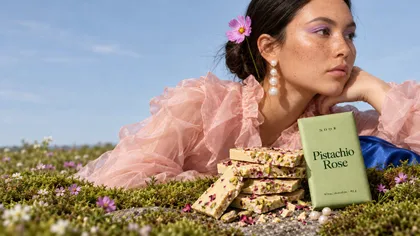
-
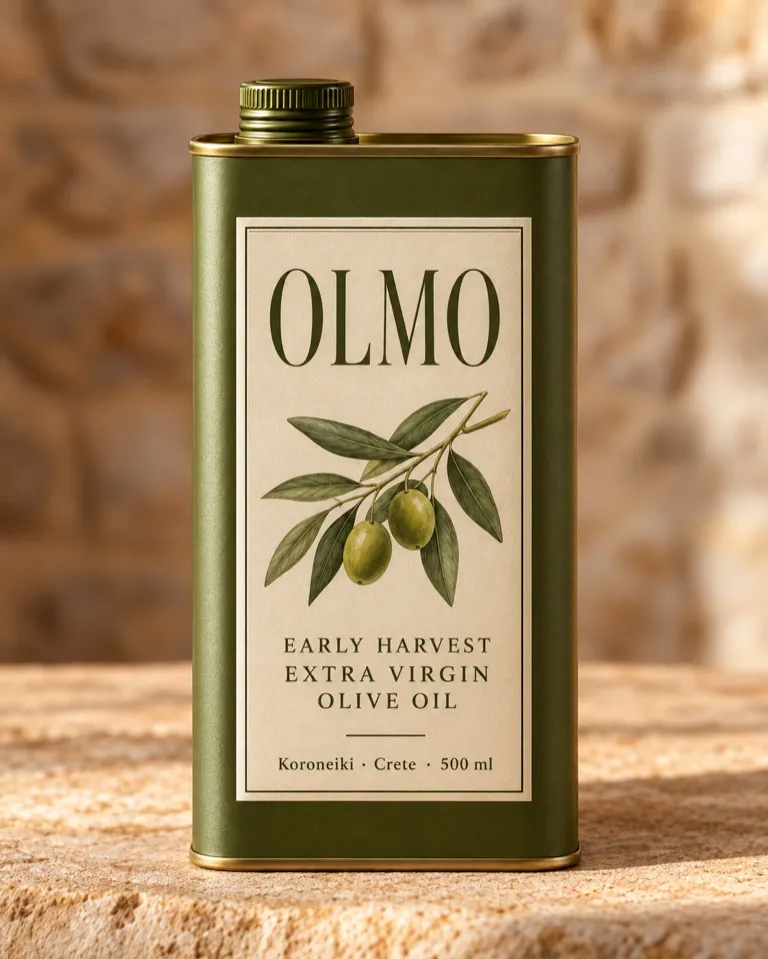
The label keeps every letter, down
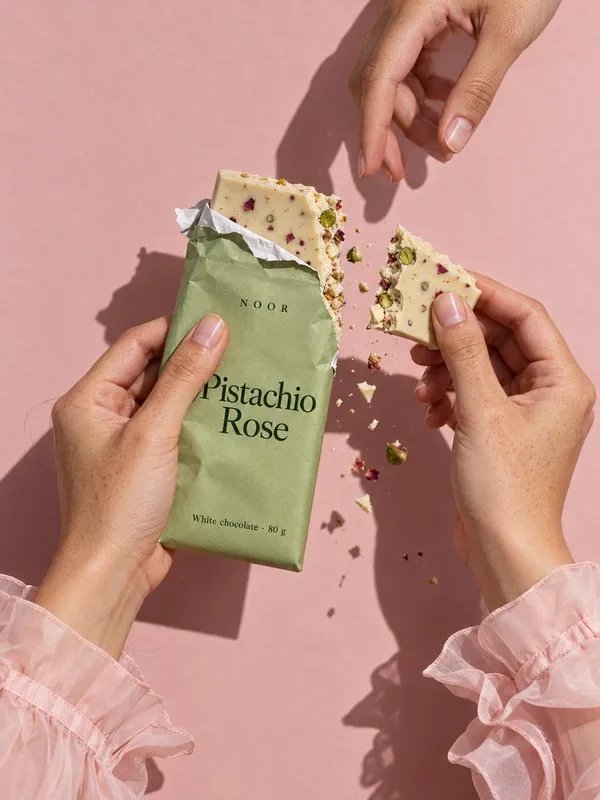
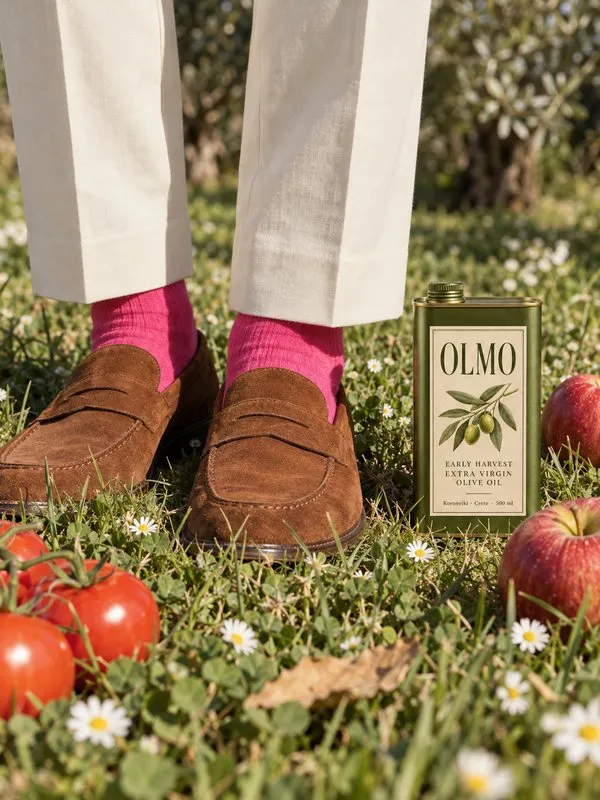
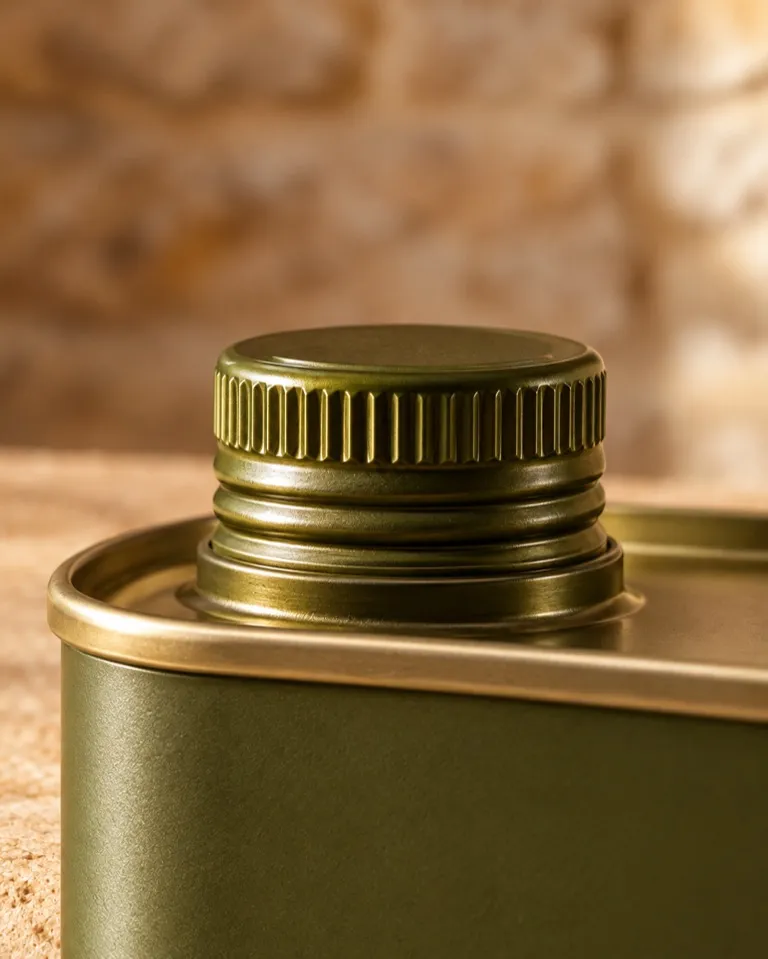
to the small print.Gavana carries the pack over from your own shot, so the name, the 500 ml and the small print read exactly as printed.
- Every letter on the labelFlavour name, logo and small print carry over from your photo.
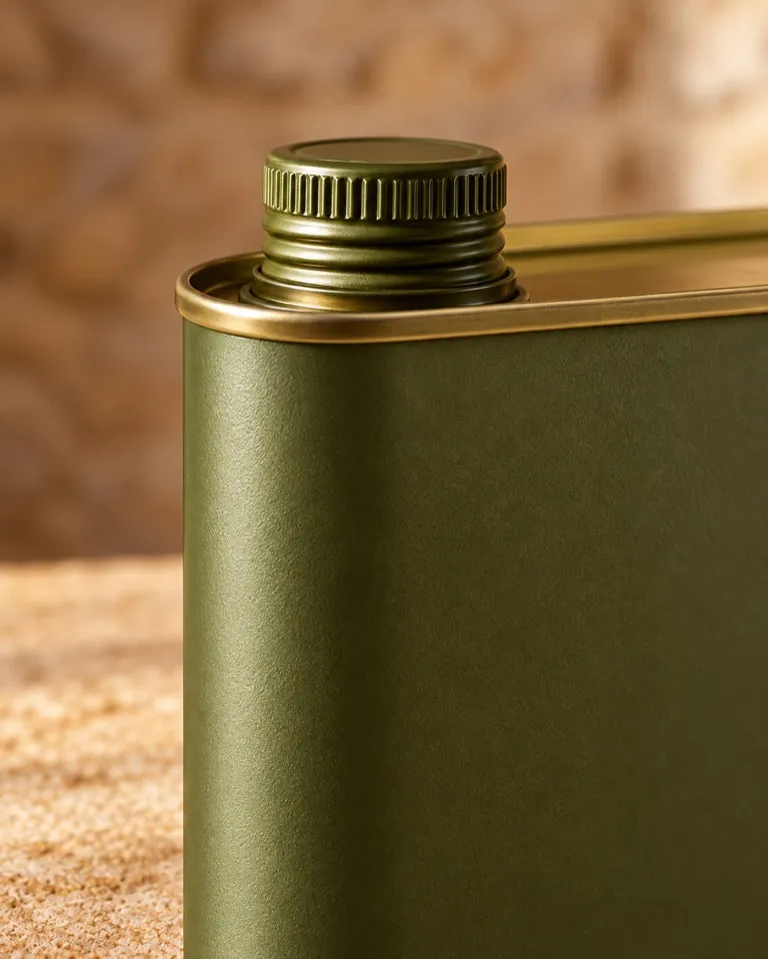
- The same packBag, jar, bottle and cap stay as they are.
- Sharp up closeThe volume and the ingredients hold at full zoom.
Same pack
-
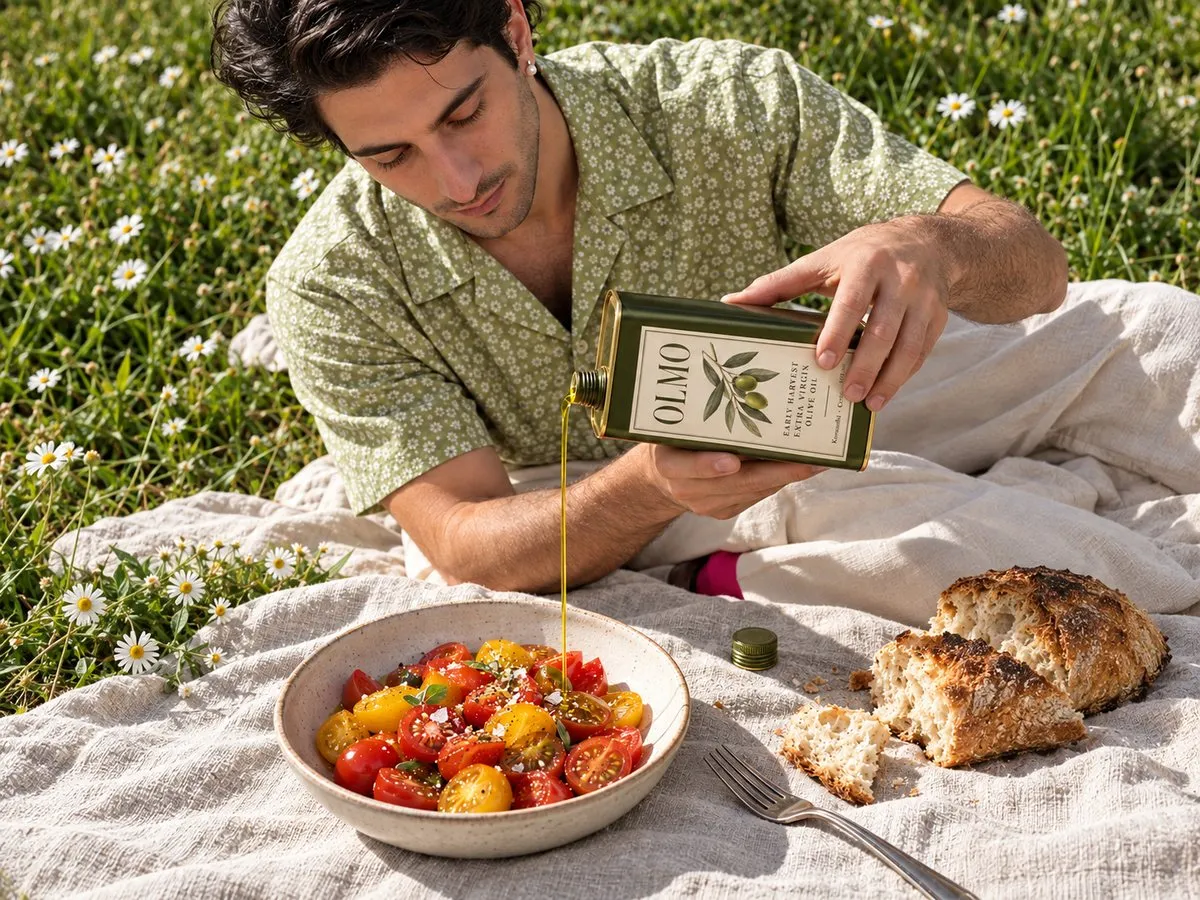
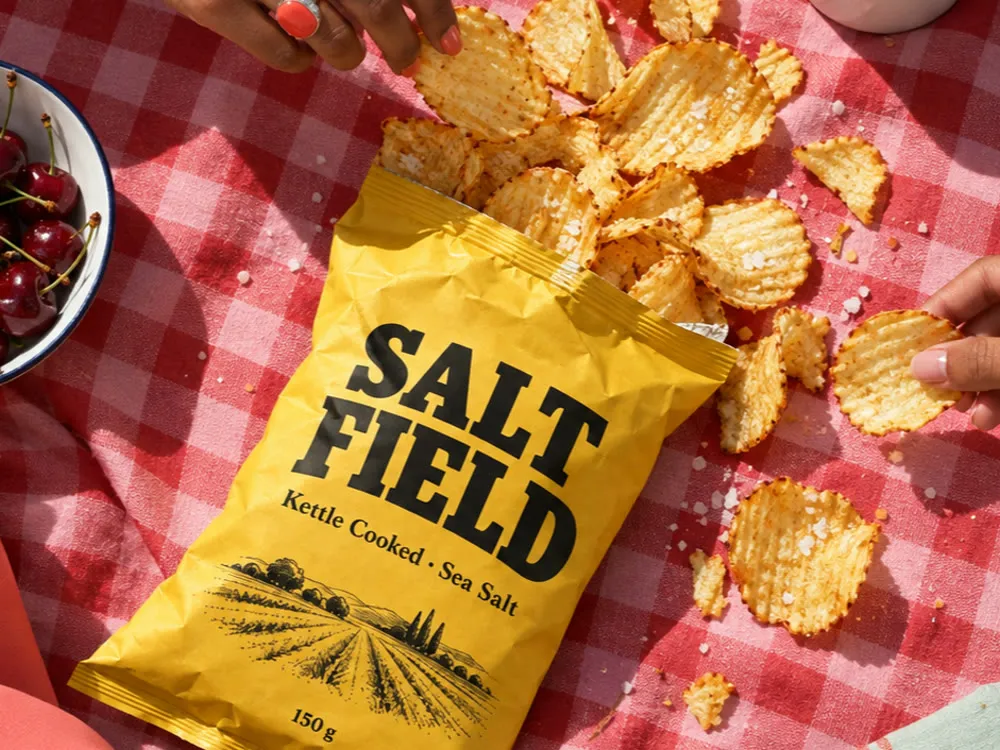
The salt, the shape and the portion
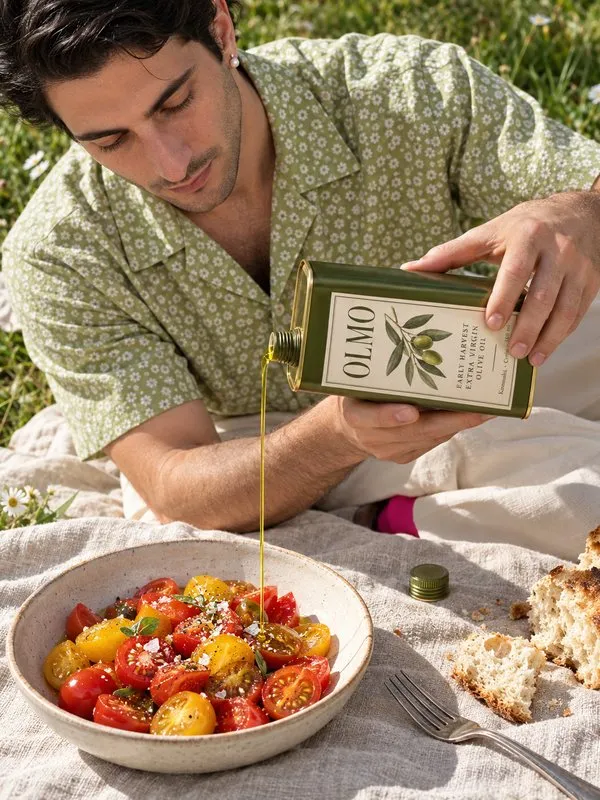
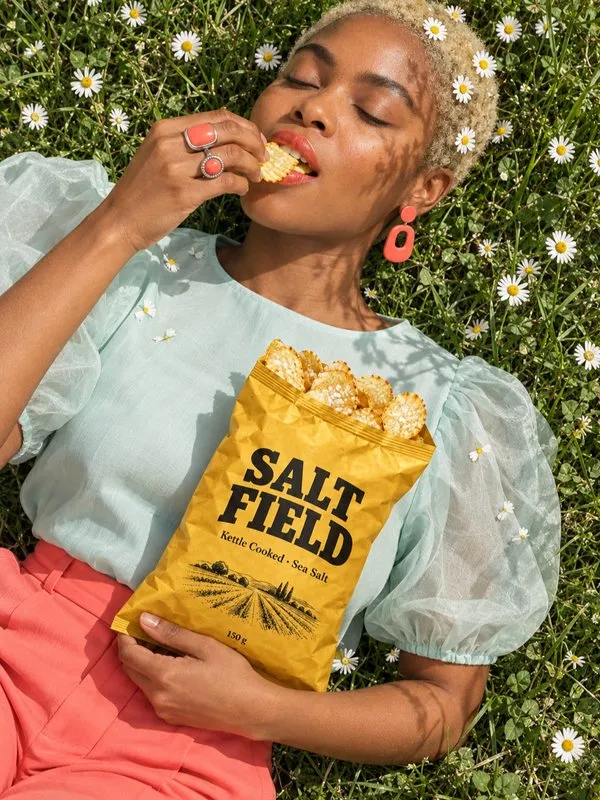
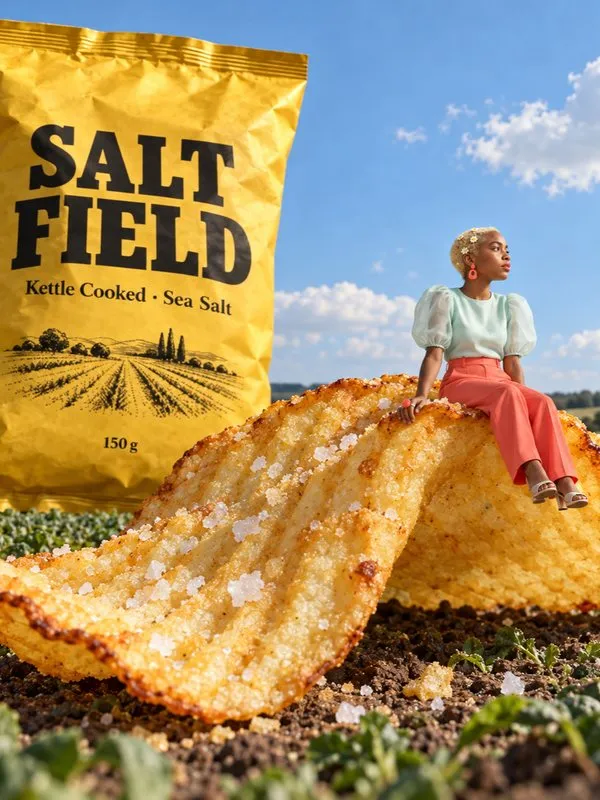
stay as you shot them.The food keeps its grain, oil and small flaws, with no gloss or yellow cast, and the bag never looks fuller than it is.
- Real textureCrumbs, seeds and drips stay as photographed.
- True colourNo warm yellow filter or plastic shine.
- Portion untouchedNo bigger servings, extra toppings or cloned items.
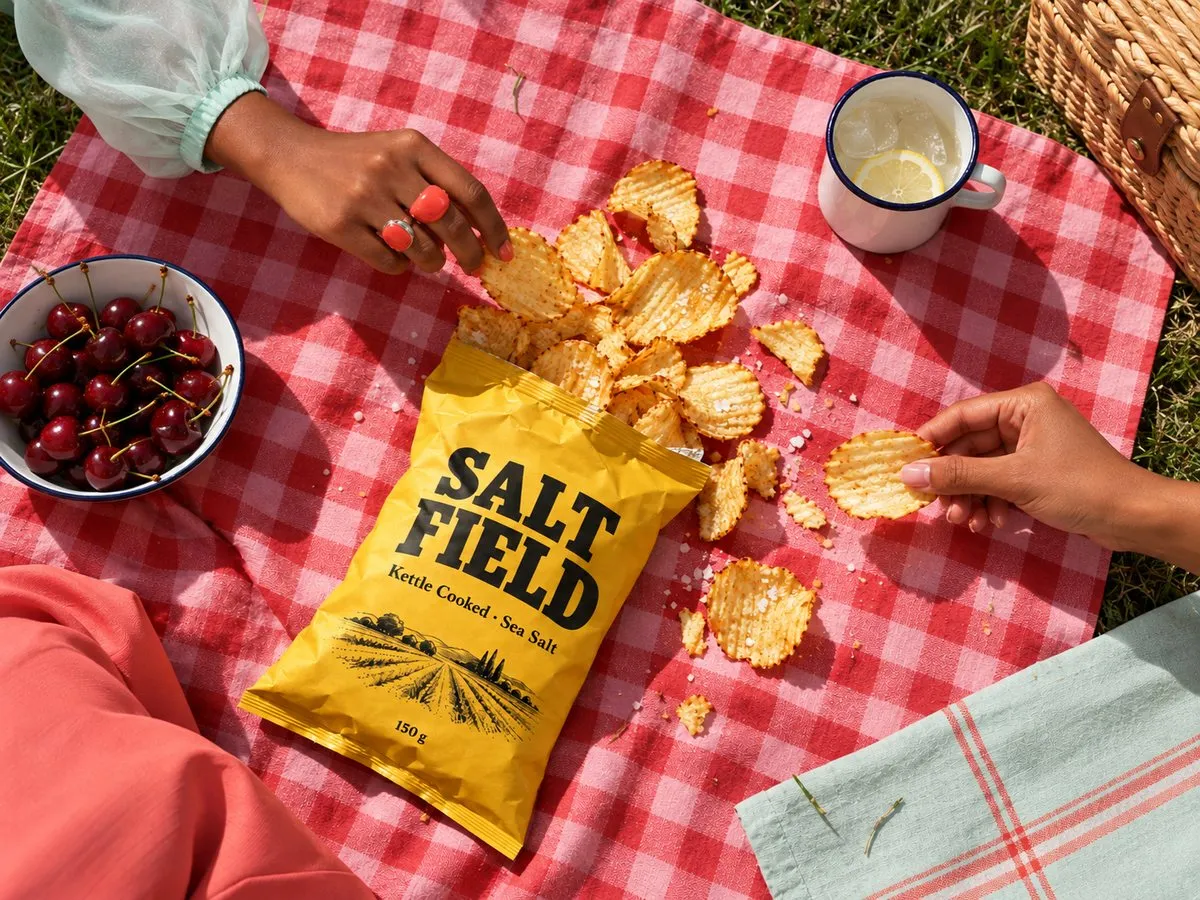
Real food
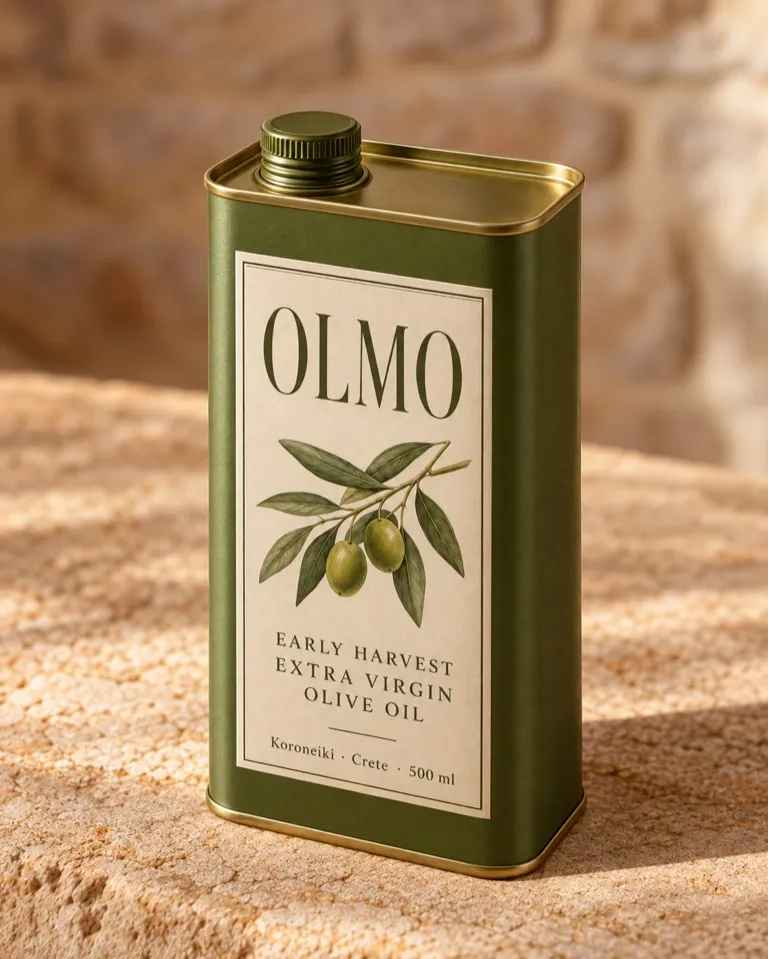

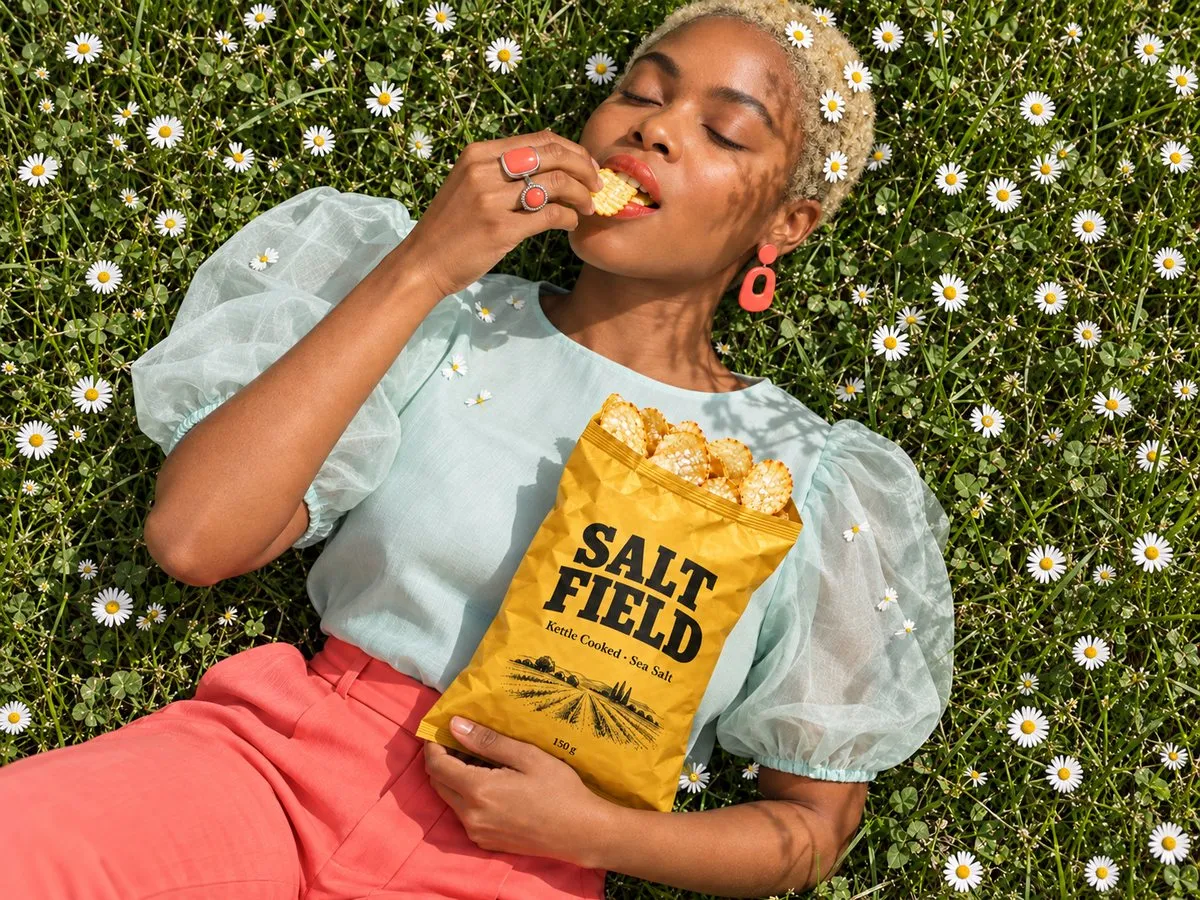
Templates
What brands do with Gavana
-
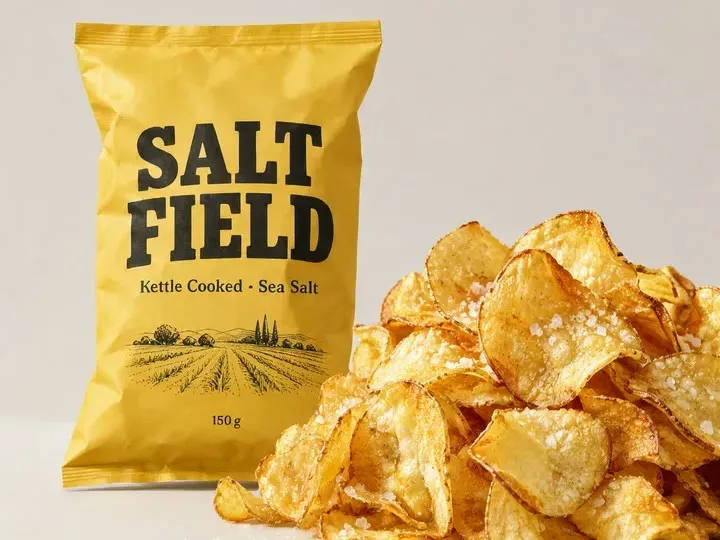
 A hero shot for every pack
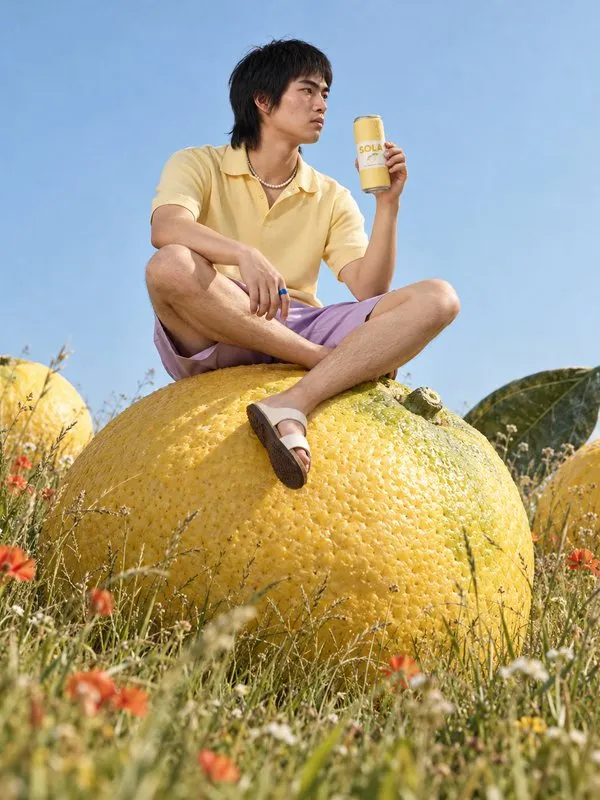
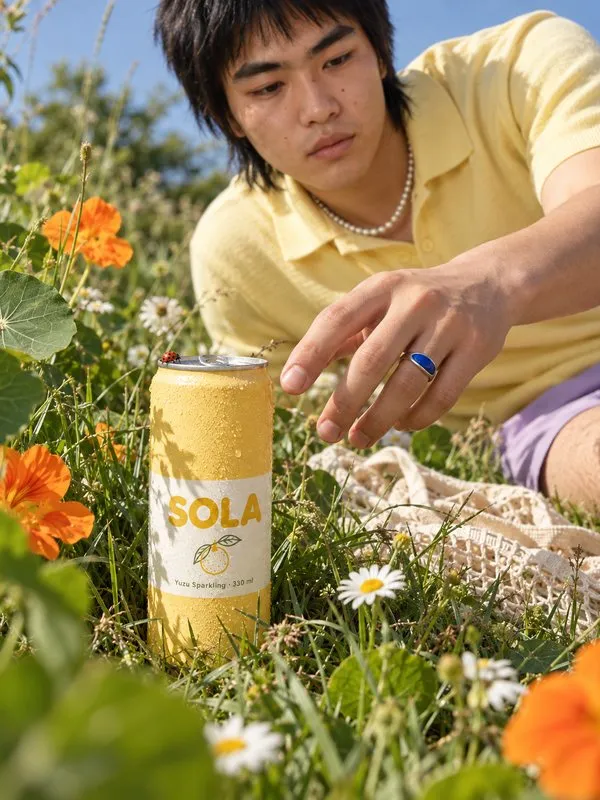
Put each can, bag or jar on a colour, a counter or white, with the label facing out.
 Packshots
-
 Show what’s inside
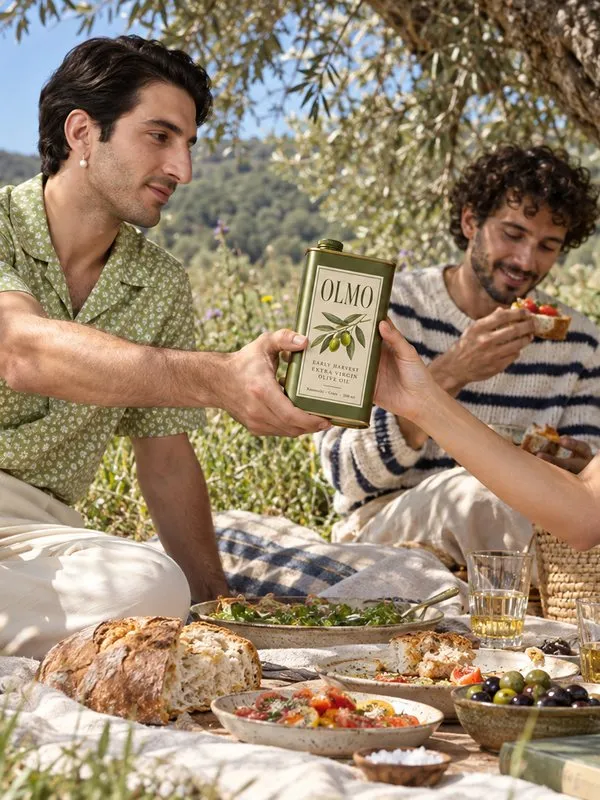
Surround the pack with the ingredients on its label, so shoppers can almost taste it.
Ingredients
-
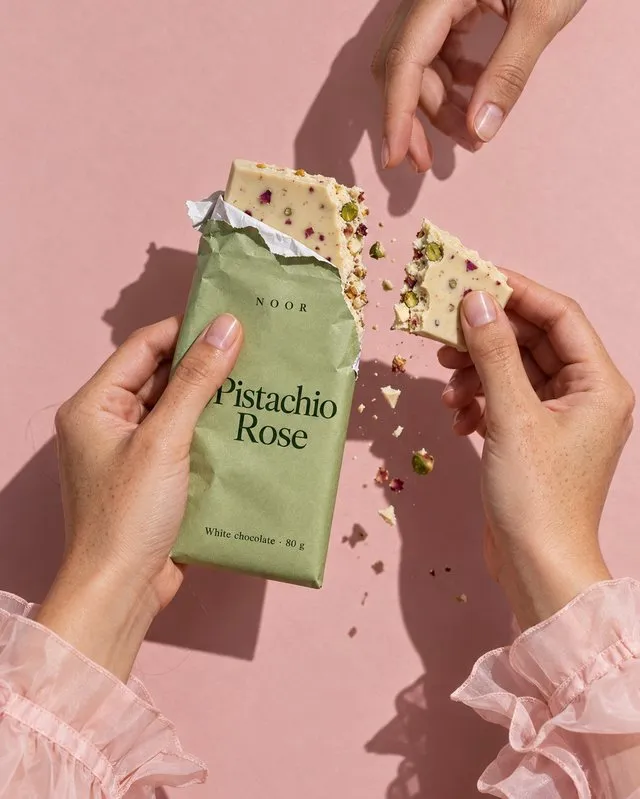 Launch the new flavour
Make the teaser, the hero and the lineup in the same look as your last launch.
Flavour drops
-
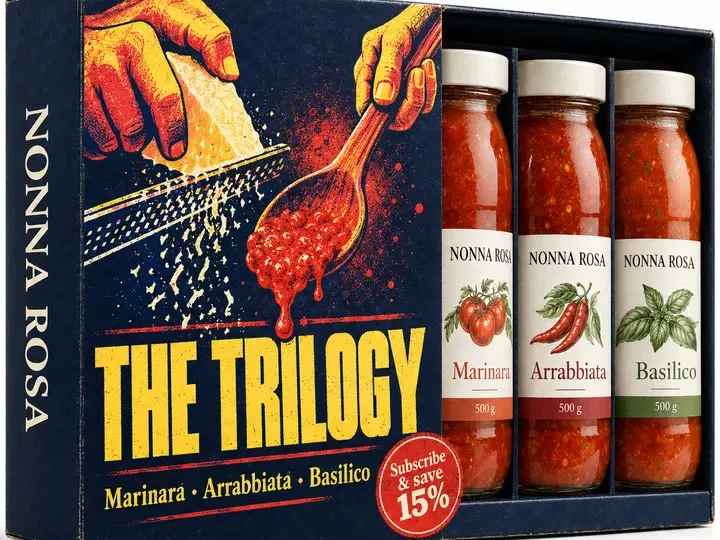 Sell the bundle
Show the exact multipack or subscribe-and-save offer, with every label as printed.
Bundles
-
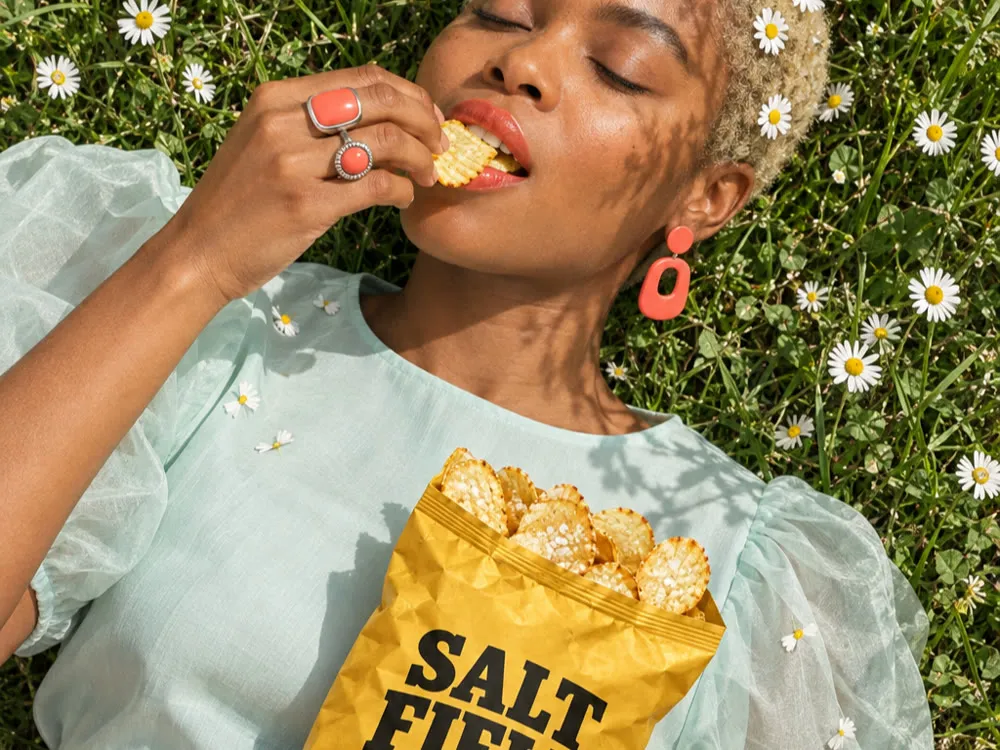 Photos that look taken, not made
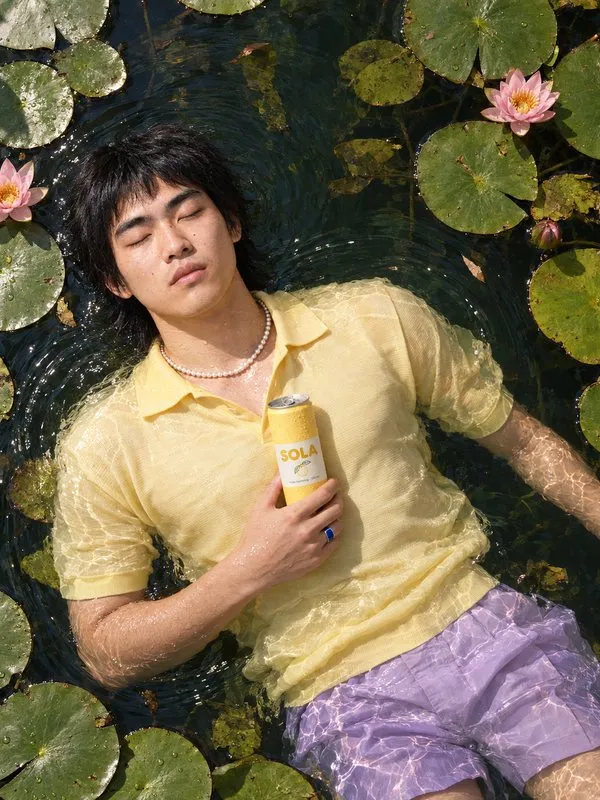
Get phone-style shots in daylight or with flash, without the glossy AI finish.
Real look
-
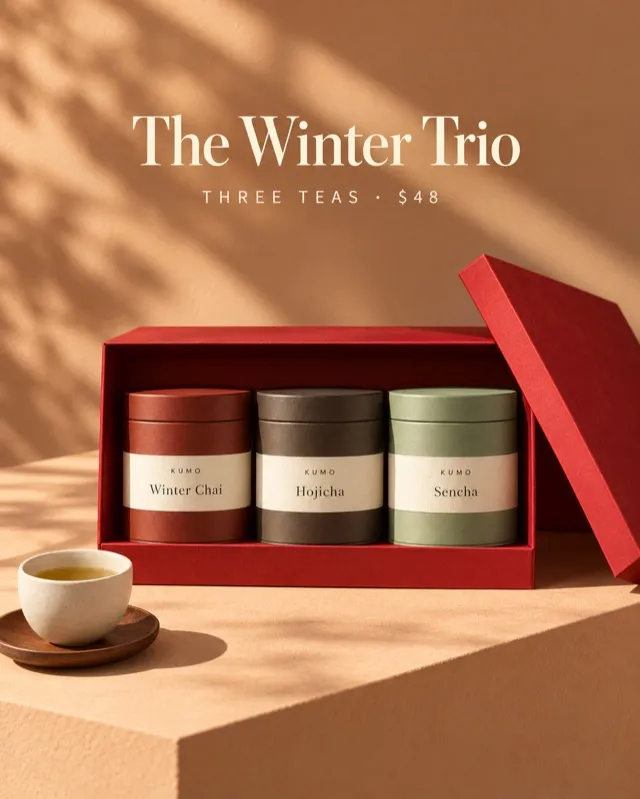 Gift boxes for the holidays
Pack your real products into a gift box, from the closed lid to the unboxing.
Gifting
FAQ
Straight answers.
Will my label really stay the same?
Gavana works from your own pack photo, not a description, so the logo, flavour name and small print carry over. Zoom in before you publish, as you would with any shoot. If one detail is off, fix that one spot and the rest of the shot stays as it was.
Will it make up food or ingredients?
It shouldn’t, and you stay in control of it. Use your own photo for any food shown out of the pack, and ask for props from your ingredient list. If you don’t have a dish photo, show the pack with its raw ingredients instead of a finished dish.
Will it look like AI?
It aims not to. Gavana keeps your real pack and food and builds soft, natural light around them, without the heavy gloss that shoppers spot first.
Can it handle cans, glass bottles and shiny pouches?
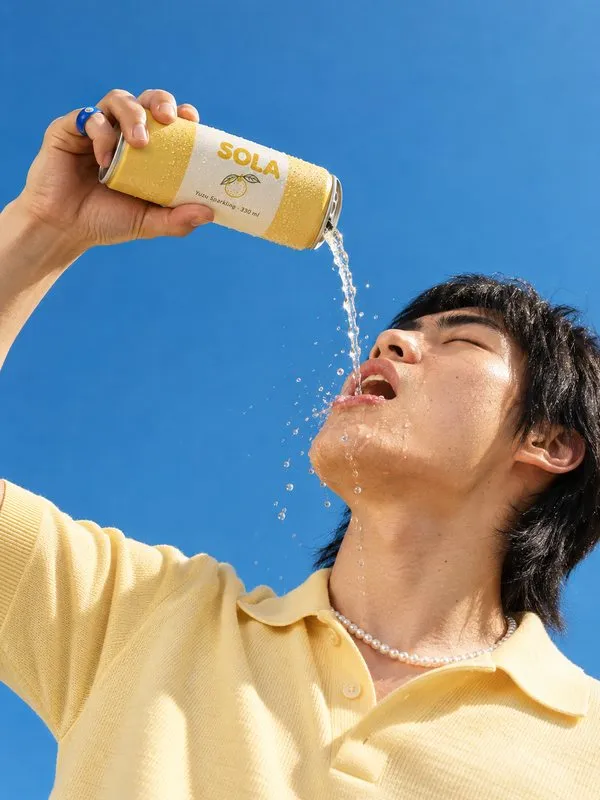
Yes. Start from a sharp front-of-pack photo. You can add condensation, ice or a splash around the pack, and if anything covers the label, fix that one spot.
What do I need to start?
One front-of-pack photo per product; a phone photo in daylight works. Add a real photo of the food out of the pack if you want close-ups or serving scenes. You can import your products straight from Shopify.
Which sizes can I export?
1:1, 4:5, 9:16 and banner sizes, plus a white-background main image, all from the same approved shot.
Can my agent run it for every new flavour?
Yes. Ask from Claude, Codex, ChatGPT or Cursor, or in Gavana itself. Your agent works from your saved products and brand, reruns the set for each new flavour, and you pick what goes live.
Shoot your next flavour today.
It’s free to start. Add one pack photo and get the hero, the ingredient shot and the launch post in one set.