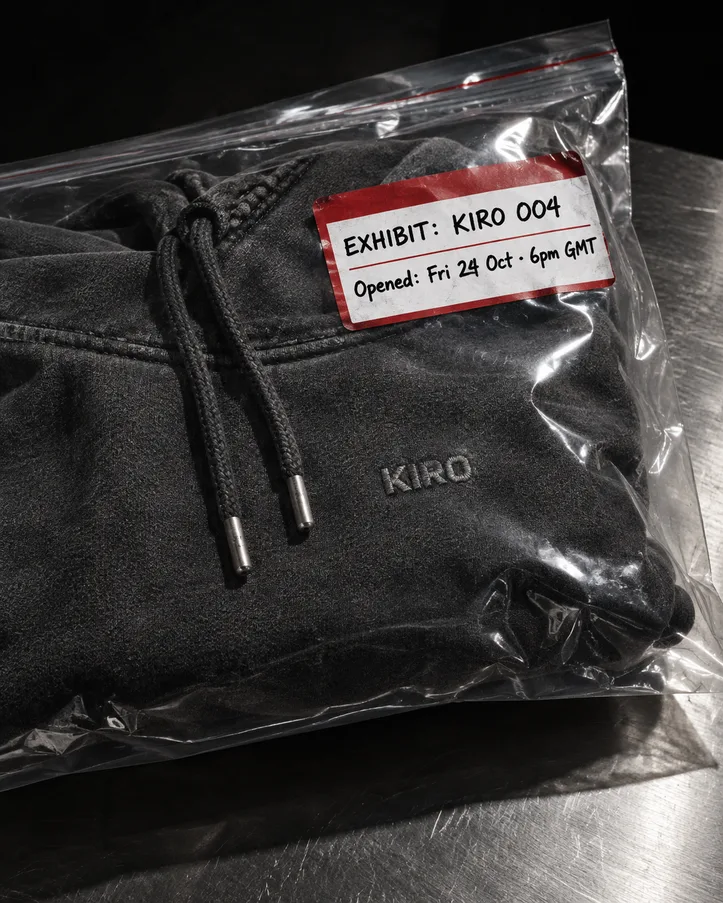
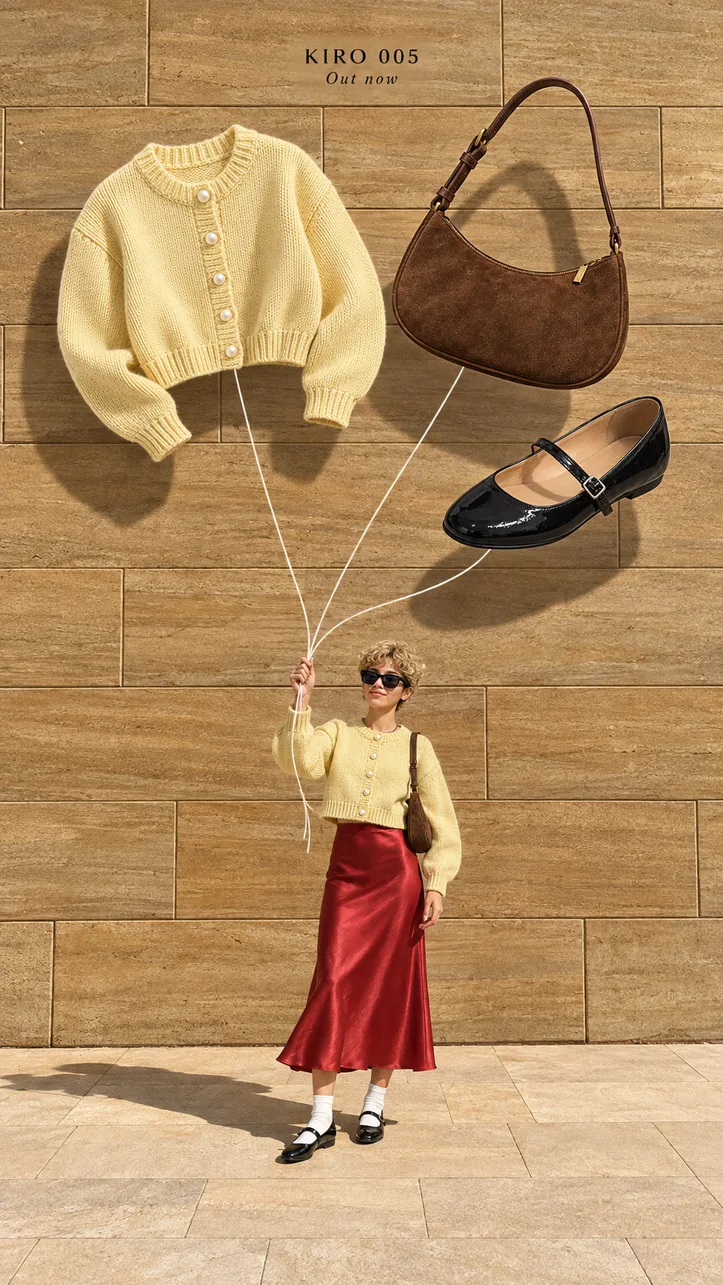
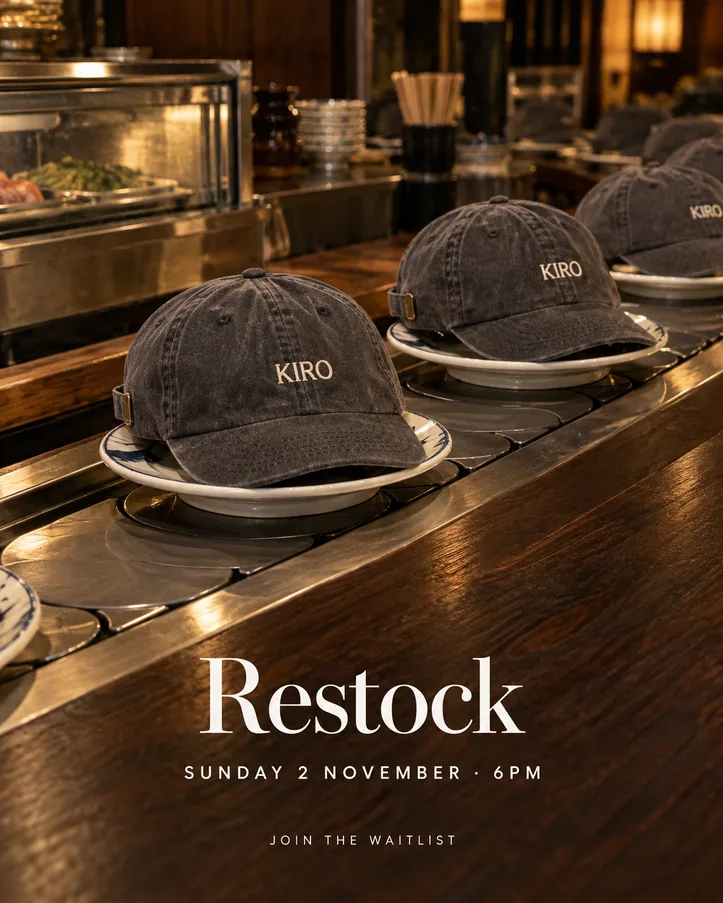
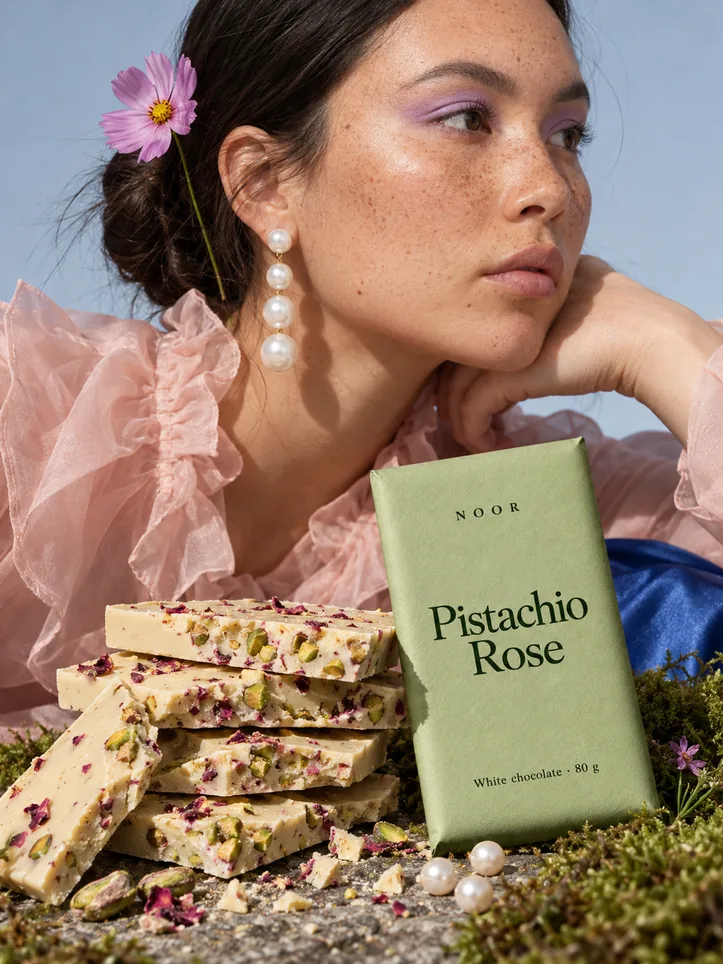
Launch
Same campaign, new product
Run your last launch’s creatives again on the product you’re releasing next.
Every launch starts from zero, and the new set never quite matches the last one. Your feed stops looking like one brand.
- You put in
- Product photo, flavour or variant, its colour
- You get
- 4 creatives
- Sizes
- 4:5
- Works for
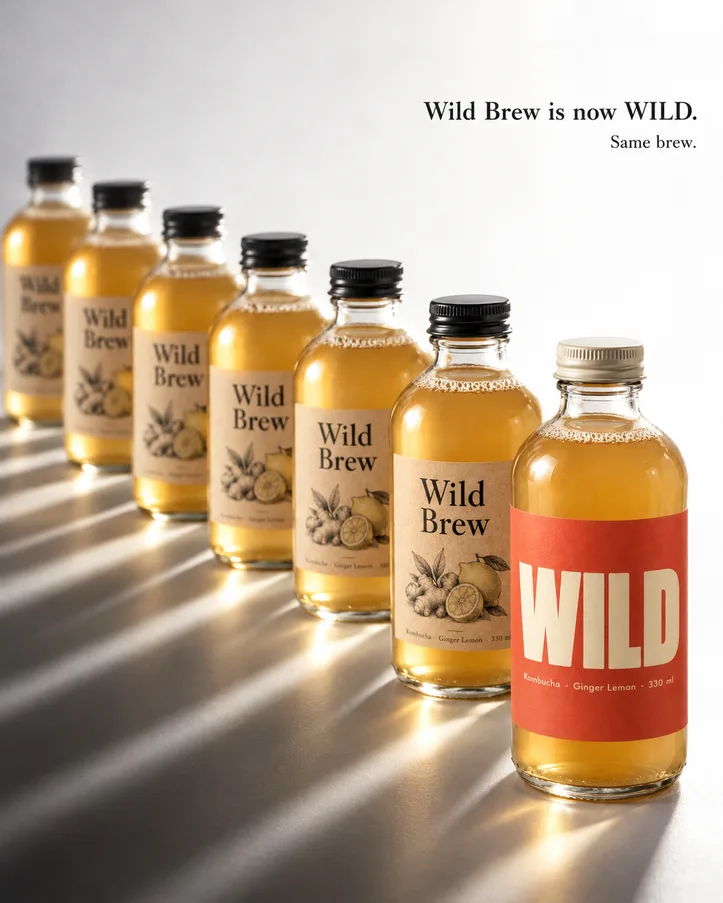
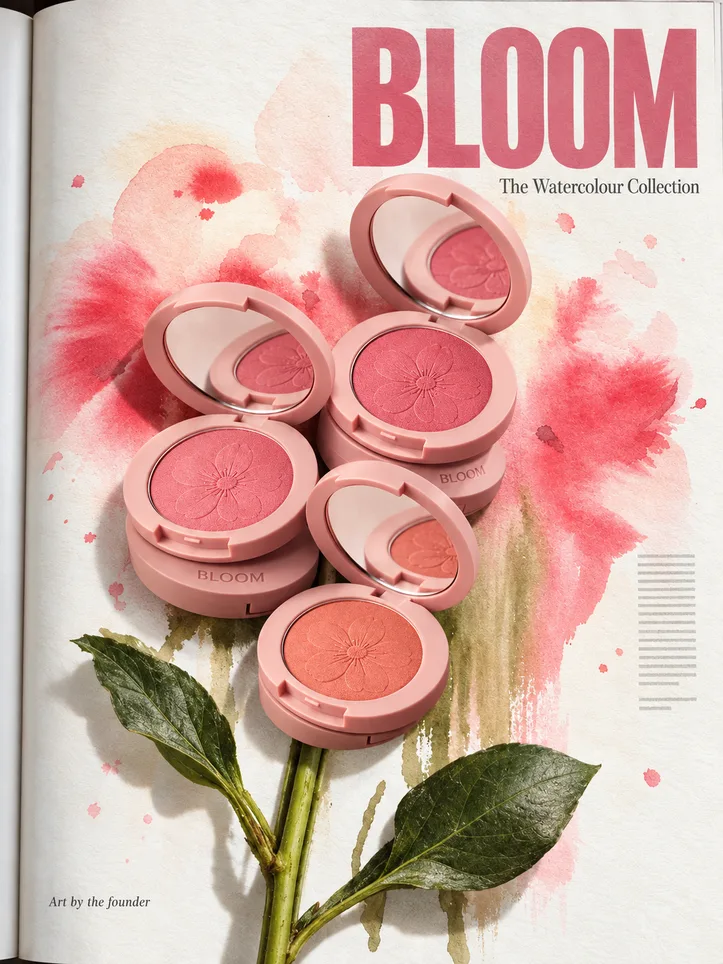
- Sauces, drinks, snacks, cosmetics shades
How it works
- The four creatives from your last launch, saved as steps.
- Put in the new product, its flavour and its colour.
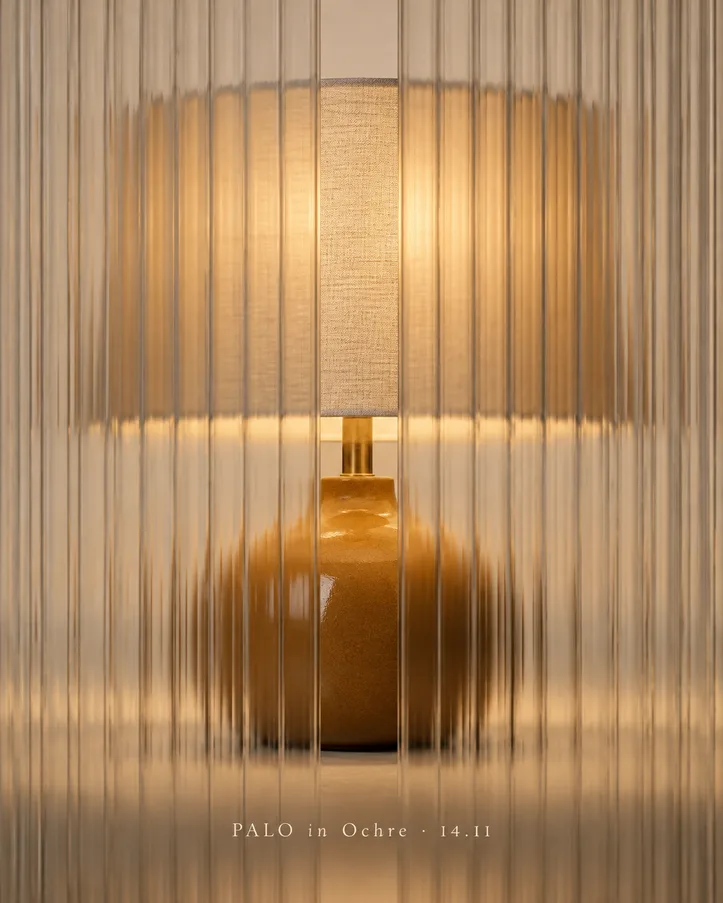
- You get the same four shots, with only the product and its colour changed.
Outputs
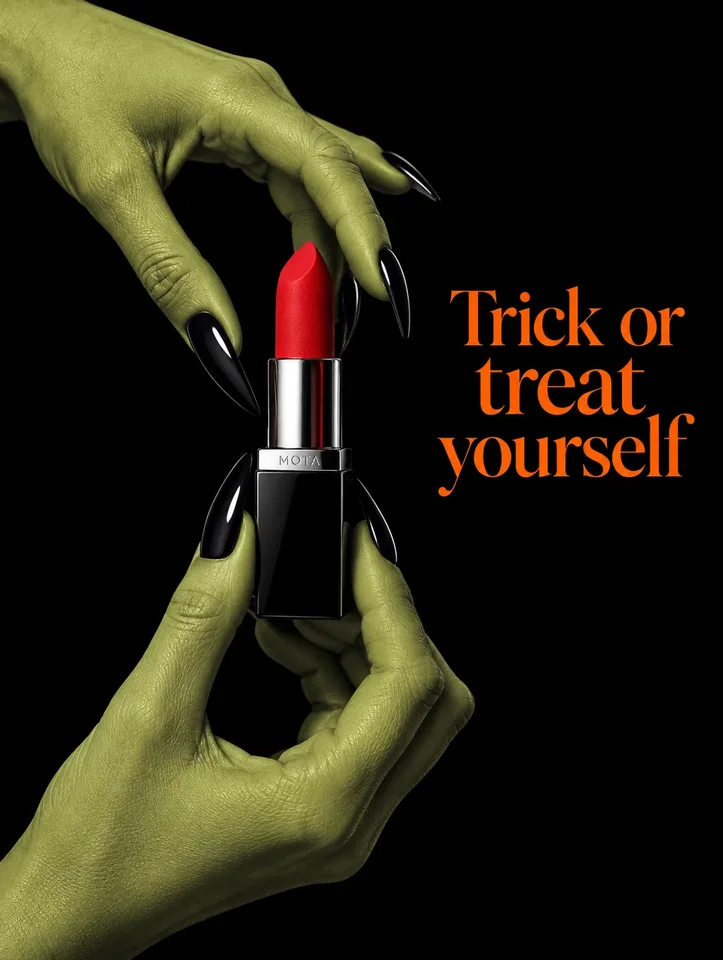
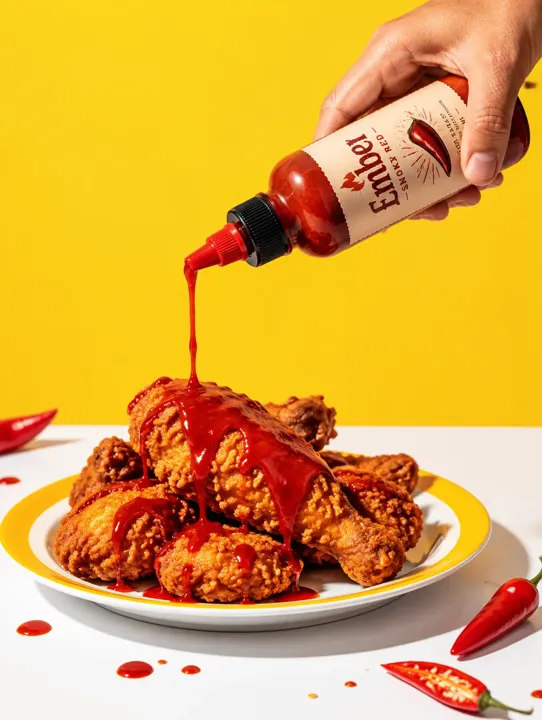
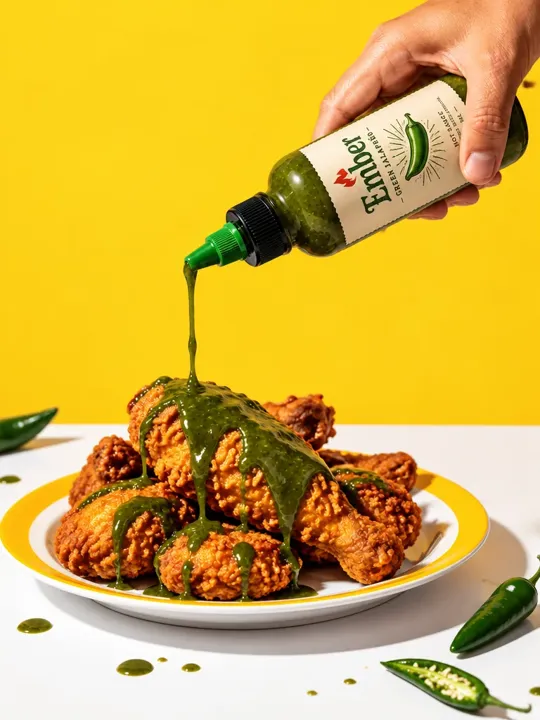
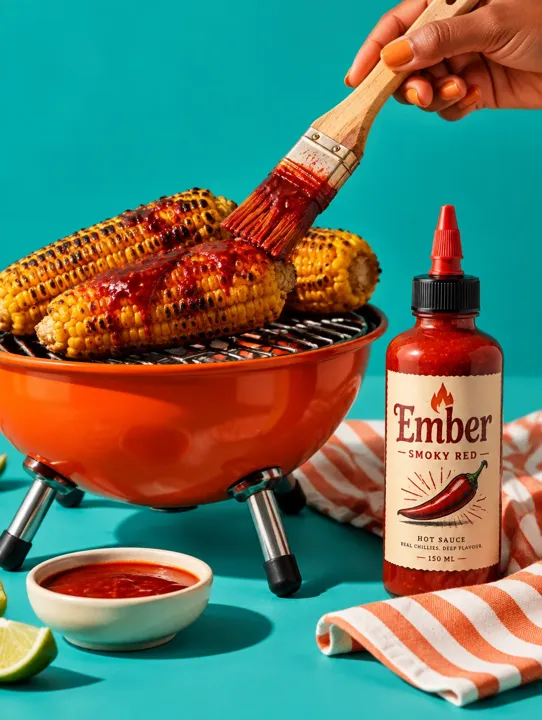
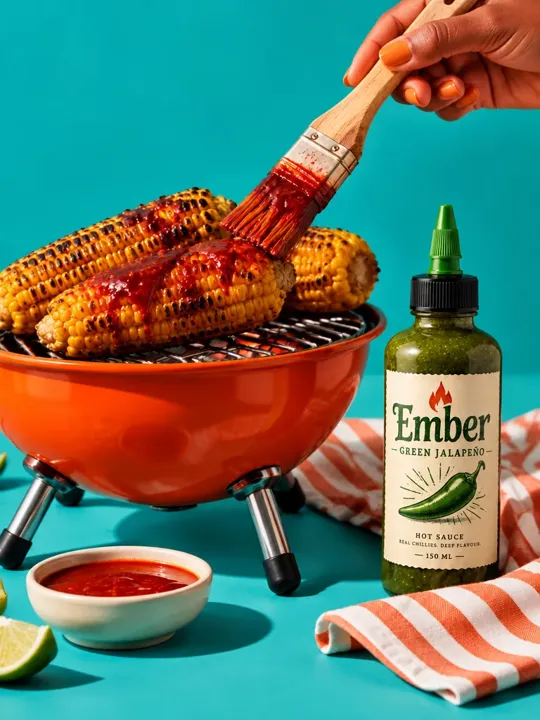
4 creatives · 4:5
The prompts
From this template's canvas.
Last launch
A hand coming in from the top right holding the bottle tipped at about 45 degrees, pouring a thin stream of the sauce onto crispy fried chicken on a white plate, sunflower-yellow background, a few drops on the table. The label is printed on the bottle, so it tilts with the bottle at the same 45-degree angle, like a real photo; the text is never turned upright on its own. The label faces the camera and the hand doesn't cover it. No text anywhere else in the image.
New
Put the new design image onto the product in the scene image. Keep the scene exactly the same: the room, camera angle, lighting, folds, fabric texture and framing. Only the printed artwork changes. Make the sauce green also.
Last launch
Charred grilled corn on a small round orange grill, a brush glazing it with the sauce, the bottle beside it, on a bright teal background with a striped cloth.
New
Put the new design image onto the product in the scene image. Keep the scene exactly the same: the room, camera angle, lighting, folds, fabric texture and framing. Only the printed artwork changes.