

Home
Home visuals that show the real size,
without building a single set.
Gavana turns your product photos into room shots, banners and videos at true W×D×H. No rented house, no set to light.
The problem
Every colourway needs a room built for it,
and a prompt changes the piece and its size.
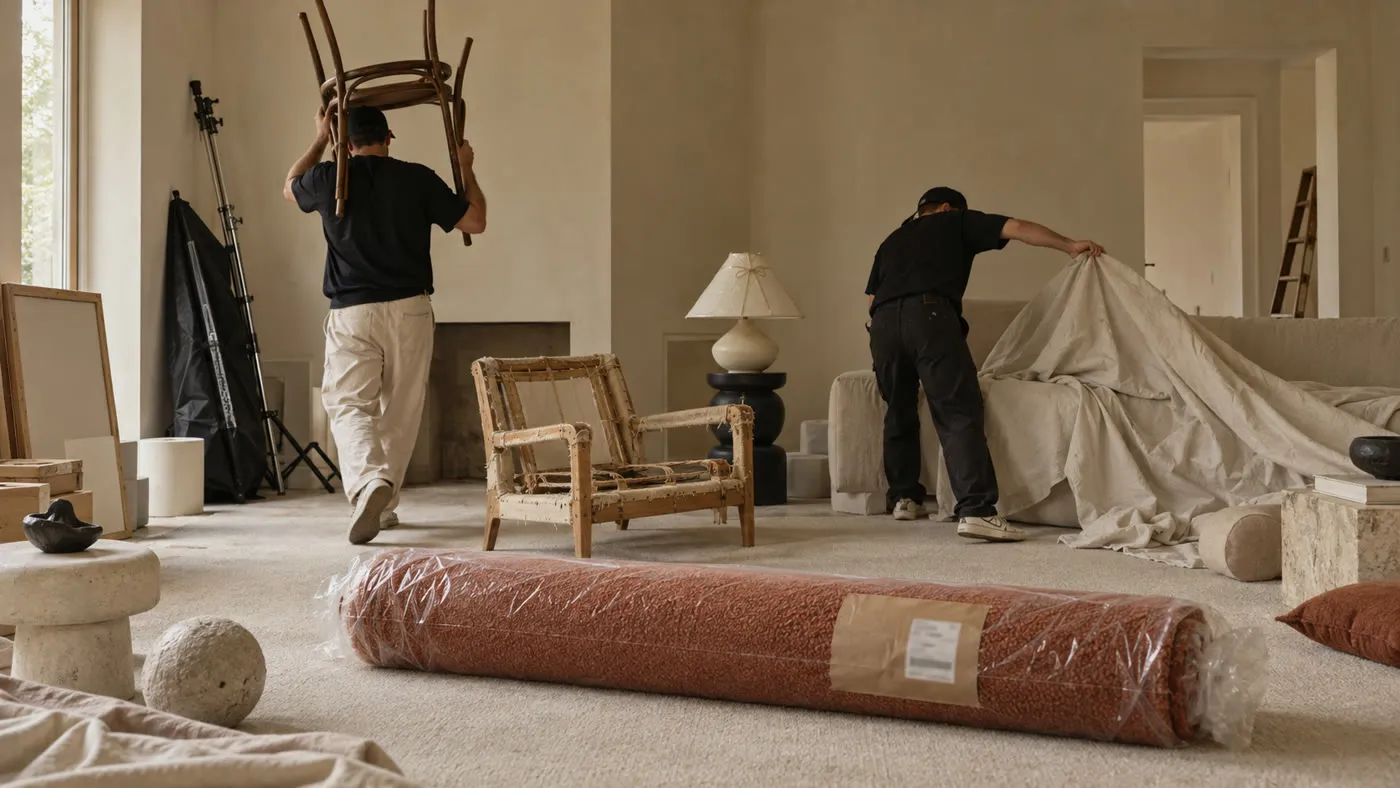
Your new fabric is in, but
the room to shoot it isn’t.
Every colourway needs freight, a rented house and a set to light, or a $1,500 render. Until then, the option you could sell today stays off the site.
Skip the set with a prompt,
and the sofa gets new legs.
It looks right at a glance. Up close, as anyone who’s tried it knows, the legs straighten and the grain shifts, and buyers see a different piece.
The prompt guesses the size too,
so it fits the photo, not the room.
A prompt doesn’t know how wide your sofa is. It stretches it to fill the wall, so a three-seater passes for a four-seater and gets sent back.
- Waiting on a room
- Changed piece
- Wrong size
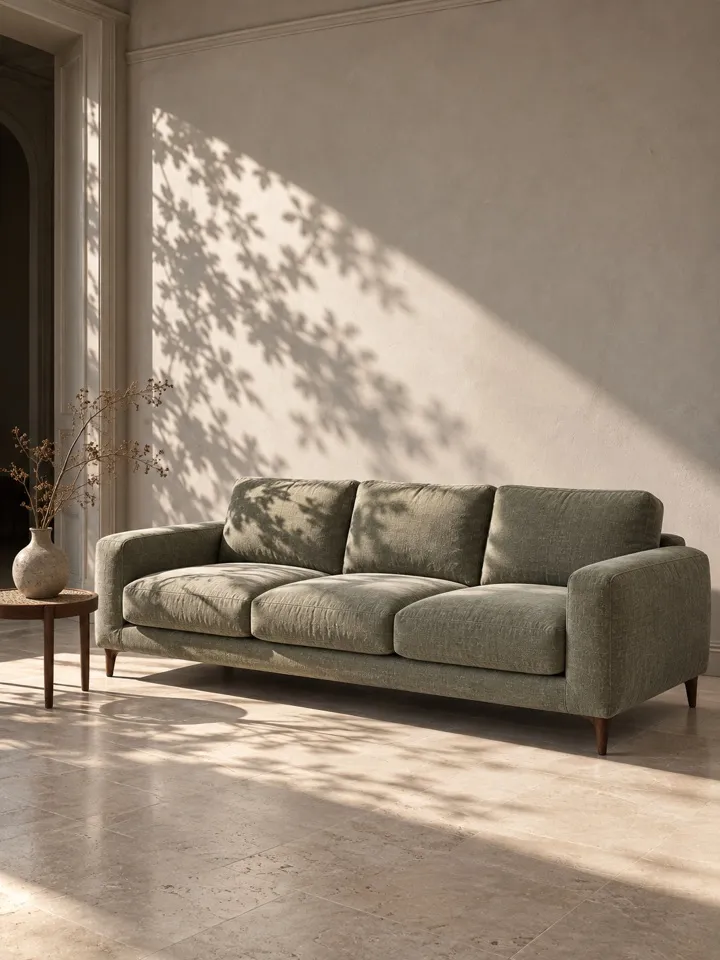
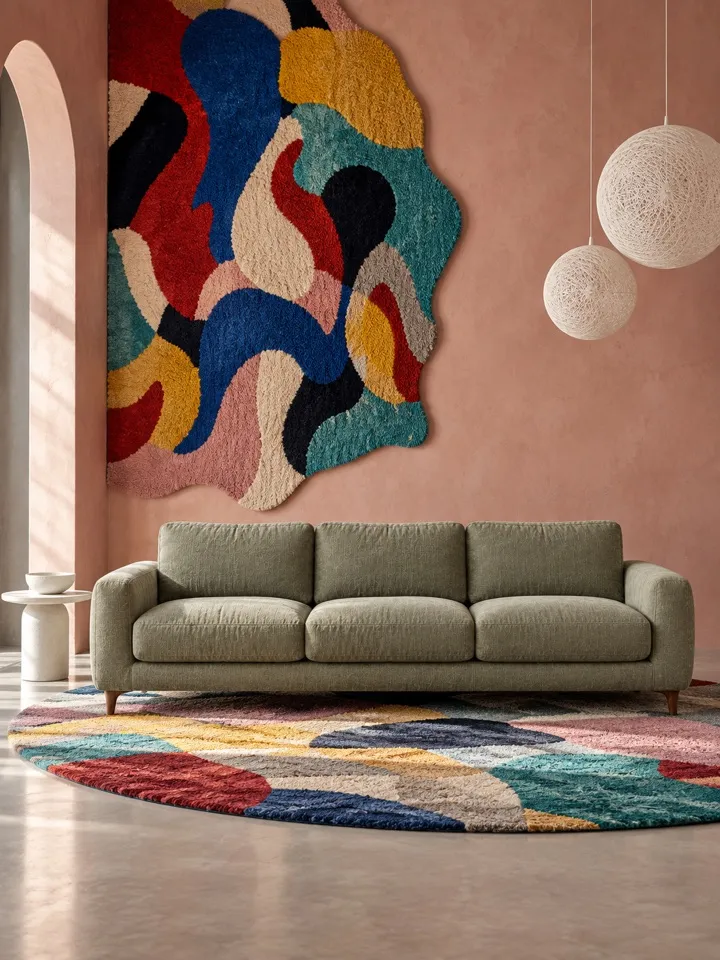
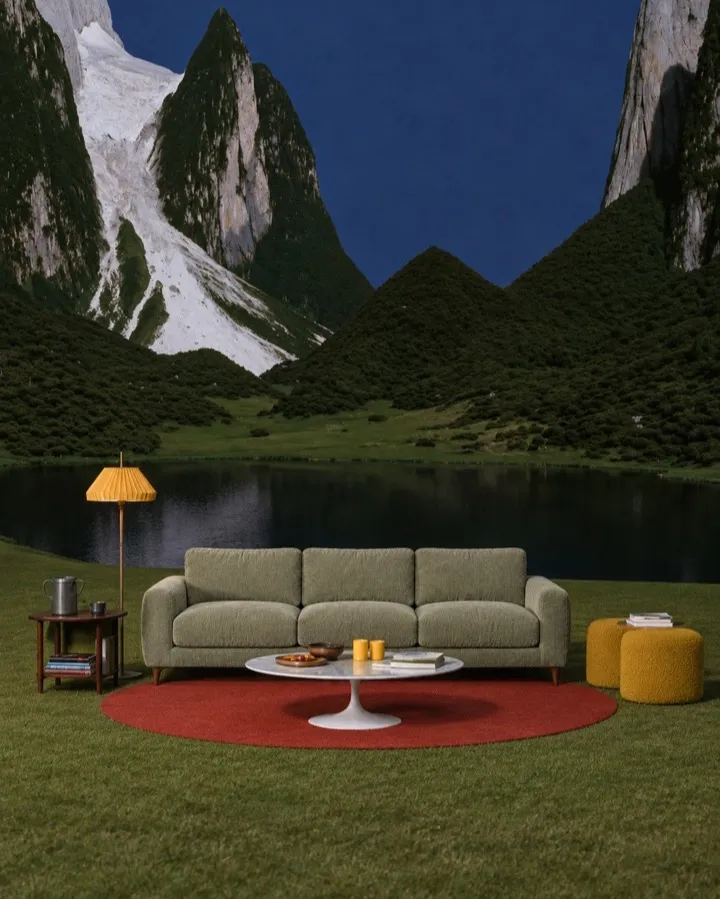
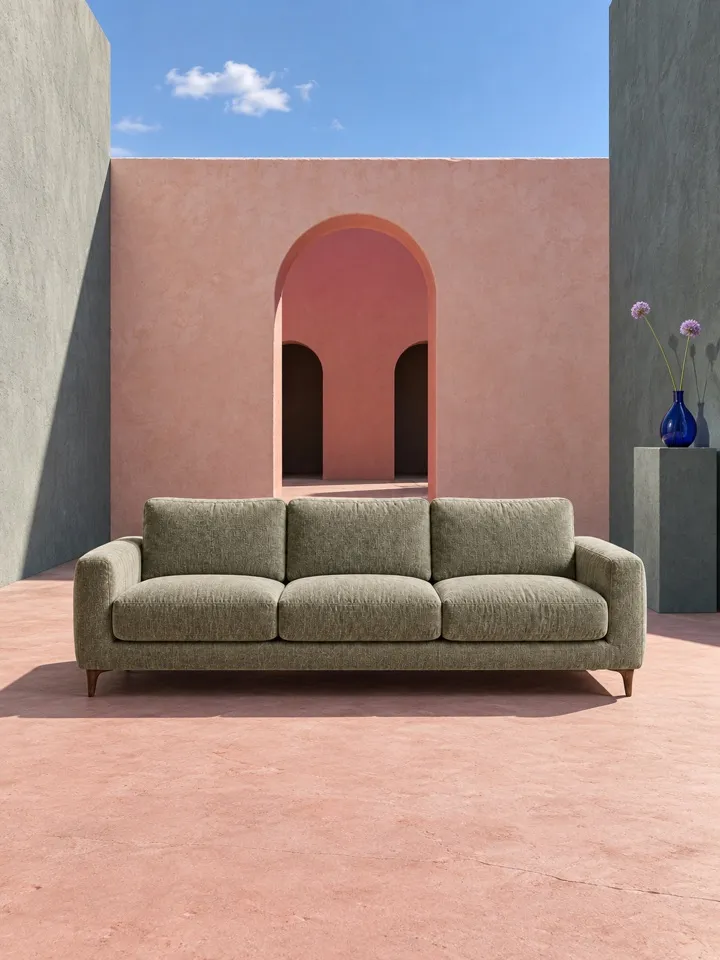
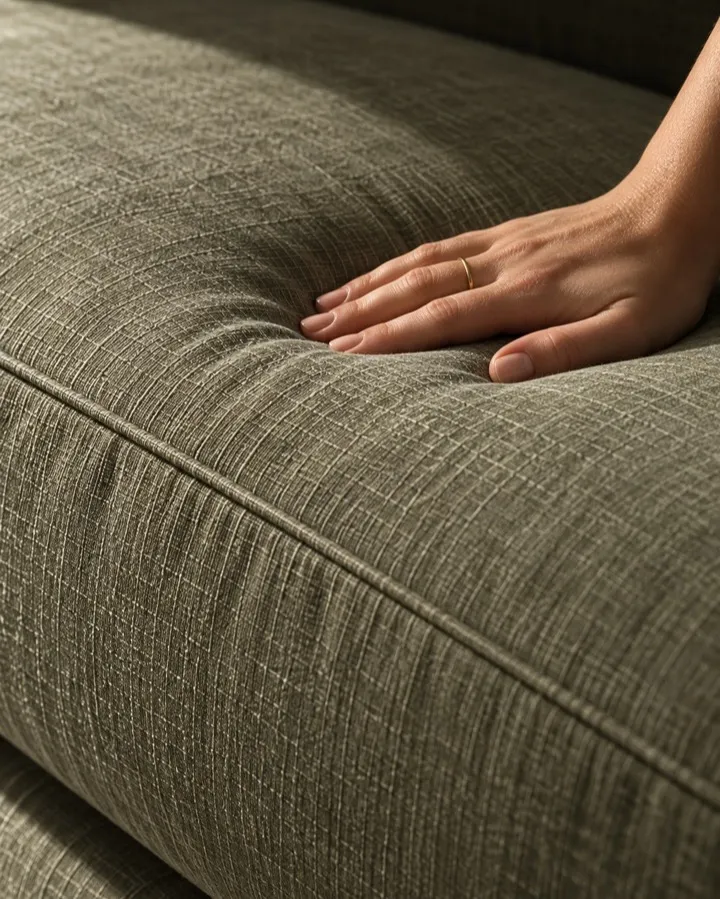
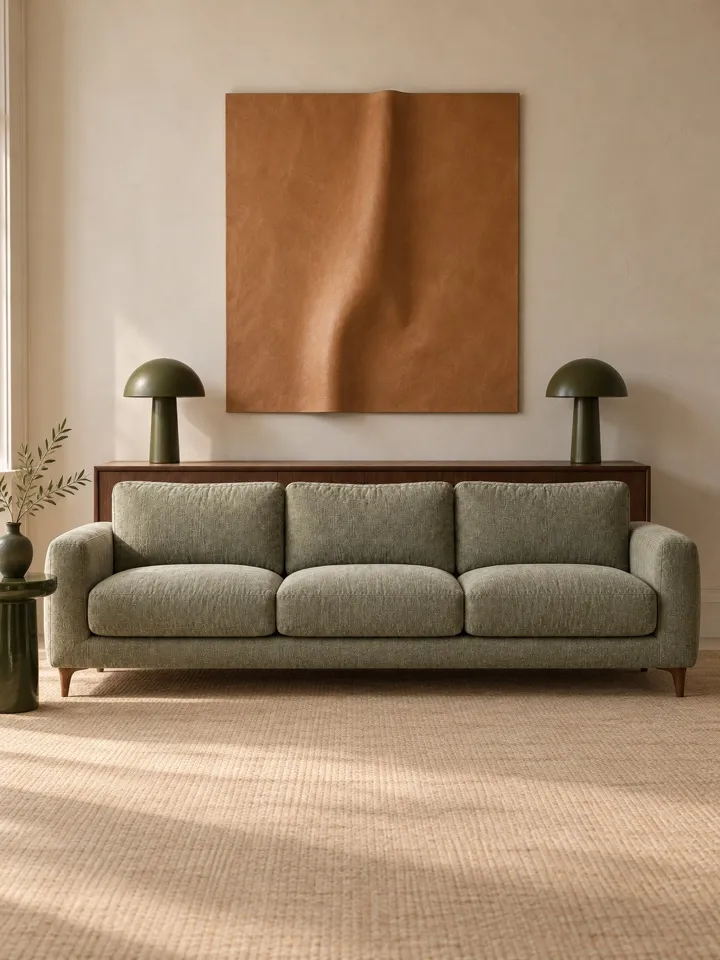
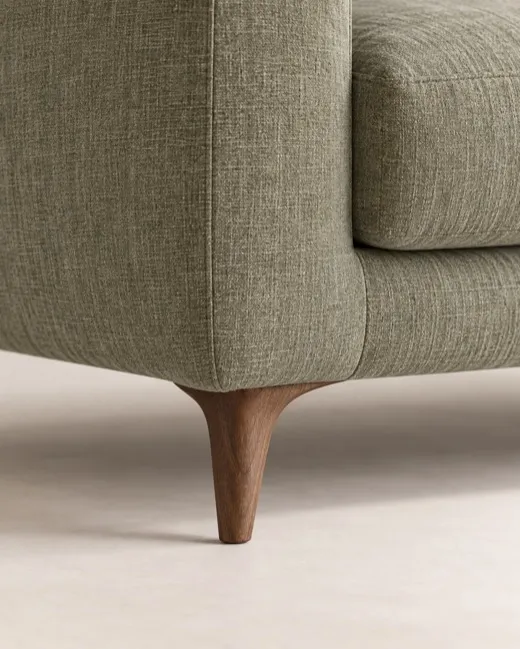
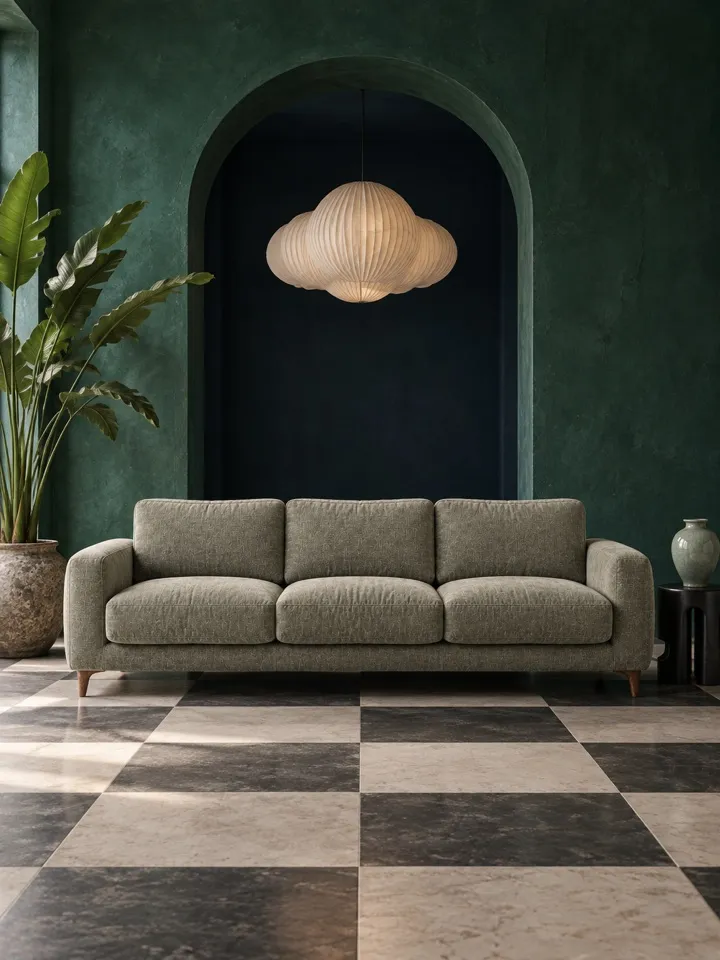
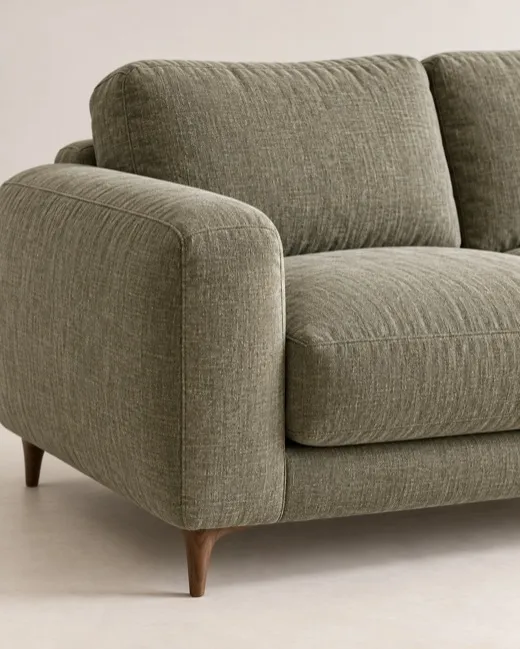
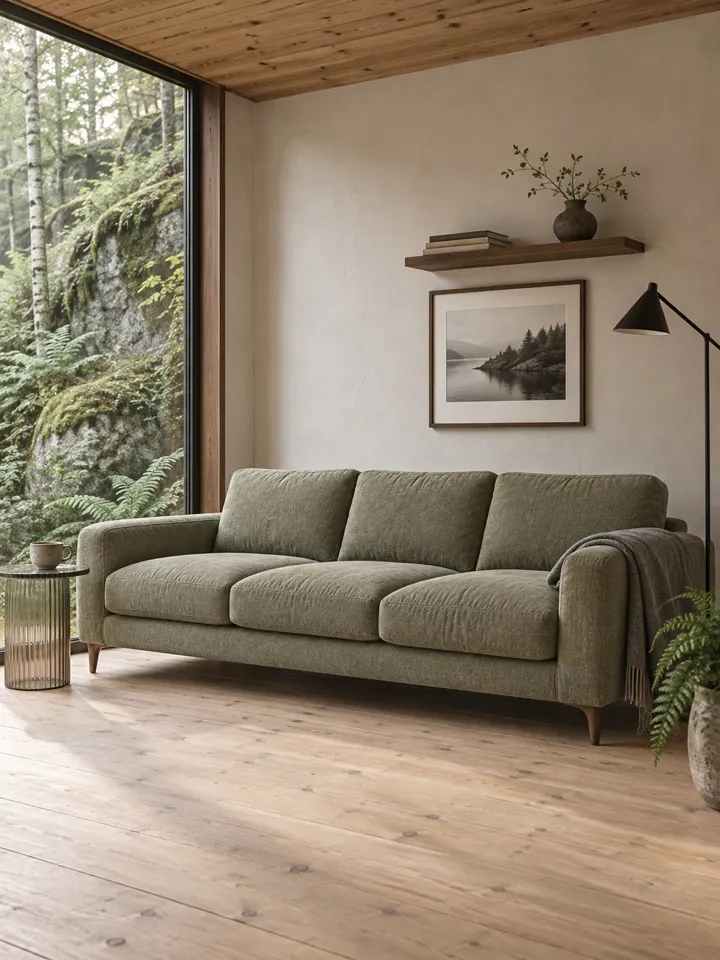
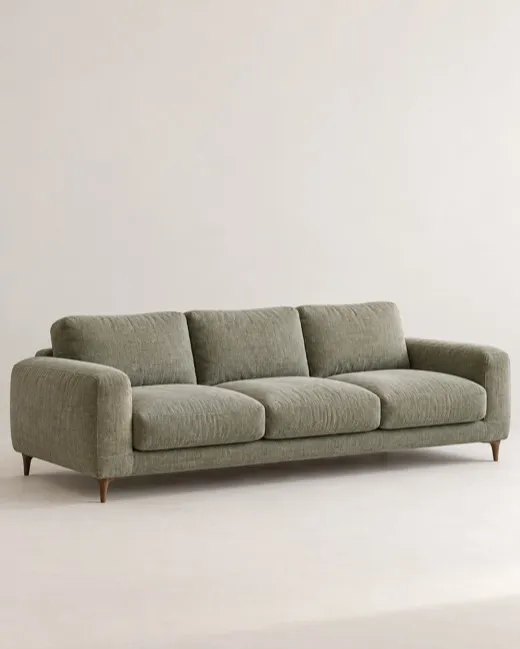
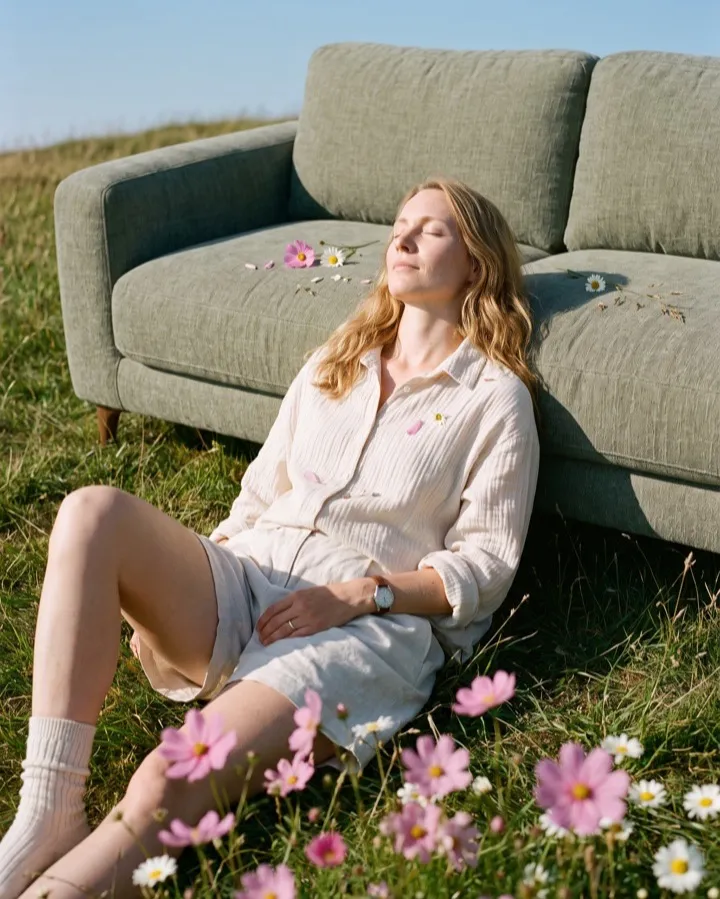 Tapered leg
Your photo
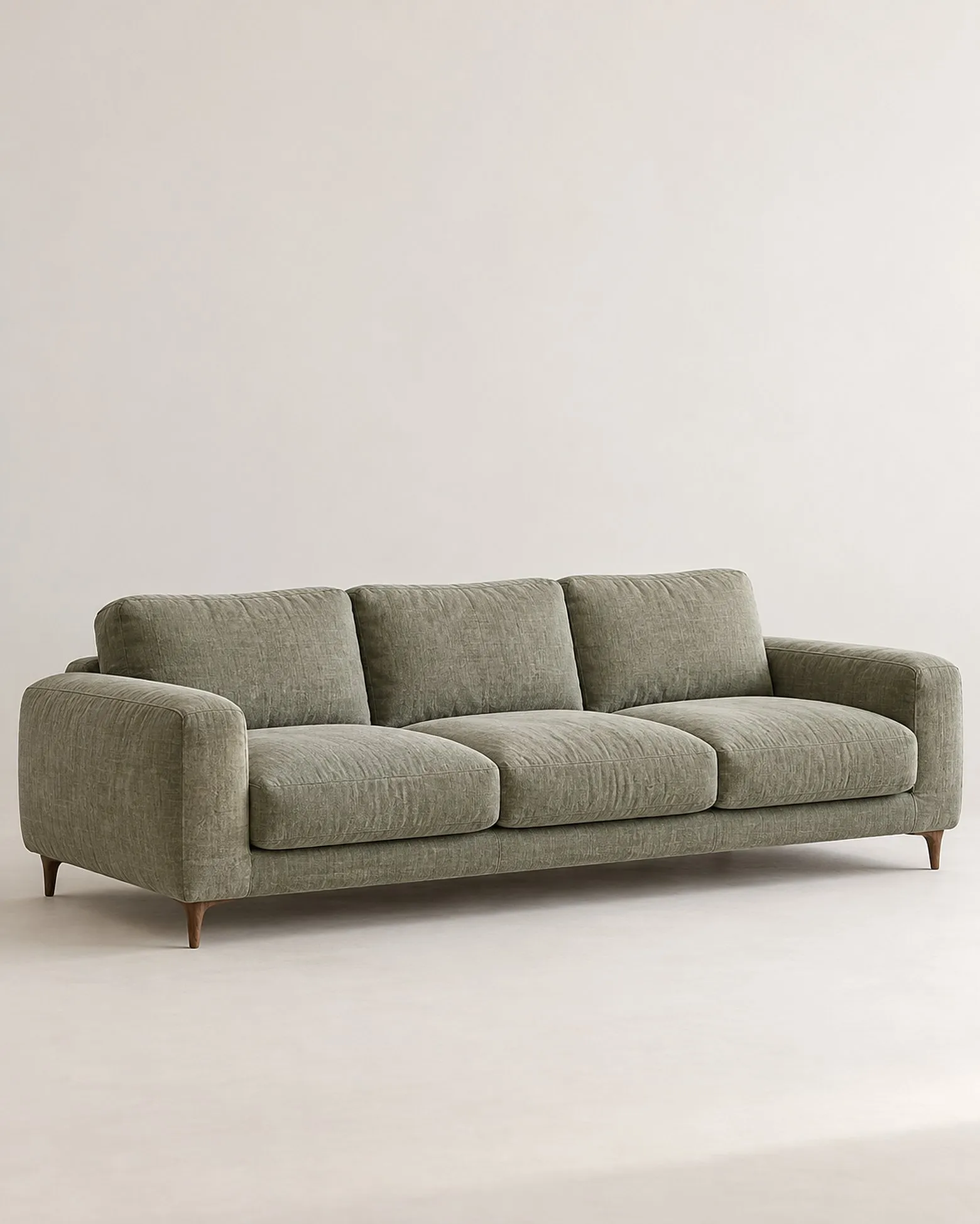
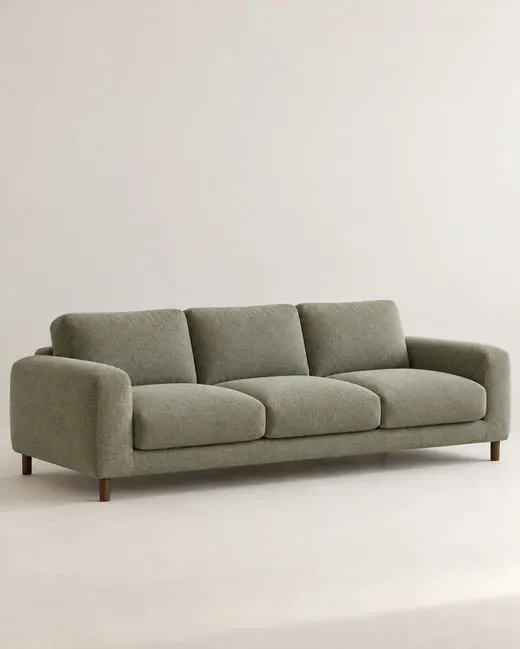 From a prompt
Leg straightened
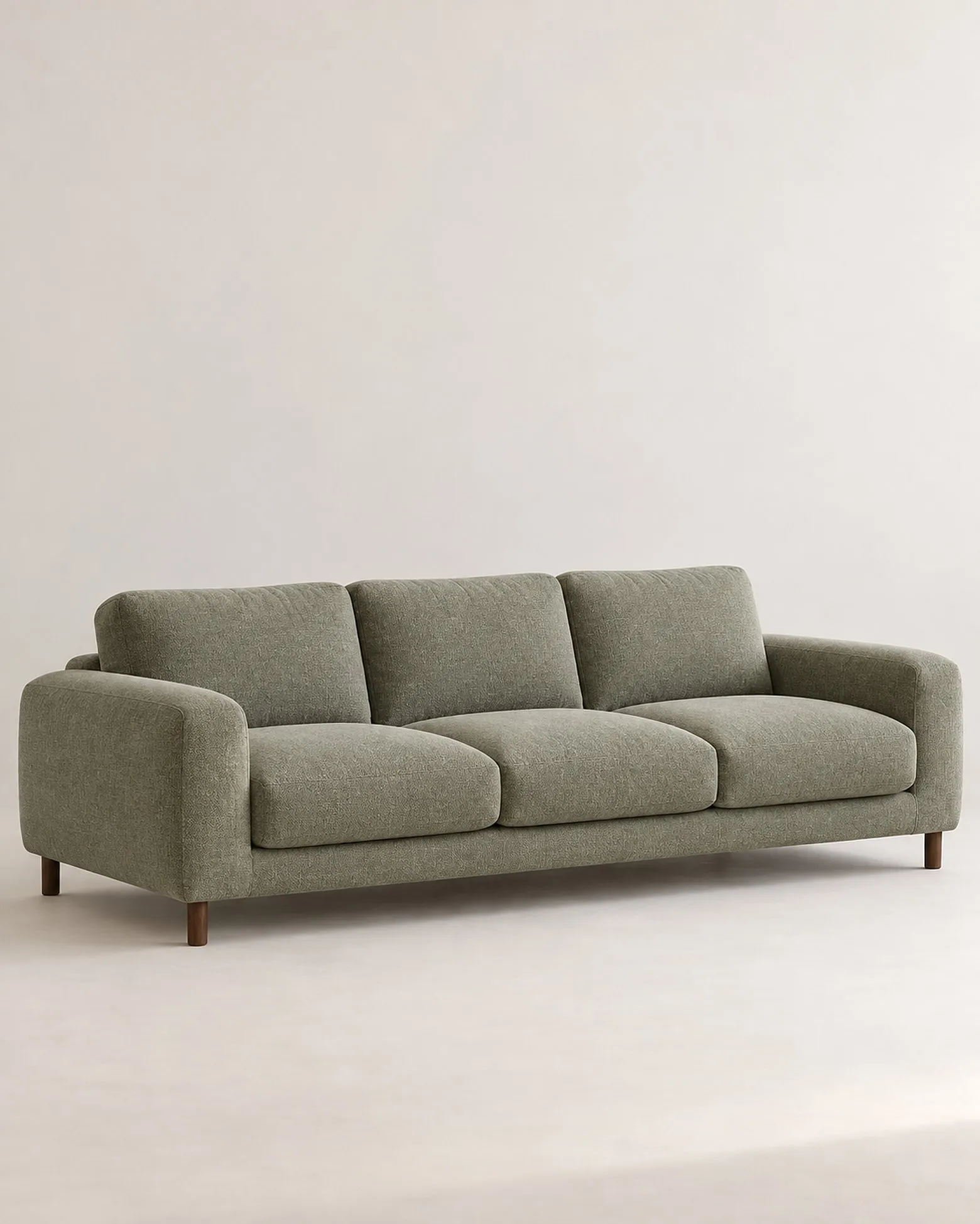
 From a prompt
Sized to fill the wall
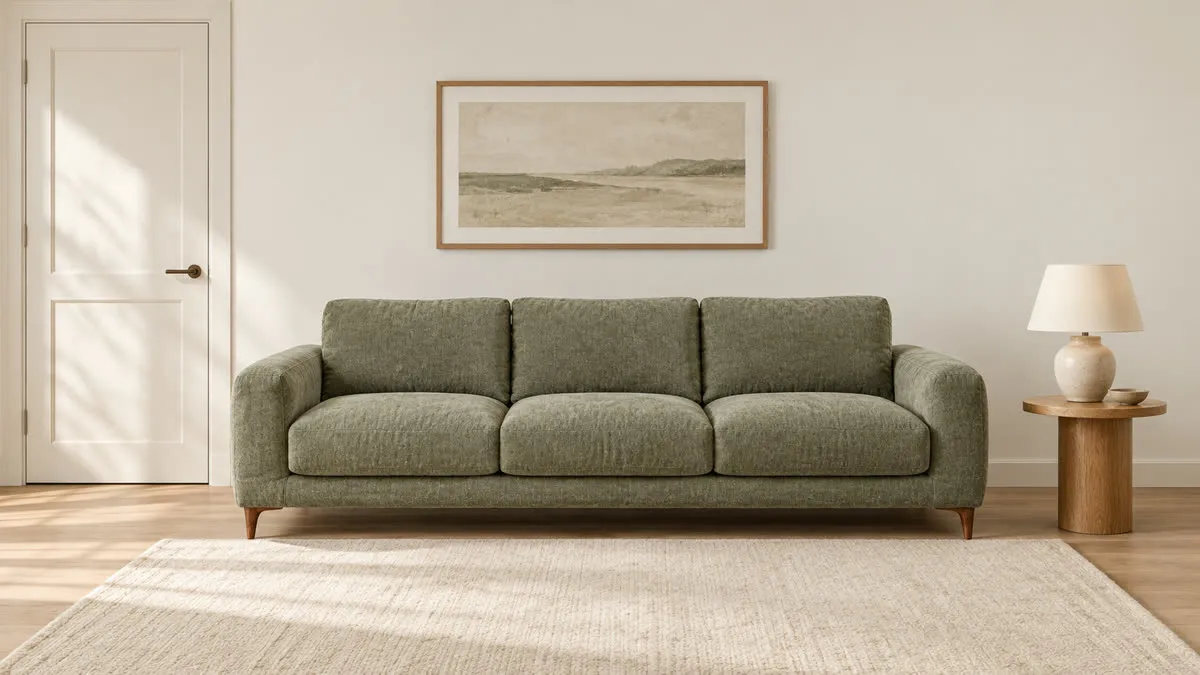
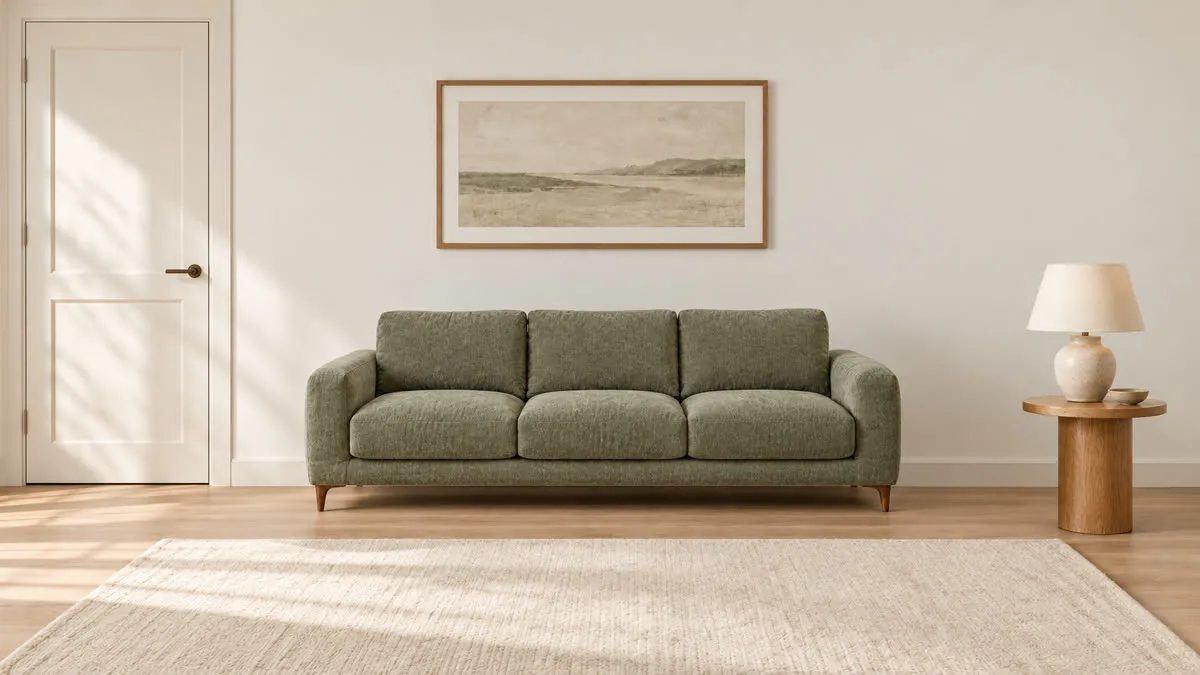 At its W×D×H
220 cm, as listed
How Gavana fixes it
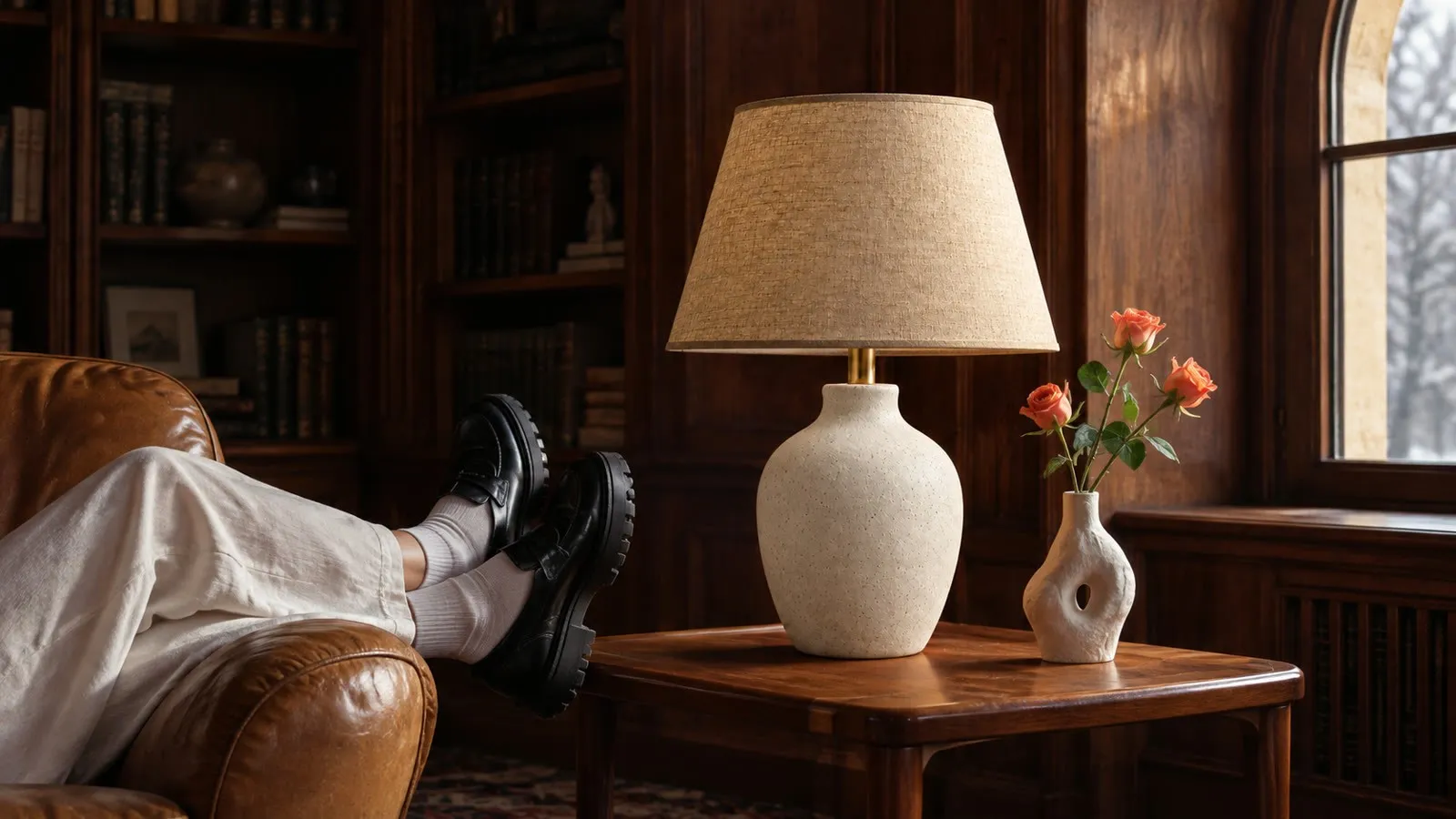
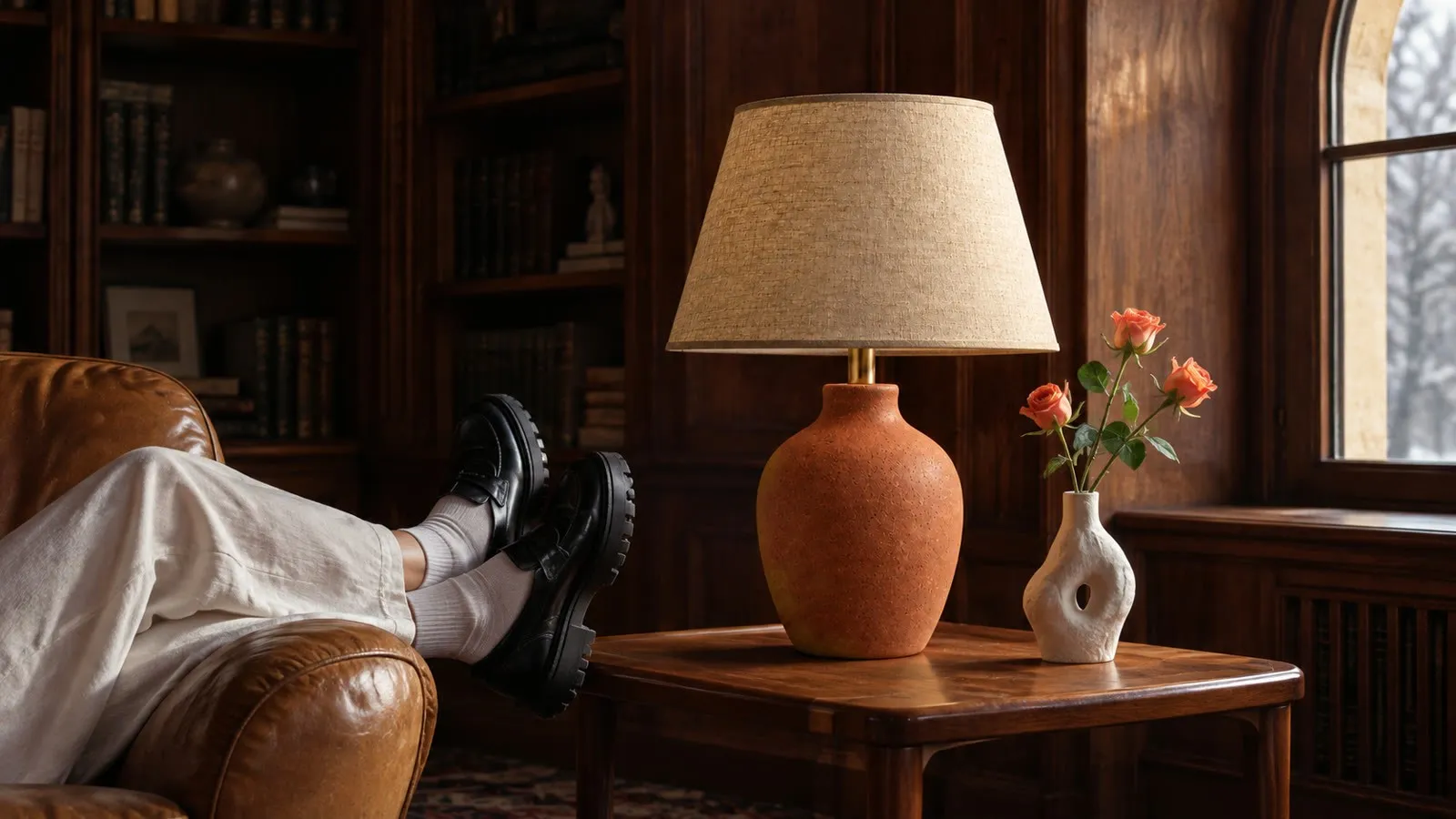
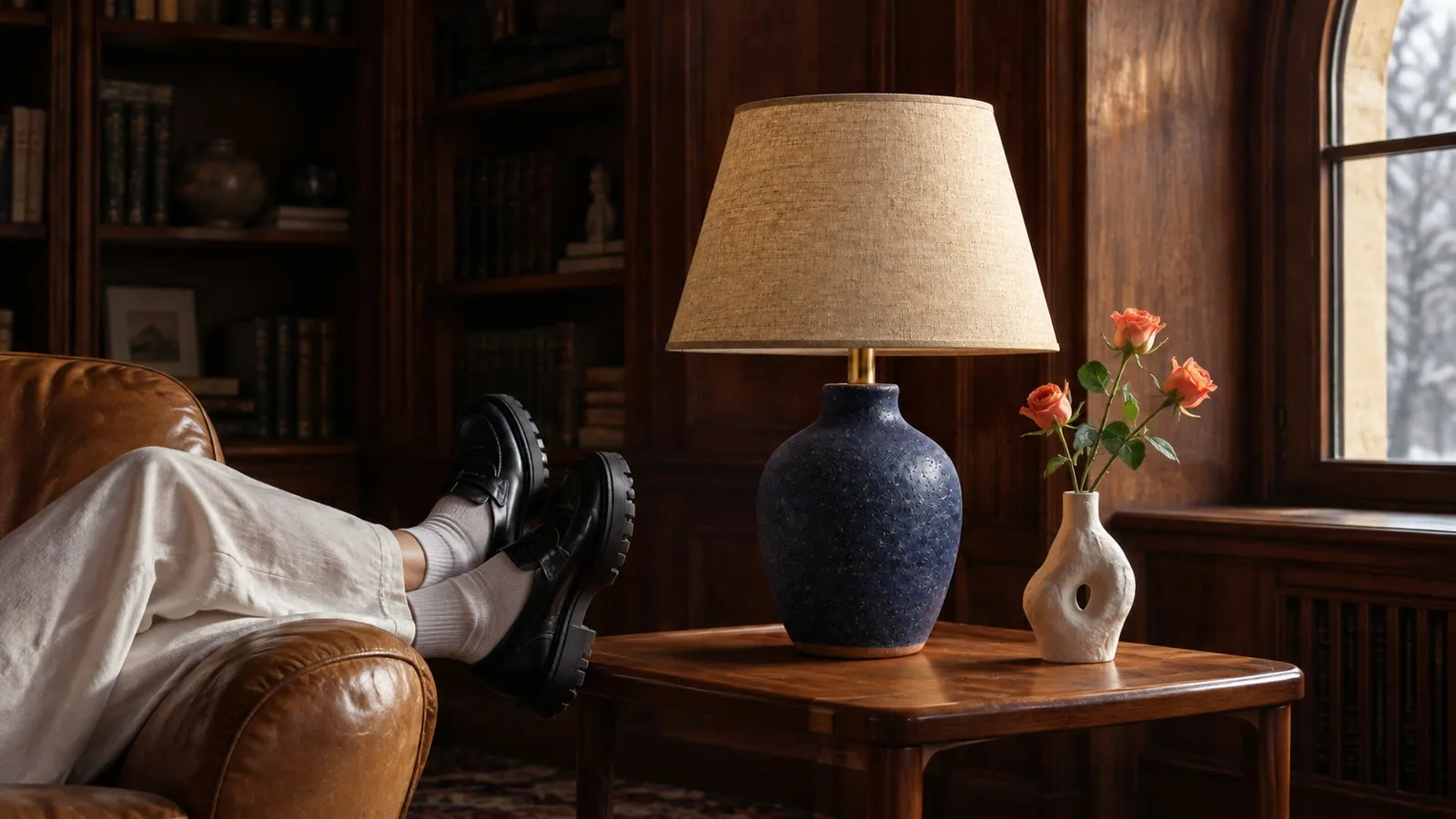
Set the room once for every colourway,
with the exact piece at its real size.
Gavana keeps the piece from your product photo and sizes it to its W×D×H, so each new fabric or finish goes live in a room you’ve already approved.
-
Every new colourway goes into the room you approved.
Import your products from Shopify, add a photo of each fabric or finish, and each one lands in the same room the day it arrives.
- Straight from ShopifyImport your products with their photos and options.
- Every colourwayEach fabric or finish gets the same room, light and angle.
- Live on arrivalA new option goes on the site without waiting for a shoot.
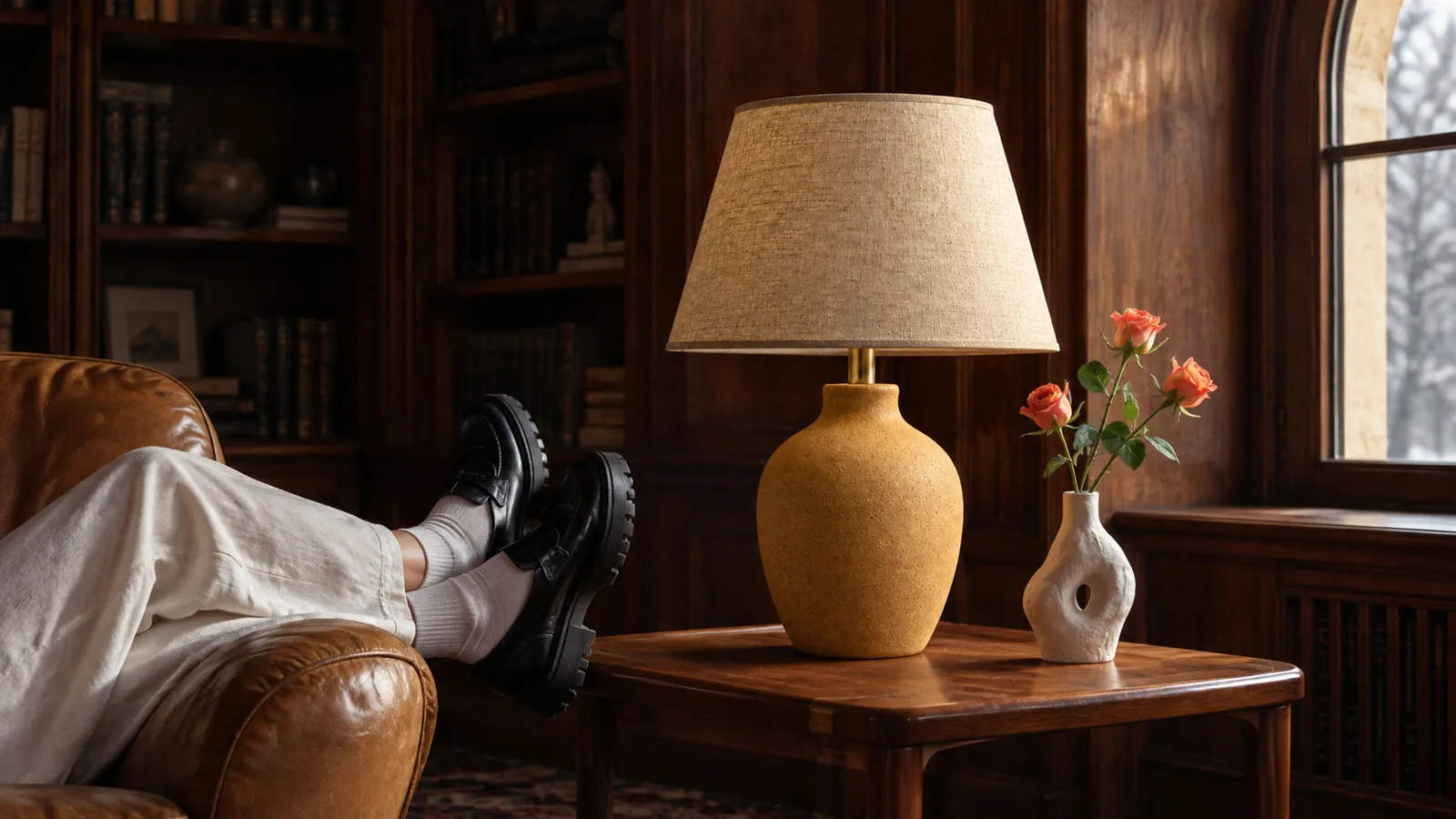

FinishOchre glaze -
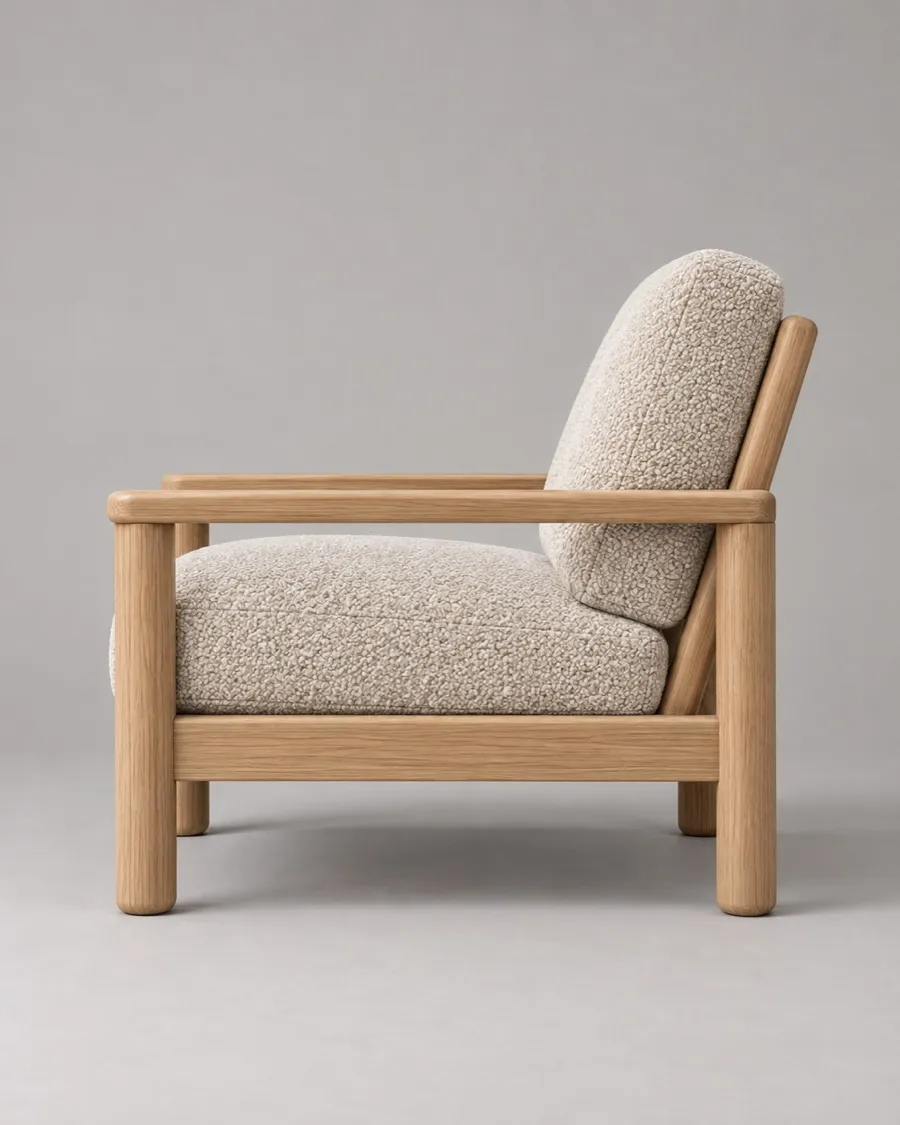
The legs, handles and grain
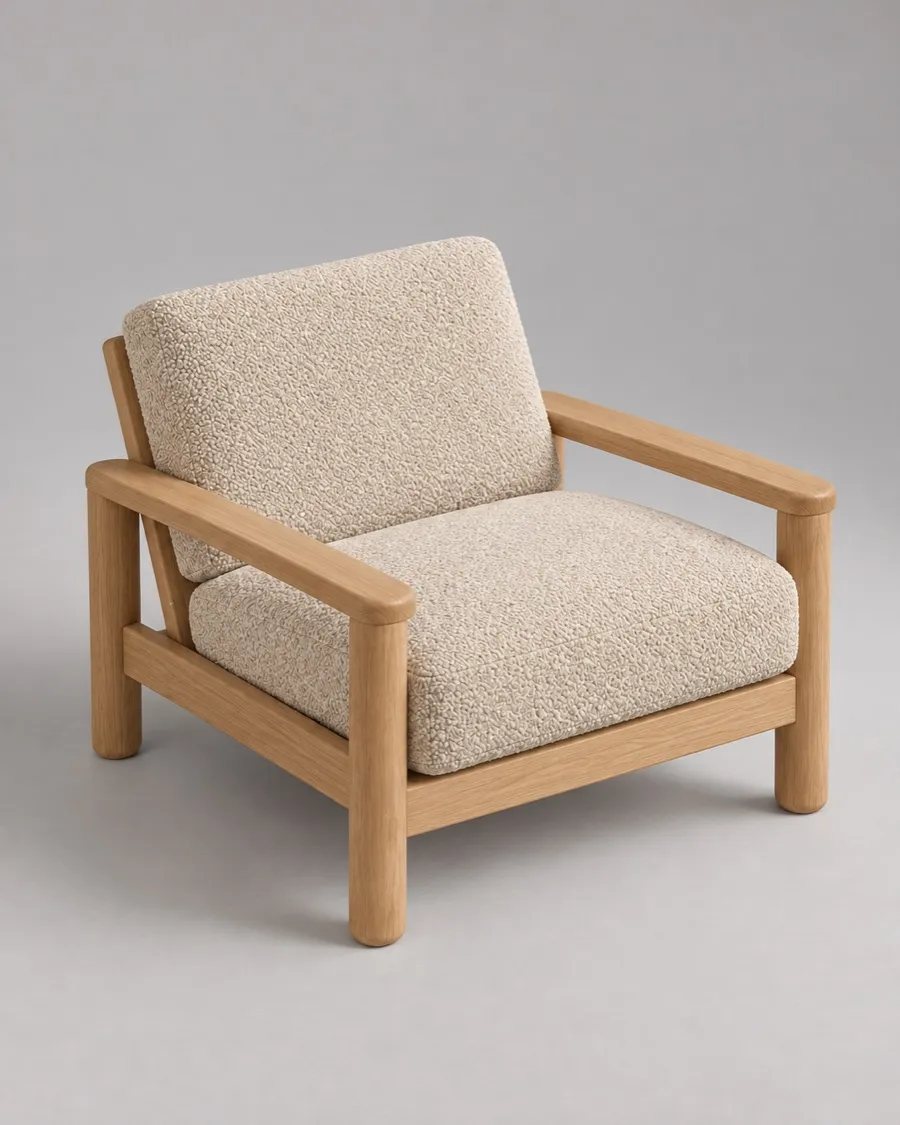
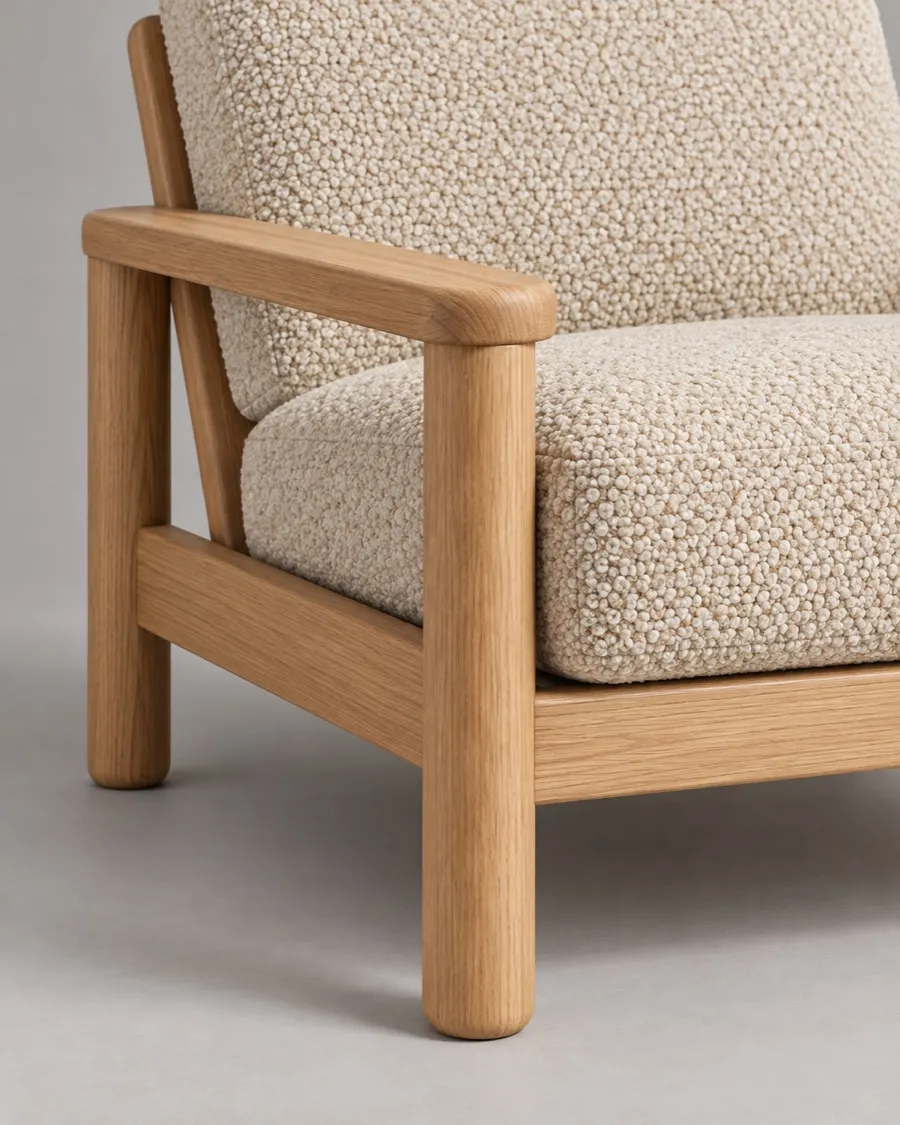
stay as they ship.Gavana takes the frame, legs, fabric and finish from your own product photo, so every angle and close-up shows the piece you ship.
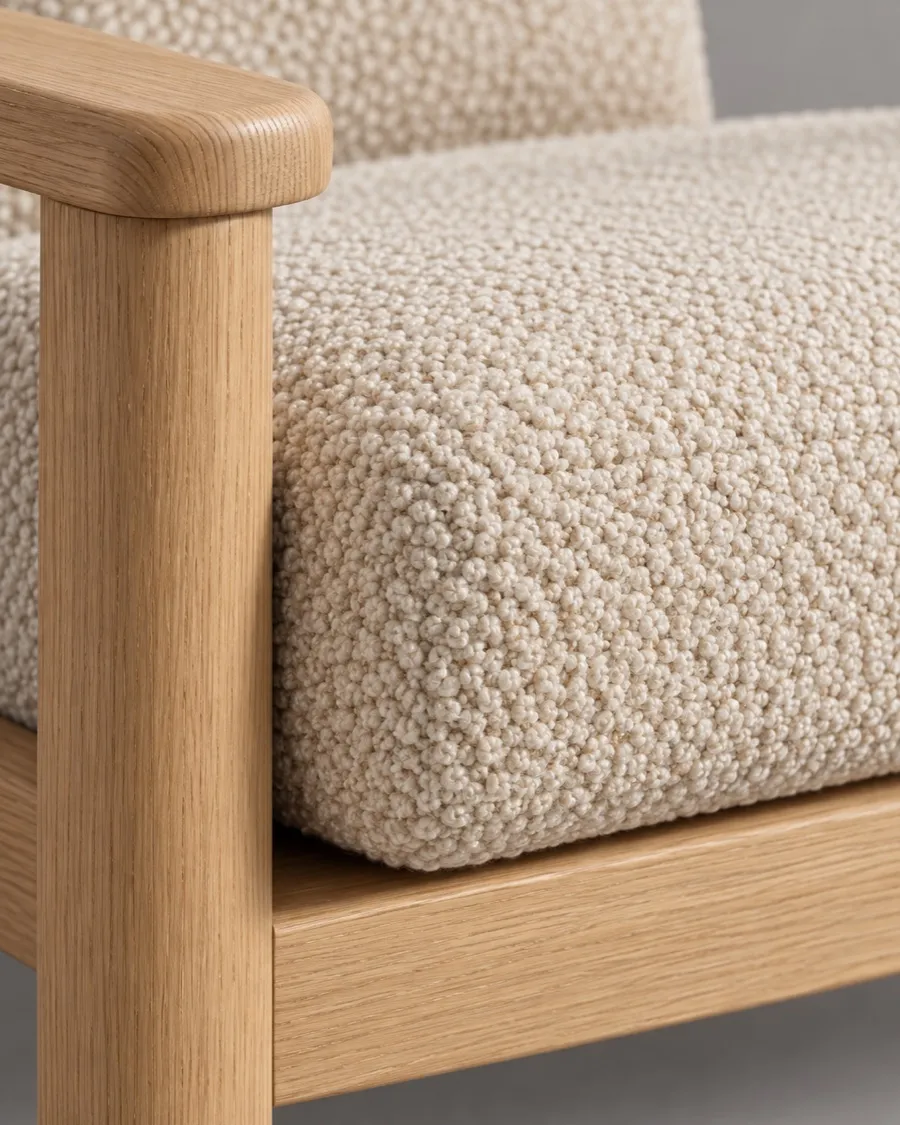
- The exact materialWeave, wood grain, glaze and metal come from your photo, not a guess.
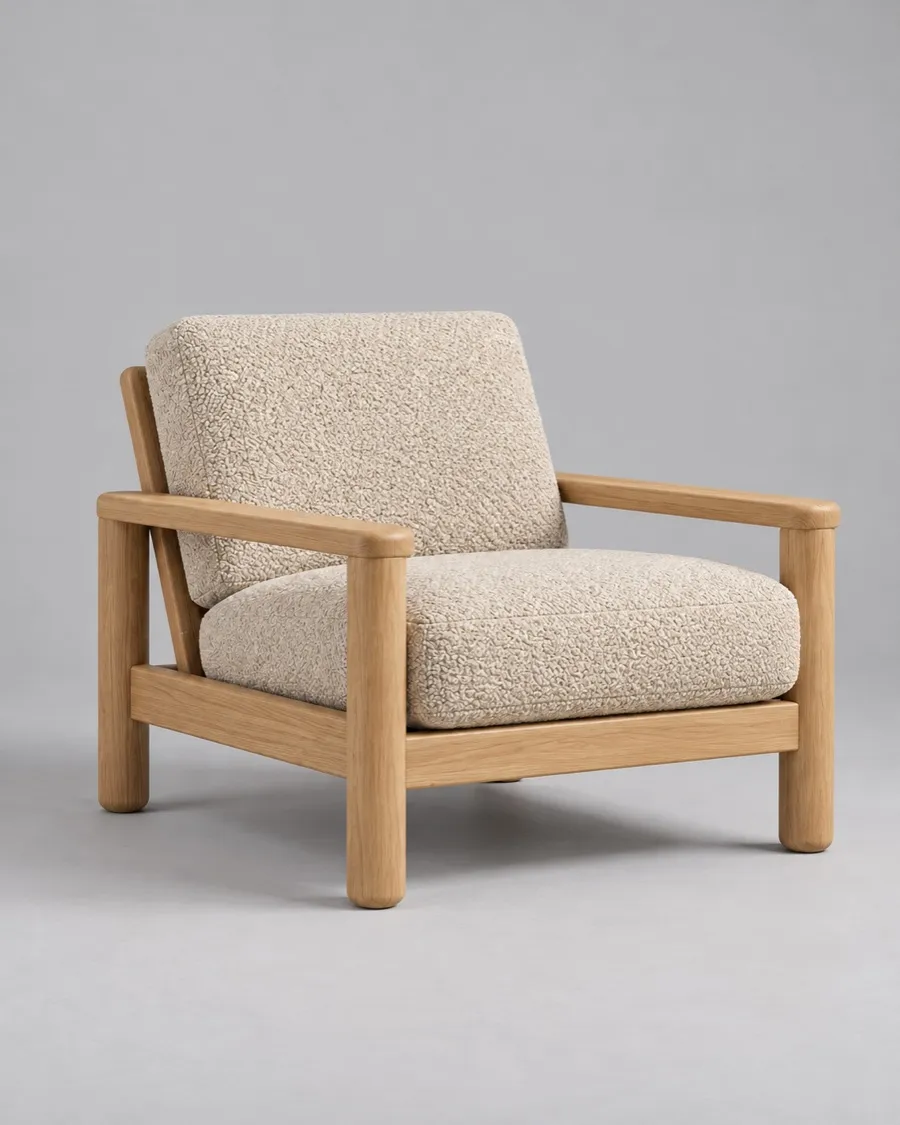
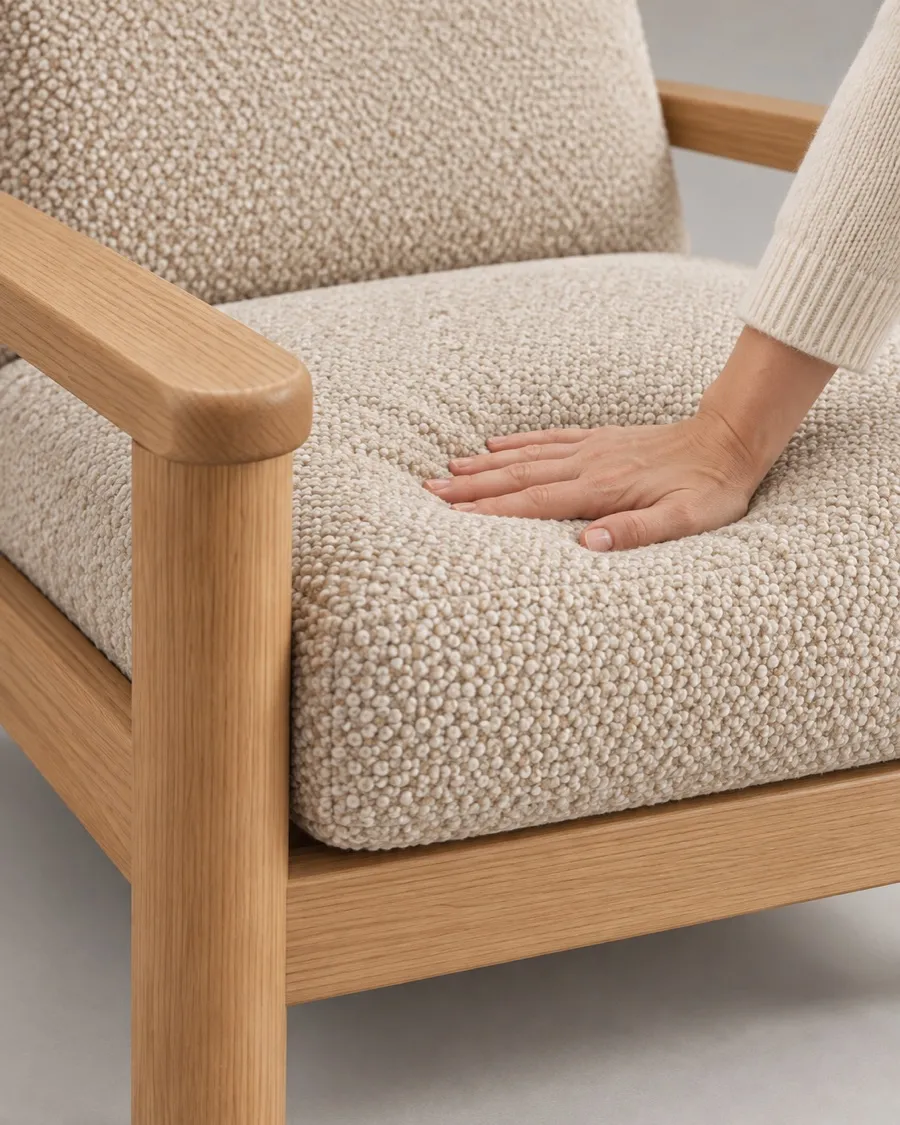
- Holds up closeThe oak grain and the bouclé loops survive a full zoom.
- Swap one pieceChange the rug, the lamp or the cushions without redrawing the room.
-
Every piece sits in the room at its true size.
Enter the width, depth and height, and Gavana scales the piece to the room, so buyers see how much space it really takes.
- Real dimensionsThe W×D×H from your product page sets the size in every scene.
- Sits on the floorA real shadow and contact with the floor, not pasted on top.
- Same scale every shotThe sofa stays the same size beside the same table in every room.
220 cm in every room
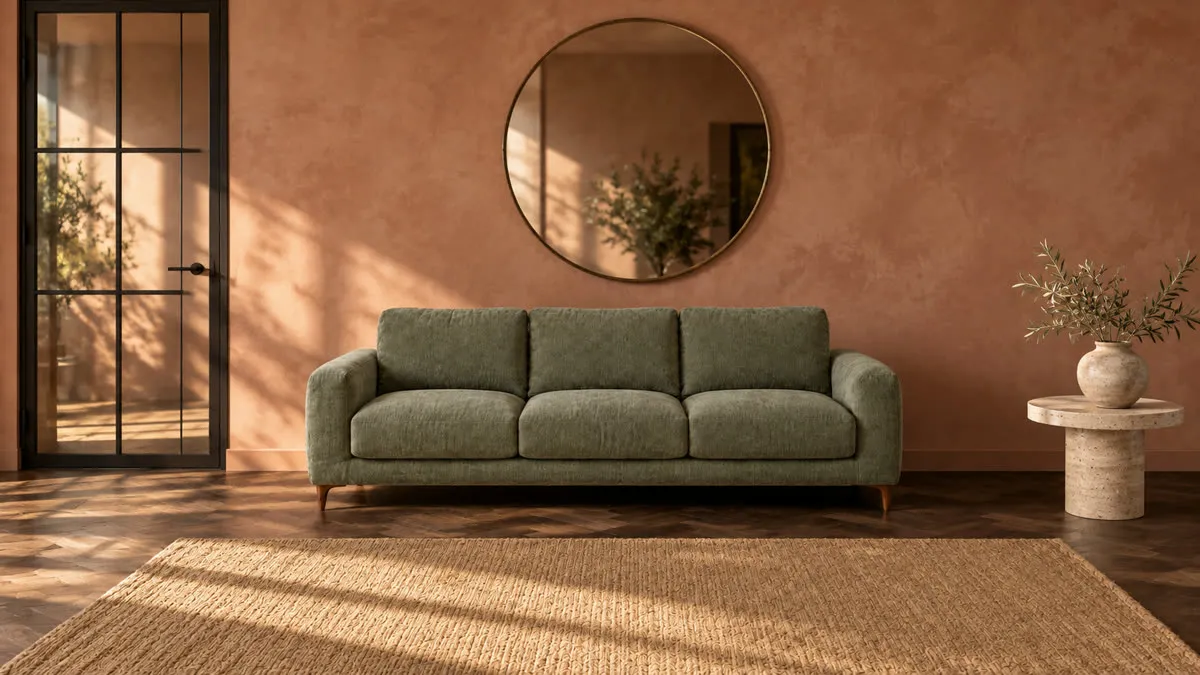
Templates
What brands do with Gavana
-
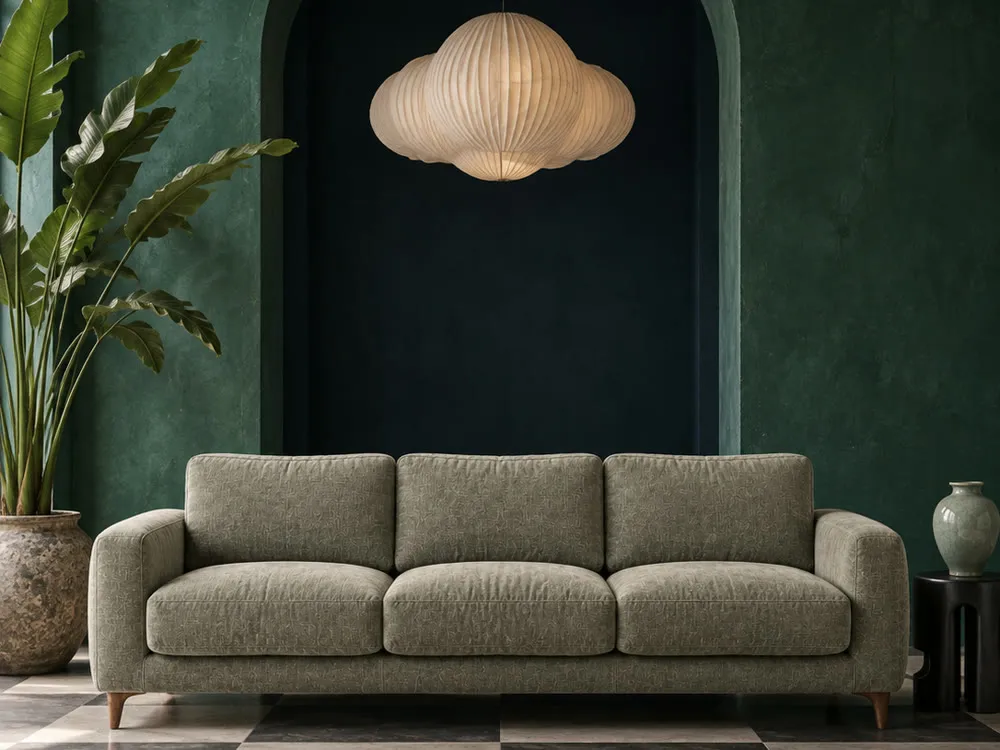 A room for every piece
Turn a packshot into a living room, bedroom or patio scene, with the piece kept exact.
 Room scenes
-
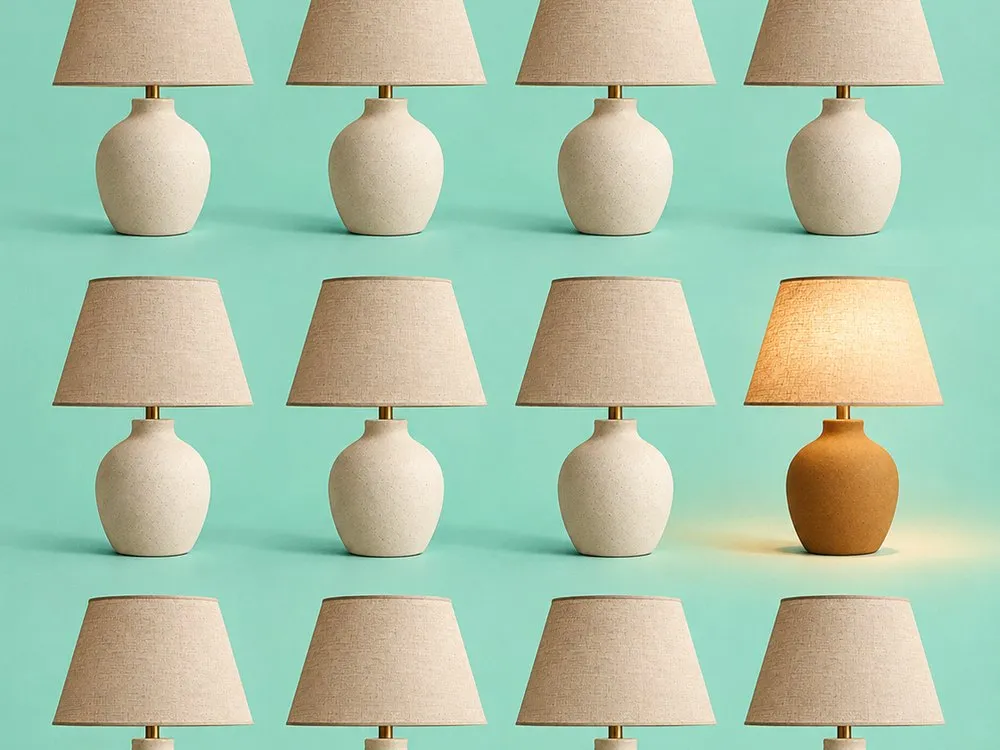 Every colour, same room
Show each colour, fabric or finish in one room, so only the option changes.
Colours & finishes
-
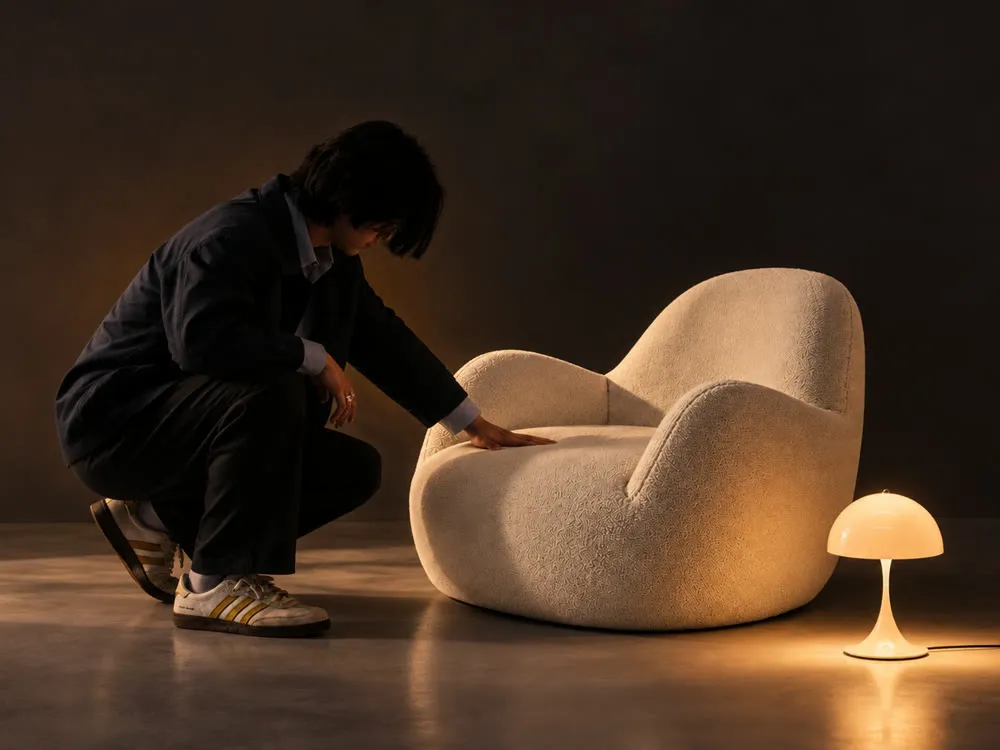 Show how big it really is
Put the size on the photo, or set the piece next to something everyone knows.
Scale
-
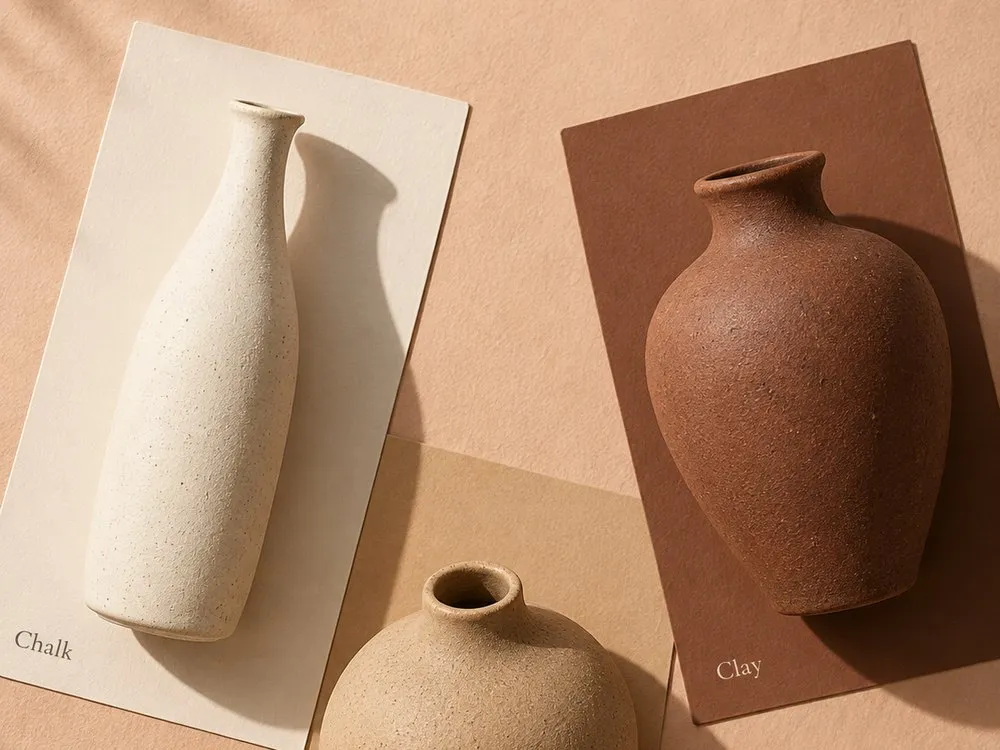 One look across the line
Match every product to one backdrop, angle and light, from phone shots or supplier photos.
Catalogue
-
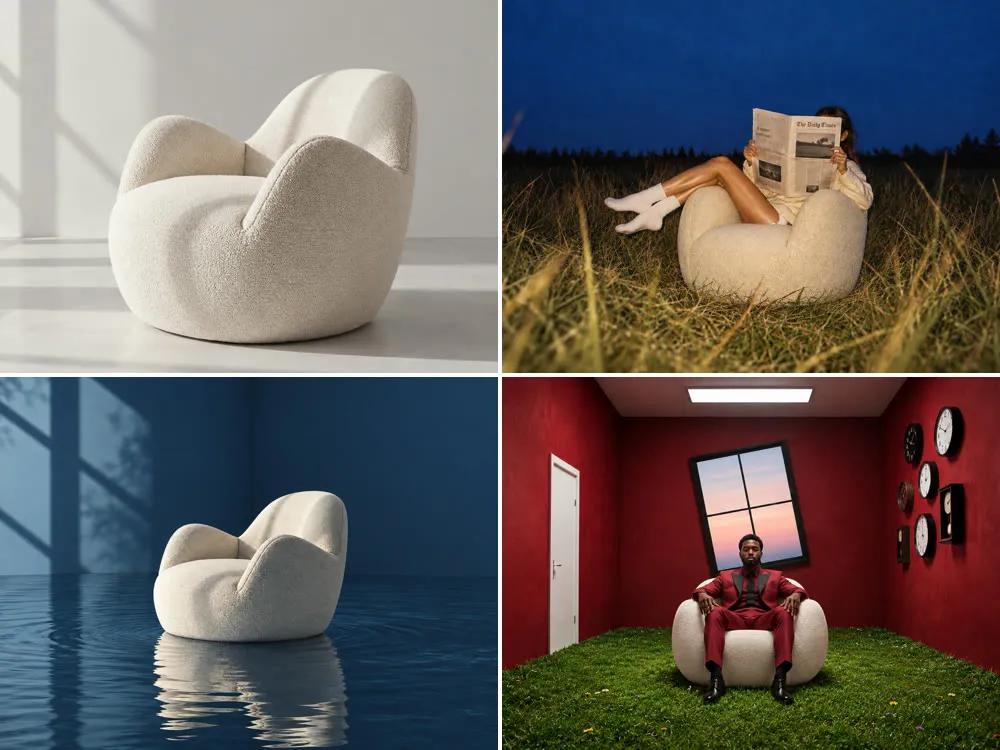 New season, same hero
Swap the props and light for autumn, the holidays or a sale, with the piece kept the same.
Seasons & sales
-
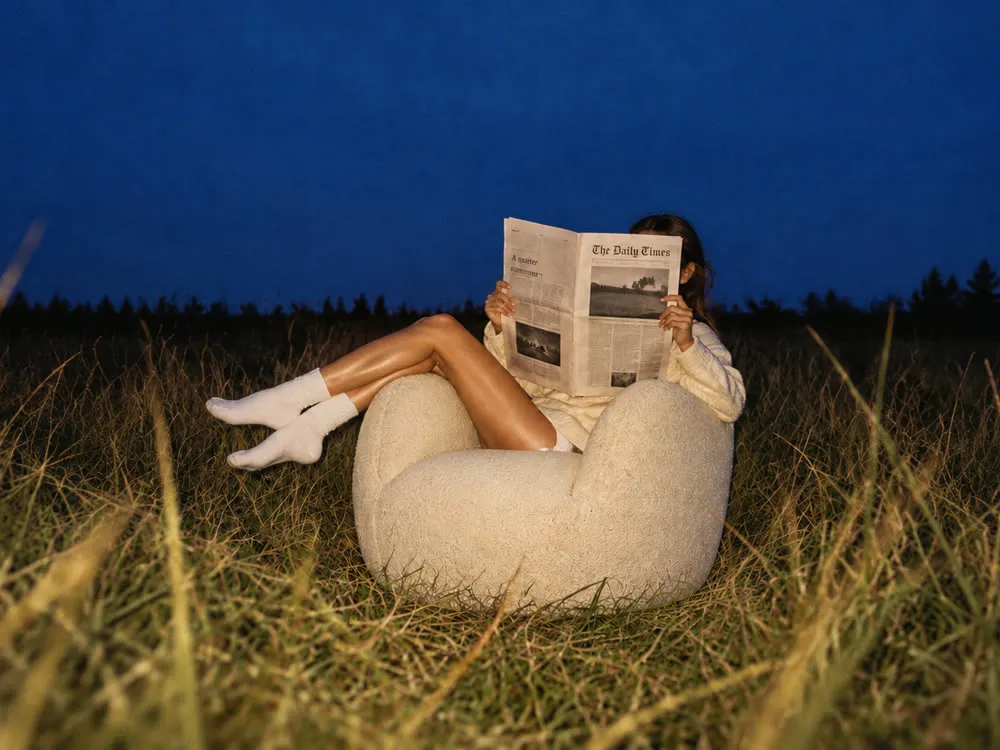 Built for every feed
Make tall pins, feed ads and banners that look like your brand, every week.
Pinterest & ads
FAQ
Straight answers.
Will my product really stay the same?
Yes. Gavana works from your own product photo, not a description, so the fabric, legs, hardware and finish carry over. If one detail is off, you change that one spot and the rest of the shot stays as it was.
Will the piece look the right size in the room?
Gavana keeps the piece as it is in your photo and sets it on the floor or surface with a shadow. To show its size, put the dimensions on the image or set the piece beside something people know, as the scale card template does. Check every scene before it goes live, as you would a render.
Can I change the rug and keep the sofa?
Yes. Select the region you want to change and describe it. Everything outside it stays as it was, including the room and the light.
Can it show every fabric and finish I sell?
Yes, if you have a photo of each one. Each fabric comes from your own image, so the colour isn’t guessed. Zoom in on weaves and grain before you publish.
What do I need to start?
One clear product photo per piece: a packshot on white, a warehouse photo or an existing room shot. You can import them straight from your Shopify store.
Which sizes can I export?
1:1, 4:5, 9:16 and banner sizes, from the same approved shot, ready for your store, social and ads.
Can my agent run it?
Yes. Ask from Claude, Codex, ChatGPT or Cursor, or in Gavana itself. Your agent works from your saved products and brand, and you pick what goes live.

Shoot your next room today.
It’s free to start. Add one product photo and get the room scene, the scale card and the sale post in one set.