

Elements
Your product, right every time.
Save your product once and Gavana keeps the label, logo and shape the same in every creative. No more spotting the wrong label after it’s live.
 GPT Image 2.5 Sunburst

How it works
How your product stays
the same in every creative
Save your product photos once, and every AI-generated image keeps the same label, logo and shape.
-
Add your product
Paste your product link or upload photos. Gavana picks up your product from there, so there’s nothing to describe.
- Works with a link or your own photosPaste a product page, or add up to eight photos.
- No prompt neededGavana reads the product from the pictures.
- Products, people or a lookSave anything that has to stay the same.
Product link beam-audio.com/home-speaker 3 photos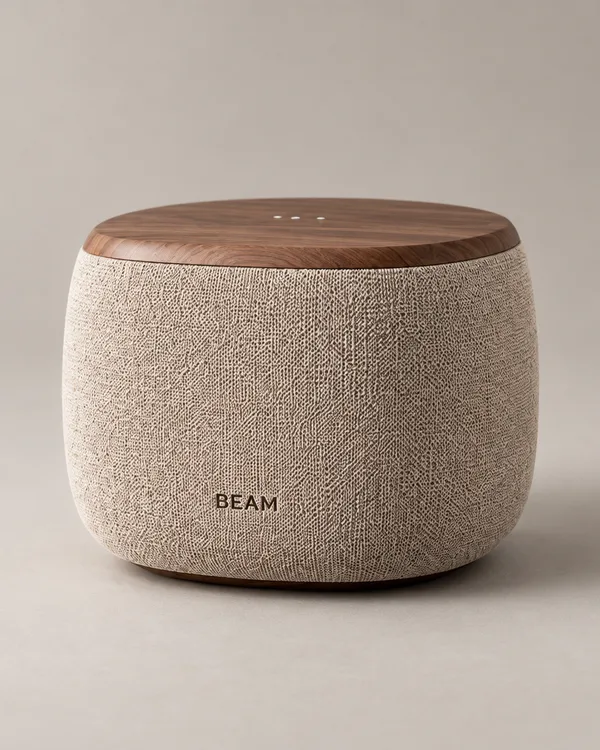
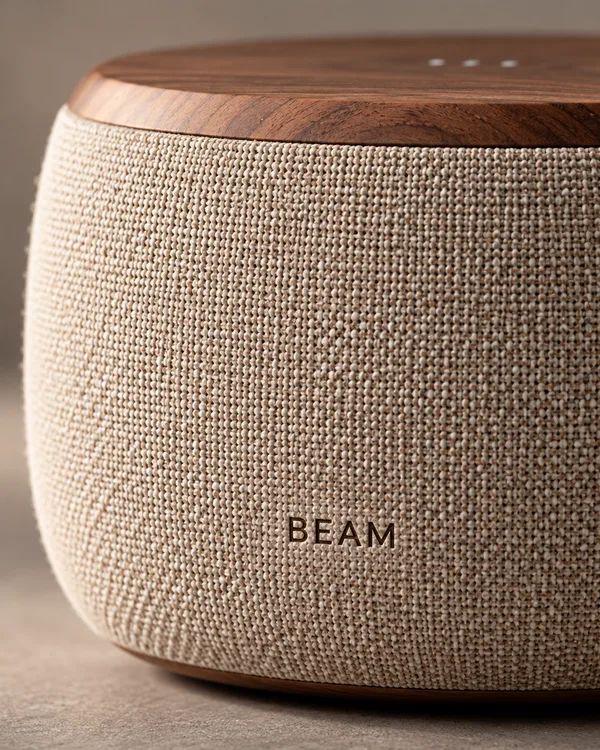
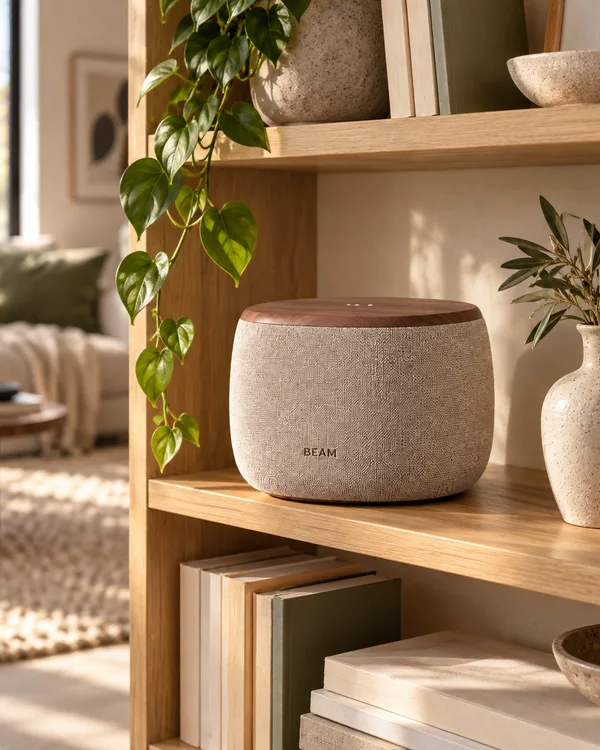
Here’s our speaker: beam-audio.com/home-speaker
-
It becomes an Element
One named thing you can use again, in any creative. Give it a name you’ll remember, like “Field Watch”.
- Save products and stylesYour bestseller, your mascot, your house style.
- Stays saved for your next dropUse it again next week, next season, next launch.
- Add a few notes to itRules like “label always facing the camera” travel with it.
Elements · Orbit
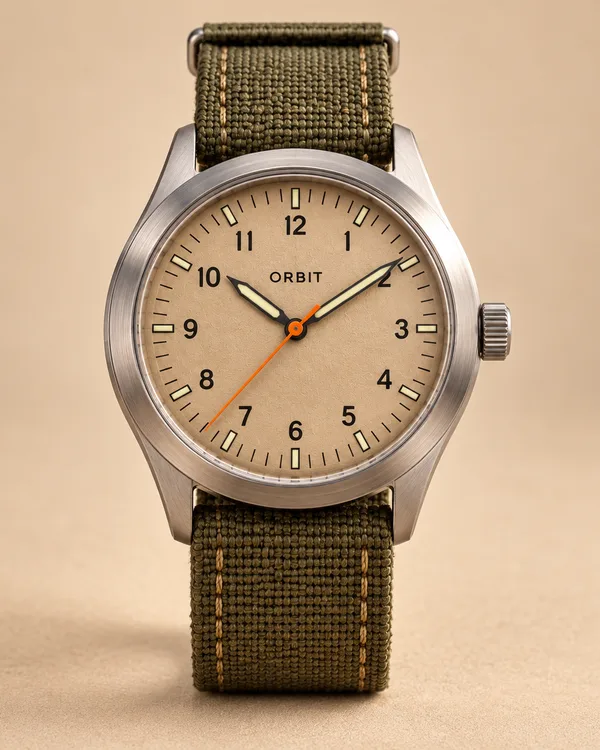 Orbit Field WatchProduct
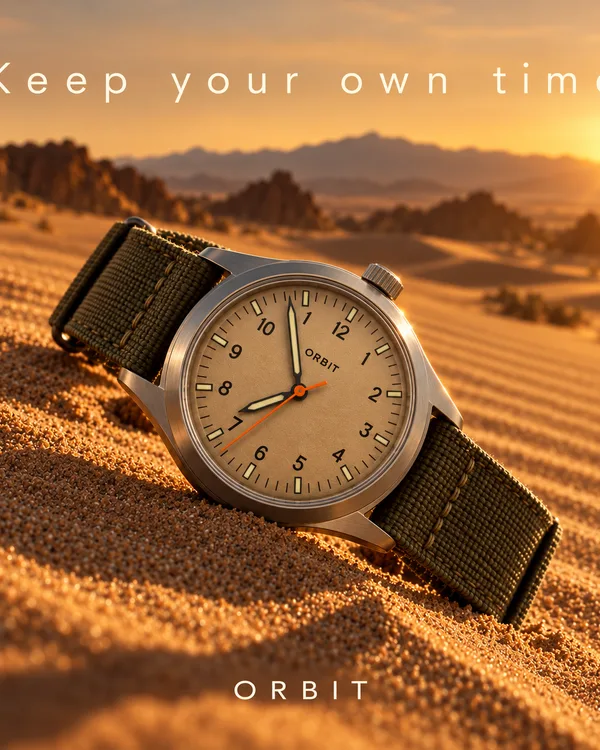 Desert light lookStyle
- + Add a product or style
Save it as the Field Watch.
-
Name it in a request
Say its name, and Gavana brings in the right photos. Every creative starts from your real product.
- Same label, logo and shapeYour product isn’t redrawn from scratch each time.
- The right photos, picked for youGavana sends the photos that fit the request.
- In every sizeSquare, portrait or story, it’s still your product.
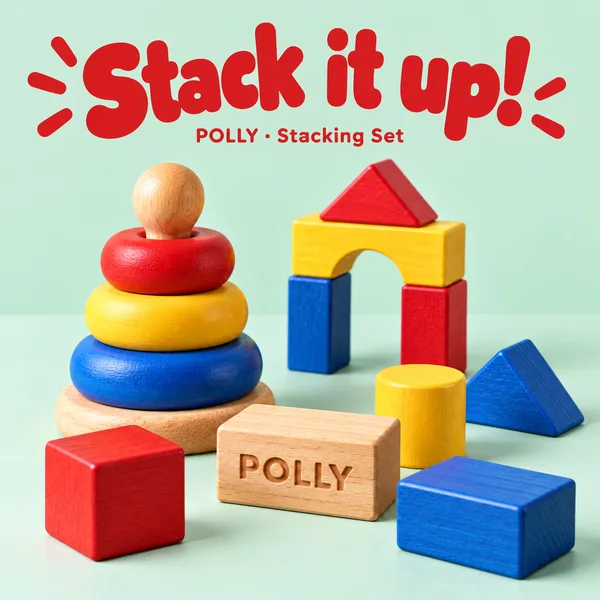 Stacking Set
1:1 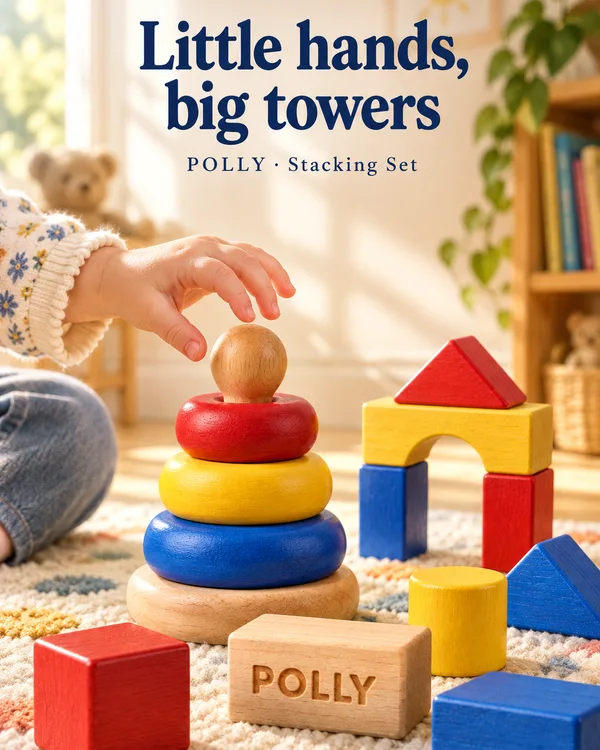 Stacking Set
4:5 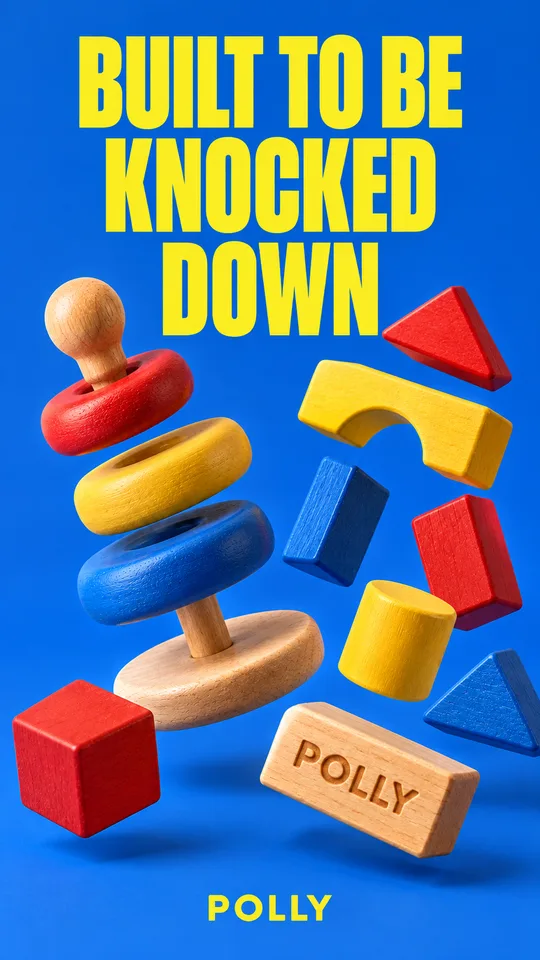 Stacking Set
9:16 Creatives for the Stacking Set.
Compare
Why not just upload a photo to a chat?
 Gavana
Other AI image tools
More in Elements
Also with Elements
-
Chrome extension · Early access
Capture any creative’s look
Click any image you like. Gavana breaks down its look and writes the prompt for you. Then make it with your own product.
-
Styles
Save a style
Keep a look you like as an Element, and use it on any product.

FAQ
Frequently asked questions
What can be an Element?
Your product, or a style you saved from a creative you like.
How is an Element different from Memory?
You name and attach an Element, like your product. Memory is your look, and it applies by itself.
How does it work?
An Element is a saved set of reference images. Gavana attaches it to each request, so the model works from your real product, not a guess.
What do I need for the Chrome extension?
It is in early access. It runs in Chrome, and for now you add your own OpenRouter key. The other creative’s subject, setting and text are left out by default.
Your product, exactly.
In every creative.
Free to start. Paste a product link and see it in your next creative.