Models
Blush on mature skin
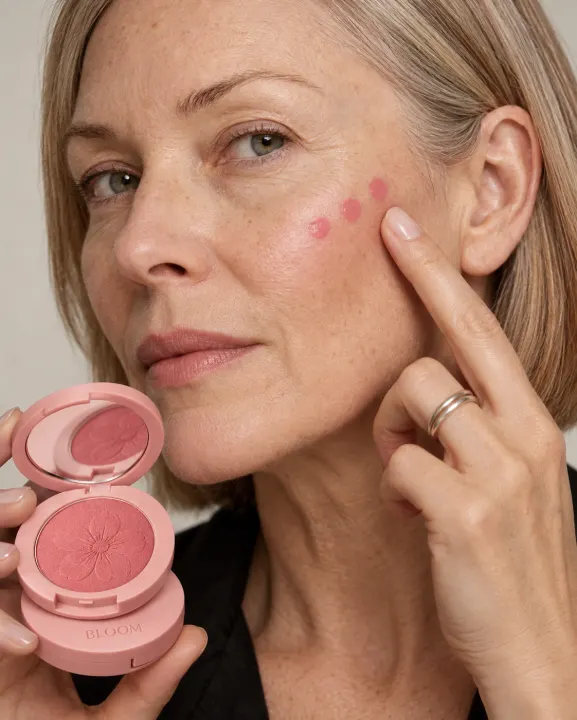
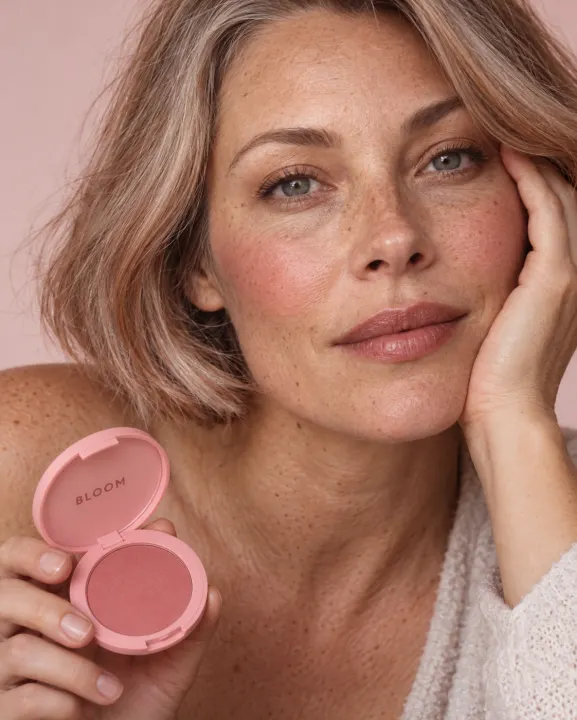
A saved model presses your blush onto her cheek, then the blended flush in soft light.
Shoppers want to see the product on real skin before they buy. Redrawn skin looks plastic, and a model shoot for every product is too slow.
- You put in
- Product photo, one model sheet
- You get
- 2 on-model images
- Sizes
- 3:4
- Works for
- Blush, cheek tints, colour cosmetics
How it works
- Your product photo and one saved model go in.
- You get the product on real skin, with the texture kept.
- Try it on another saved model to show a new skin tone.
Outputs
2 on-model images · 3:4